
The Case Against Installing Too Many Apps
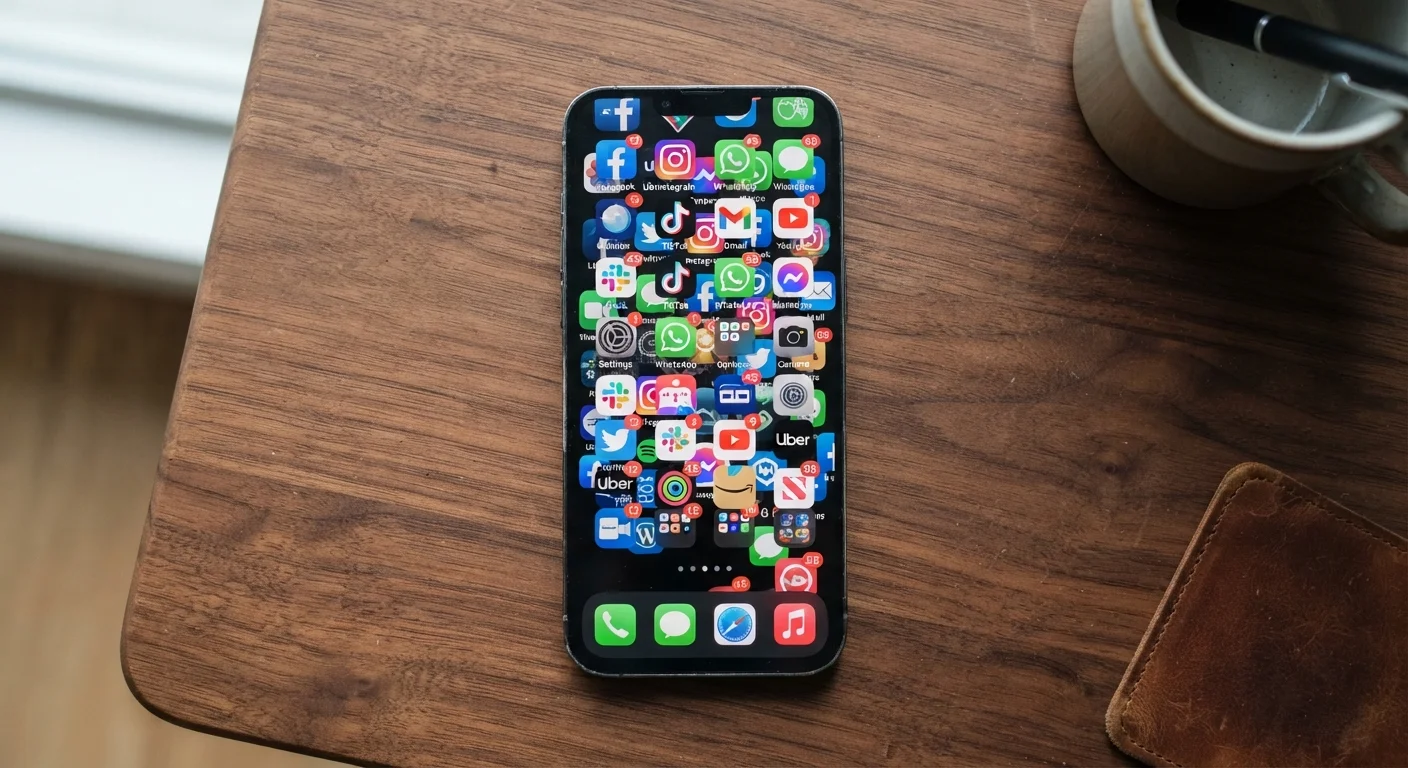
Photo credit: GadgetLite.net | All Things Tech
In this article
More apps don't mean more productivity. Explore how app clutter affects performance, focus, and storage.
Key Takeaways
- Too many apps can slow your device down, drain your battery, and fragment your attention.
- Many default phone apps already handle tasks you might download a third-party app for.
- Regular app audits help you reclaim storage, focus, and control over your device.
- Fewer, well-chosen apps often deliver a better experience than a crowded home screen.
Faster device performance with fewer background processes
Apps that run silently in the background consume RAM and CPU cycles. Removing unused apps reduces this overhead, which can noticeably improve responsiveness on older devices.
Better battery life throughout the day
Background refresh, location checks, and push notifications all draw power. Fewer apps mean fewer of these constant micro-drains on your battery.
More available storage for files and photos
Apps accumulate cached data over time, sometimes consuming many times their original install size. Clearing them frees space for the content that actually matters to you.
Reduced privacy and security exposure
Every installed app is a potential vector for data collection or a security vulnerability. A leaner install list shrinks your attack surface and makes permission audits more manageable.
Fewer distractions and notification interruptions
A smaller app count directly reduces the volume of alerts competing for your attention, making it easier to stay focused on what you intended to do with your phone.
Useful apps may be deleted impulsively
A seasonal or rarely needed app - a travel tool or emergency reference - might seem inactive but serves a real purpose. Deleting without reflection can create inconvenience later.
Re-downloading apps can mean losing saved data
Not all apps sync their data to the cloud. Deleting an app sometimes means losing saved progress, preferences, or offline content that can't be recovered.
Some built-in alternatives are less capable
Native apps cover the basics but don't always match the depth of a purpose-built third-party tool. Replacing a specialist app with a built-in equivalent may mean accepting feature trade-offs.
App minimalism can create unnecessary friction
Going too lean - deleting apps for tasks you perform regularly - can turn a simple action into a multi-step browser workaround, which isn't always a net gain in efficiency.
Why App Accumulation Happens
It starts innocuously: a game downloaded for a flight, a coupon app grabbed for one shopping trip, a fitness tracker used twice in January. Before long, your home screen is a maze of icons you barely recognize. This kind of gradual accumulation is common because apps are free or cheap, downloads take seconds, and deleting feels like commitment.
But the apps sitting idle on your device aren't truly dormant. Many run background processes, check for updates, and request permissions that persist whether you open them or not. Understanding the real cost of that digital pile-up is the first step toward making smarter choices about what stays on your phone.
Before reaching for a new download, it's worth exploring what your device already offers. Your phone's built-in apps can handle more than most people realize - from document scanning to measuring distances - often with no installation required.
The Real Downsides of Too Many Apps
App overload has tangible, measurable consequences for how your device performs and how you feel using it.
Useful apps may be deleted impulsively
A seasonal or rarely needed app - a travel tool or emergency reference - might seem inactive but serves a real purpose. Deleting without reflection can create inconvenience later.
Re-downloading apps can mean losing saved data
Not all apps sync their data to the cloud. Deleting an app sometimes means losing saved progress, preferences, or offline content that can't be recovered.
Some built-in alternatives are less capable
Native apps cover the basics but don't always match the depth of a purpose-built third-party tool. Replacing a specialist app with a built-in equivalent may mean accepting feature trade-offs.
App minimalism can create unnecessary friction
Going too lean - deleting apps for tasks you perform regularly - can turn a simple action into a multi-step browser workaround, which isn't always a net gain in efficiency.
Notification noise compounds the problem significantly. When ten apps all want your attention, the alerts blur together and the truly important ones get buried. Managing your notification settings helps, but fewer apps means fewer alerts to manage in the first place.
Privacy exposure also scales with your app count. Each installed app is a potential access point to your location, contacts, or microphone. Signs that an app is overstepping - like unexplained battery drain or excessive permission requests - are easier to catch when you're not already overwhelmed by dozens of installs.
What You Actually Gain From a Leaner Phone
Cutting back on apps isn't just about decluttering - it creates real, everyday benefits.
Faster device performance with fewer background processes
Apps that run silently in the background consume RAM and CPU cycles. Removing unused apps reduces this overhead, which can noticeably improve responsiveness on older devices.
Better battery life throughout the day
Background refresh, location checks, and push notifications all draw power. Fewer apps mean fewer of these constant micro-drains on your battery.
More available storage for files and photos
Apps accumulate cached data over time, sometimes consuming many times their original install size. Clearing them frees space for the content that actually matters to you.
Reduced privacy and security exposure
Every installed app is a potential vector for data collection or a security vulnerability. A leaner install list shrinks your attack surface and makes permission audits more manageable.
Fewer distractions and notification interruptions
A smaller app count directly reduces the volume of alerts competing for your attention, making it easier to stay focused on what you intended to do with your phone.
80%
Apps used only once after install
Industry analyses have consistently found that a large majority of downloaded apps are opened once and then never used again, highlighting how common aimless downloading is.
~3.5 GB
Average storage consumed by app cache
Device analytics data suggests that cached app data alone can accumulate several gigabytes on a typical smartphone within a few months of normal use.
There's also a focus dividend. Research in behavioral science consistently links digital clutter to decision fatigue and reduced concentration. A home screen with fewer apps is genuinely easier to navigate and less cognitively demanding to look at. Organising your remaining apps by habit reinforces this further, making everything you actually use easy to find.
How to Audit Your Apps Without Overthinking It
You don't need a complicated system. A simple rule works well: if you haven't opened an app in the past 30 days and it doesn't serve a specific seasonal or emergency purpose, it's a candidate for deletion.
The 30-Day Rule for App Audits
Go to your phone's Settings and look for Storage or Battery usage - both surfaces will show you which apps have been active recently. Any app absent from your recent usage list for 30 or more days, and with no clear seasonal reason to keep, is worth reconsidering. On iOS, you can also enable 'Offload Unused Apps,' which removes the app but retains its data in case you change your mind.
Check your device's storage or battery settings - both Android and iOS show which apps consume the most resources. That data often reveals surprises: an app you rarely open might rank near the top for battery usage or background data.
For apps that duplicate functionality, lean toward the one built into your phone's operating system where possible. Native apps tend to be better integrated, receive security updates alongside your OS, and carry no additional data-sharing arrangements. If you're weighing broader storage habits alongside app management, the trade-offs of cloud storage are worth understanding too - freeing local space doesn't always mean sending everything to the cloud.
Finally, don't confuse app type with app necessity. Web apps and progressive web apps can replace many installed apps entirely, living in your browser without occupying permanent storage space on your device.

Author
Apps & Software Editorial Team
Apps & Software Editorial Team is the collective byline for our editorial team and contributor network. Articles published under this byline or an editorial pen name are researched, written, and reviewed according to our editorial standards for clarity, consistency, and independence before publication.
View all articles →