
Cloud Storage Habits That Keep Your Files Safe and Accessible Long Term
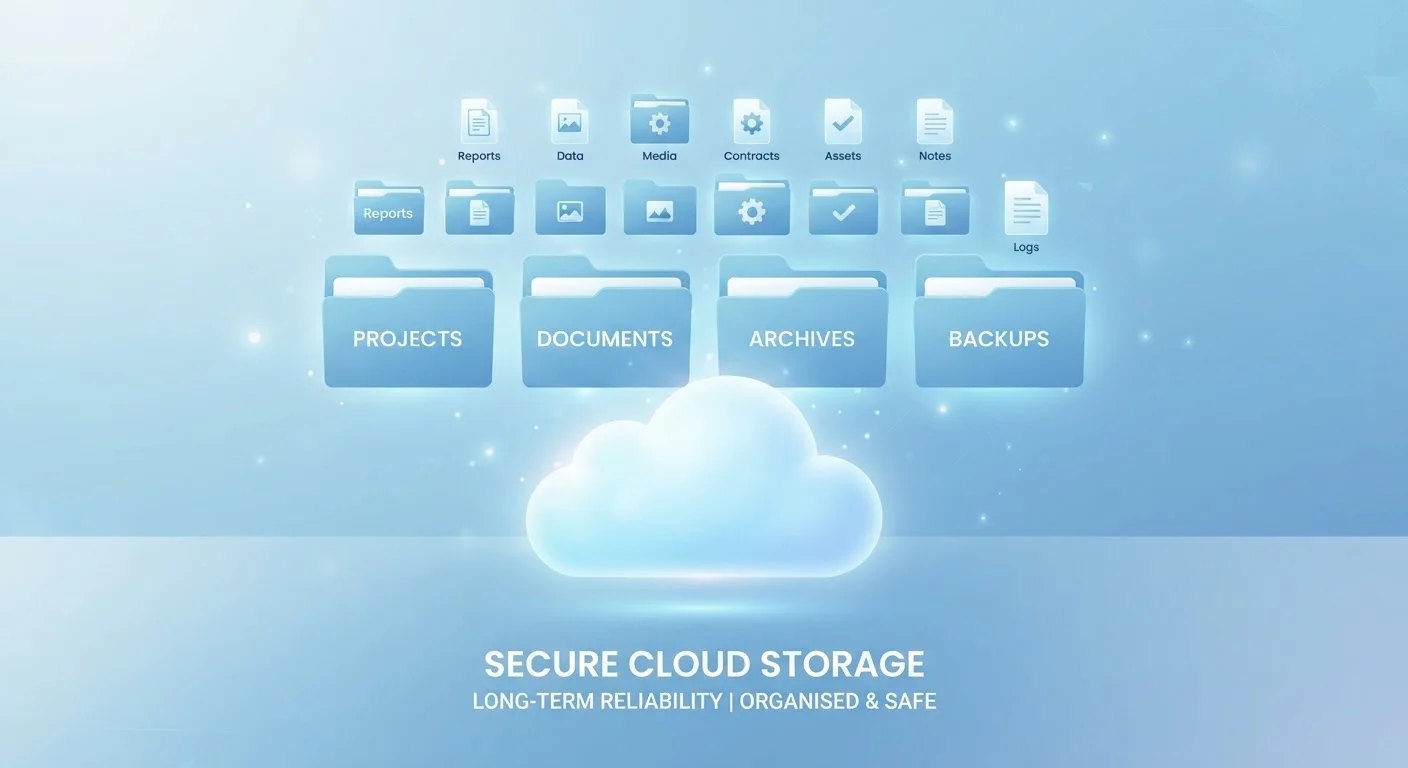
Photo credit: GadgetLite.net | All Things Tech
In this article
From regular audits to smart permission settings, these proven practices help everyday users get the most out of cloud storage responsibly.
Key Takeaways
- Cloud storage is not automatically a backup - you need a separate strategy to truly protect your files.
- Regularly auditing shared access prevents accidental exposure of sensitive files over time.
- Strong passwords and two-factor authentication are your first line of defense for cloud accounts.
- A consistent folder structure makes files easier to find and reduces the risk of losing them.
Why These Habits Matter More Than You Think
Uploading a file to the cloud feels like putting it somewhere safe. But that feeling can be misleading. Cloud storage keeps your files available across devices, but it isn't foolproof - accounts get compromised, files get accidentally deleted, and sharing permissions drift out of control over time without anyone noticing.
The good news is that a handful of consistent habits can close most of those gaps. You don't need to be a tech expert. As our explainer on why cloud storage isn't the same as a backup makes clear, understanding what your cloud service actually does - and doesn't - protect you from is the essential starting point.
Cloud Sync Is Not the Same as Backup
When you sync files to the cloud, deleting them on one device usually removes them everywhere. A true backup keeps an independent copy - often with version history - so you can recover data even after accidental deletion. Check whether your cloud service offers a trash recovery window or version history, and consider a separate backup solution for files you truly cannot afford to lose.
Proven Practices for Long-Term File Safety
These aren't complex technical steps. They're straightforward routines that anyone can adopt, and each one addresses a real, common way people lose access to or control over their files.
Enable two-factor authentication on every cloud account you use
A password alone isn't enough protection if it's ever exposed in a data breach. Two-factor authentication (2FA) adds a second verification step - usually a code sent to your phone - that makes unauthorized access dramatically harder even if your password is compromised.
Audit your shared files and folders every few months
Sharing links and folder permissions tend to accumulate over time. A link you shared with a colleague last year may still be active long after it was needed, leaving your files accessible to people who shouldn't have them.
Use a consistent folder structure and stick to it
Without a clear system, cloud storage quickly becomes a dumping ground of loosely named files that are nearly impossible to search through later. A logical hierarchy saves time and reduces the risk of accidentally deleting or overwriting something important.
Keep a separate backup outside your primary cloud service
Cloud storage and cloud backup are not the same thing. If your account is compromised, or you accidentally delete a folder, a separate backup gives you a recovery path that syncing alone cannot provide.
Use a strong, unique password for your cloud account
Reusing passwords across services is one of the most common ways accounts get taken over. If one service you use has a breach, attackers will try that same password on your cloud storage immediately.
Start Today: Quick Actions With Real Impact
You don't have to overhaul everything at once. The following actions take just a few minutes each and immediately improve your cloud storage safety.
It's also worth understanding how cloud storage fits into your broader file strategy. It's a different tool from keeping files on your device, and both have a role to play. Our breakdown of local storage vs cloud storage explains the distinction in plain terms. For ongoing file management, the Syncing and Backup hub covers how to keep everything in sync across your devices.
Schedule a Quarterly Cloud Checkup
Block 20 minutes on your calendar every three months to review your cloud storage. Check active sharing links, delete files you no longer need, and confirm your backup routine is still running. Small, consistent reviews prevent the kind of clutter and exposure that builds up silently over time.

Author
Cloud Editorial Team
Cloud Editorial Team is the collective byline for our editorial team and contributor network. Articles published under this byline or an editorial pen name are researched, written, and reviewed according to our editorial standards for clarity, consistency, and independence before publication.
View all articles →