
Native Apps, Web Apps, and Progressive Web Apps: What Actually Differs
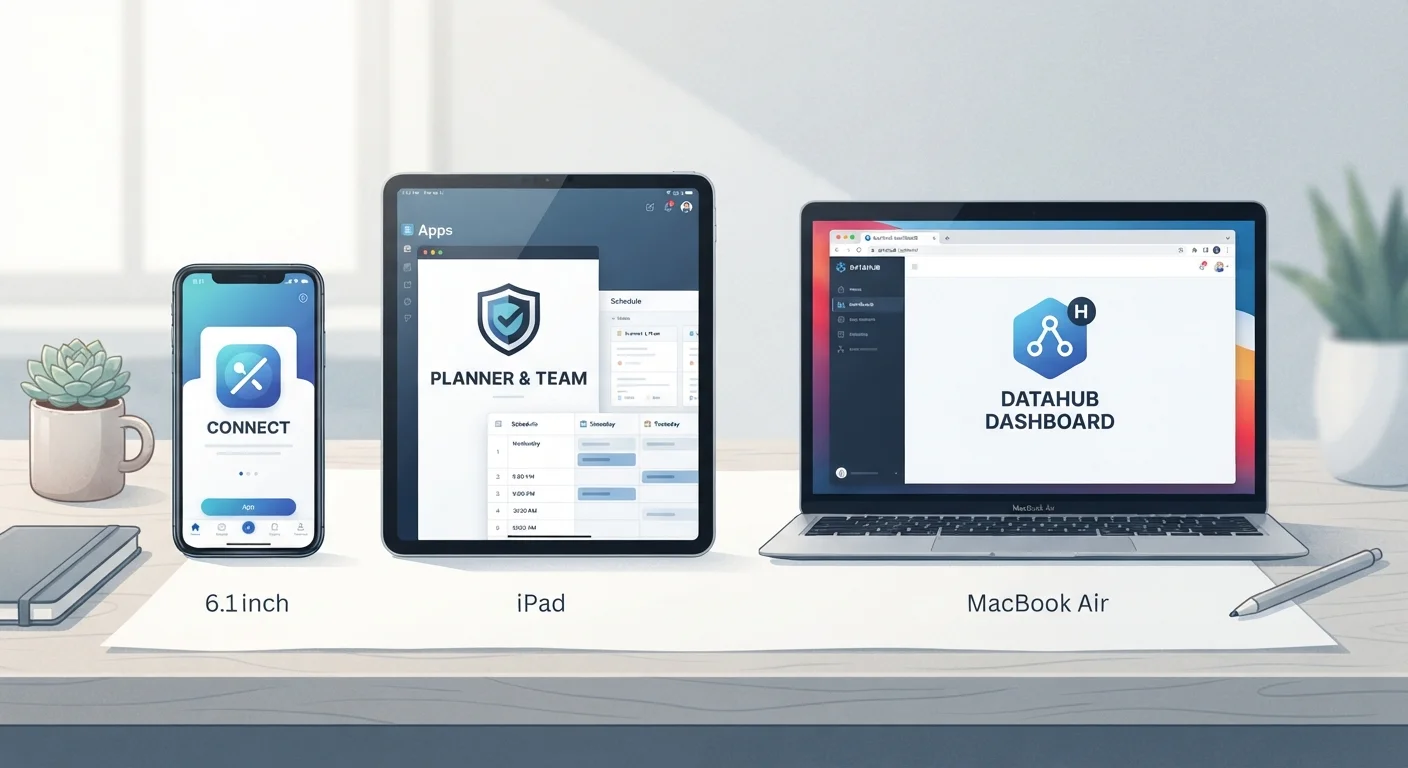
Photo credit: GadgetLite.net | All Things Tech
In this article
Three app types, one confusing landscape. Learn what sets native, web, and progressive web apps apart and when each one makes sense.
Key Takeaways
- Native apps are installed from app stores and have the deepest access to your device's features.
- Web apps run in a browser and require no installation, but have limited offline and hardware access.
- Progressive web apps (PWAs) blend both approaches - installable and partially offline-capable.
- The type of app you're using affects performance, storage, and what happens without internet.
- Developers choose app types based on reach, cost, and the features their product needs.
What a Native App Actually Is
When most people say "app," they mean a native app. These are the applications you download from the Apple App Store or Google Play Store and install directly onto your phone or tablet. They're built using programming languages and tools specific to each platform - Swift for iOS, Kotlin for Android, for example.
Because native apps run directly on your device's operating system, they have full access to hardware features like your camera, GPS, microphone, accelerometer, and Bluetooth. That's why a native mapping app can navigate while your screen is off, or a fitness tracker can read your heart rate sensor continuously in the background.
Native apps also tend to feel smoother and more responsive, especially for graphics-heavy tasks. If you've ever noticed that a gaming app or video editor performs better when installed versus streamed through a browser, that's the native advantage at work. For more on how platform differences affect your daily experience, see how Android and iOS diverge in practical ways.
Check the Source Before Installing
Native apps from official app stores go through a review process that provides a basic layer of security screening. Before downloading any app - especially lesser-known ones - check the developer name, read recent reviews, and confirm the download count looks credible for what the app claims to do.
Web Apps: The Browser-Based Alternative
A web app is essentially a website that behaves like an application. Think of your online banking portal, Google Docs, or any tool you use entirely through a browser tab - no download required. These apps are built with standard web technologies (HTML, CSS, JavaScript) and work across virtually any device with a browser.
The main advantage is accessibility. There's nothing to install, nothing to update manually, and the same version works on your laptop, phone, or a friend's computer. Developers also love web apps because they only need to build and maintain one codebase instead of separate iOS and Android versions.
~3.8M
Apps available in Google Play Store
Statista reported approximately 3.8 million Android apps available as of early 2024, most of which are native apps built for Android's OS.
~50%
Web traffic share from mobile browsers
StatCounter data consistently shows mobile browsers accounting for roughly half of global web traffic, underlining the scale of web app usage on phones.
The limitation is reach. Web apps can't reliably access your camera in all browsers, can't run background processes, and are dependent on an internet connection for most functions. They also can't send push notifications on every platform. If you're curious about where your data lives when using these tools, cloud sync vs. local storage explains the key differences.
Progressive Web Apps: The Middle Ground
A progressive web app (PWA) tries to close the gap between native and web. Built with the same web technologies as a regular web app, a PWA adds a layer of functionality - it can be installed to your home screen, load faster on repeat visits, send push notifications, and work partially without an internet connection.
The offline capability comes from a background script called a service worker, which stores a version of the app's core content on your device. Twitter Lite, Pinterest, and Starbucks have all used PWA technology to reach users on low-bandwidth connections or older hardware more efficiently.
PWA Support Varies by Platform
Apple's Safari browser on iOS supports fewer PWA features than Chrome on Android - for instance, PWA push notifications on iOS only became broadly supported starting with iOS 16.4. If a PWA behaves differently on your iPhone versus an Android device, platform support differences are often the reason, not a bug in the app itself.
PWAs don't go through app store review, which means updates reach users instantly. However, support for PWA features varies between browsers and operating systems - iOS has historically offered more limited PWA support than Android. As more apps compete for your attention and home screen space, understanding app types can also help you think about how app clutter affects your device.
Choosing the Right Type - for Users and Developers
As a user, you may not always get to choose - a service offers what it offers. But understanding the type of app helps set expectations. If an app works offline, remembers your login between sessions, and sends you alerts, it's likely native or a capable PWA. If it behaves differently across devices or loses your progress when a tab closes, you're probably using a web app.
Developers make the choice based on budget, audience, and features needed. A startup building a simple productivity tool might launch as a web app first - lower cost, faster to build. A company needing camera access, background sync, and push notifications will usually go native. App updates often reflect these strategic shifts as products grow and developer priorities change.
Frequently Asked Questions

Author
Apps & Software Editorial Team
Apps & Software Editorial Team is the collective byline for our editorial team and contributor network. Articles published under this byline or an editorial pen name are researched, written, and reviewed according to our editorial standards for clarity, consistency, and independence before publication.
View all articles →