
App Store vs Direct Download: What Changes When You Skip the Store
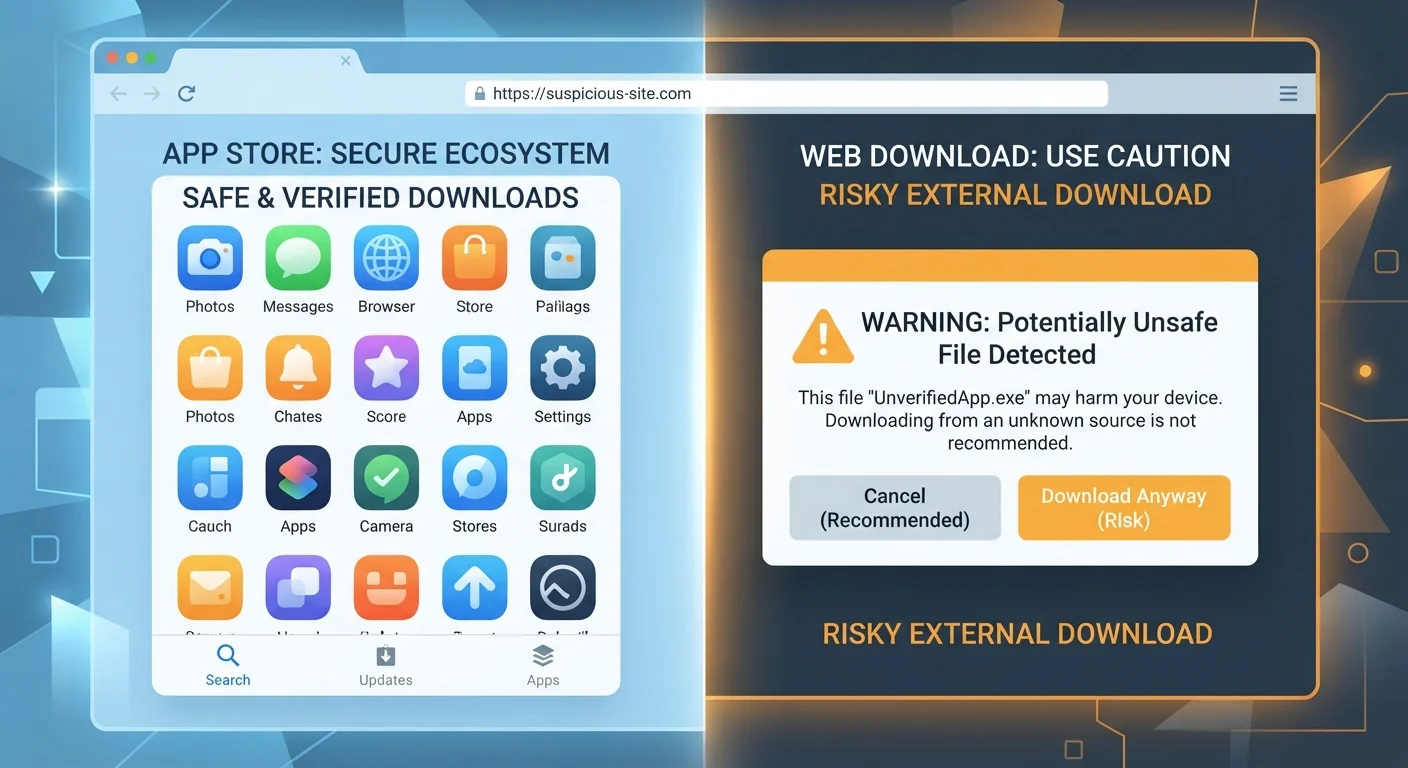
Photo credit: GadgetLite.net | All Things Tech
In this article
What does it mean to install an app outside the official store? Understand the difference and the risks involved.
Key Takeaways
- Official app stores vet submissions, reducing (but not eliminating) exposure to malicious software.
- Direct downloads bypass platform review, shifting all vetting responsibility to the user.
- Sideloading is possible on Android by default and on iOS only in specific regions under recent policy changes.
- Automatic updates, refund policies, and payment protections disappear when you skip the store.
- Unknown sources can request excessive permissions - always review before granting access.
What Actually Happens Inside an Official App Store
When you tap an app in the Apple App Store or Google Play, you are downloading software that has passed through a platform-operated review process. Apple manually reviews submissions. Google uses a mix of automated scanning and human review under its Google Play Protect system. Neither process is perfect - malicious apps have slipped through both stores - but the screening creates a meaningful baseline of accountability that simply does not exist outside the store.
Beyond safety screening, stores provide automatic updates, a linked payment account with dispute options, and a developer identity trail. If something goes wrong, there is a clear chain of responsibility. As a bonus, permissions are surfaced during or after install in a standardized way that makes it easier to notice when something seems off. To understand what goes on the moment you hit that install button, see what actually happens when you install an app.
| Criterion | Official App Store | Direct Download |
|---|---|---|
| Pre-install security review | Yes (imperfect but present) | None |
| Automatic updates | Yes, handled by platform | Manual reinstall required |
| Payment & refund protection | Platform-level dispute process | No platform recourse |
| Developer accountability | Identity verified by platform | Unverified - user must check |
| Permission transparency | Standardized prompt flow | Varies widely by app |
| Available on iPhone (most regions) | Yes | Very limited |
| Available on Android | Yes | Yes (requires enabling unknown sources) |
What Changes When You Download Directly
Downloading an app outside an official store - commonly called sideloading on mobile - means installing a file (typically an APK on Android, or an IPA on iOS) that has not been submitted to platform review. On Android, sideloading has long been possible by enabling the "Install unknown apps" setting. On iPhone and iPad, sideloading remains restricted in most regions, though European Union regulations have pushed Apple to allow alternative marketplaces in EU countries.
The most immediate practical change: you become the quality and safety filter. There is no automatic update pipeline unless the app builds one in, no platform-level refund mechanism, and no standardized permission prompt flow. A file downloaded from a random third-party site could be a legitimate app, a repackaged legitimate app with added malware, or something entirely fabricated. The file name alone tells you nothing. Before going this route, work through a software safety checklist to verify sources and review permissions before installing anything.
APK Sites Vary Widely in Trustworthiness
If you do sideload on Android, the source matters enormously. A developer's own official website is significantly more trustworthy than a generic APK-hosting repository. Third-party APK sites have no unified safety standard, and the same file name can be used by both legitimate and malicious uploads. When in doubt, look for a developer's direct download link on their verified website rather than a third-party mirror.
Side-by-Side: Key Differences at a Glance
The practical gaps between the two approaches affect security, convenience, and your recourse if things go wrong. Here is a summary of where they diverge most sharply.
~2M+
Apps reviewed by Google Play Protect monthly
Google has reported that Play Protect scans billions of app installs annually across devices to detect harmful behavior.
~50%
Higher malware rate on non-store Android installs
Research from cybersecurity firms has consistently found that apps installed outside official stores carry materially higher rates of malicious code than store-distributed equivalents.
It is also worth noting that the platform you are on shapes your options significantly. iOS has historically offered very little flexibility for outside-store installs, while Android has always given users the choice. For a deeper look at how these ecosystems differ day to day, see how Android and iOS differ in daily use.
Permissions, Updates, and What You Give Up
Two often-overlooked consequences of going outside the store are the loss of streamlined permission management and the fragmentation of app updates. Store-installed apps get patches pushed to them automatically, often silently. Sideloaded apps only update if you manually download and reinstall a newer version - which means known security vulnerabilities can persist on your device for months without you realizing it.
Permission requests from unreviewed sources can also be more aggressive. A legitimate flashlight app does not need access to your contacts and call logs; a malicious one repackaged to look like a flashlight app might request exactly that. Always read permission prompts carefully regardless of where an app comes from. And if you are already managing several apps with subscription billing, it is worth understanding what you agreed to when you tapped install - see what app subscriptions actually commit you to for context on that separate but related risk.

Author
Apps & Software Editorial Team
Apps & Software Editorial Team is the collective byline for our editorial team and contributor network. Articles published under this byline or an editorial pen name are researched, written, and reviewed according to our editorial standards for clarity, consistency, and independence before publication.
View all articles →