
Everyday Tasks You Didn't Know Your Phone's Built-In Apps Could Handle
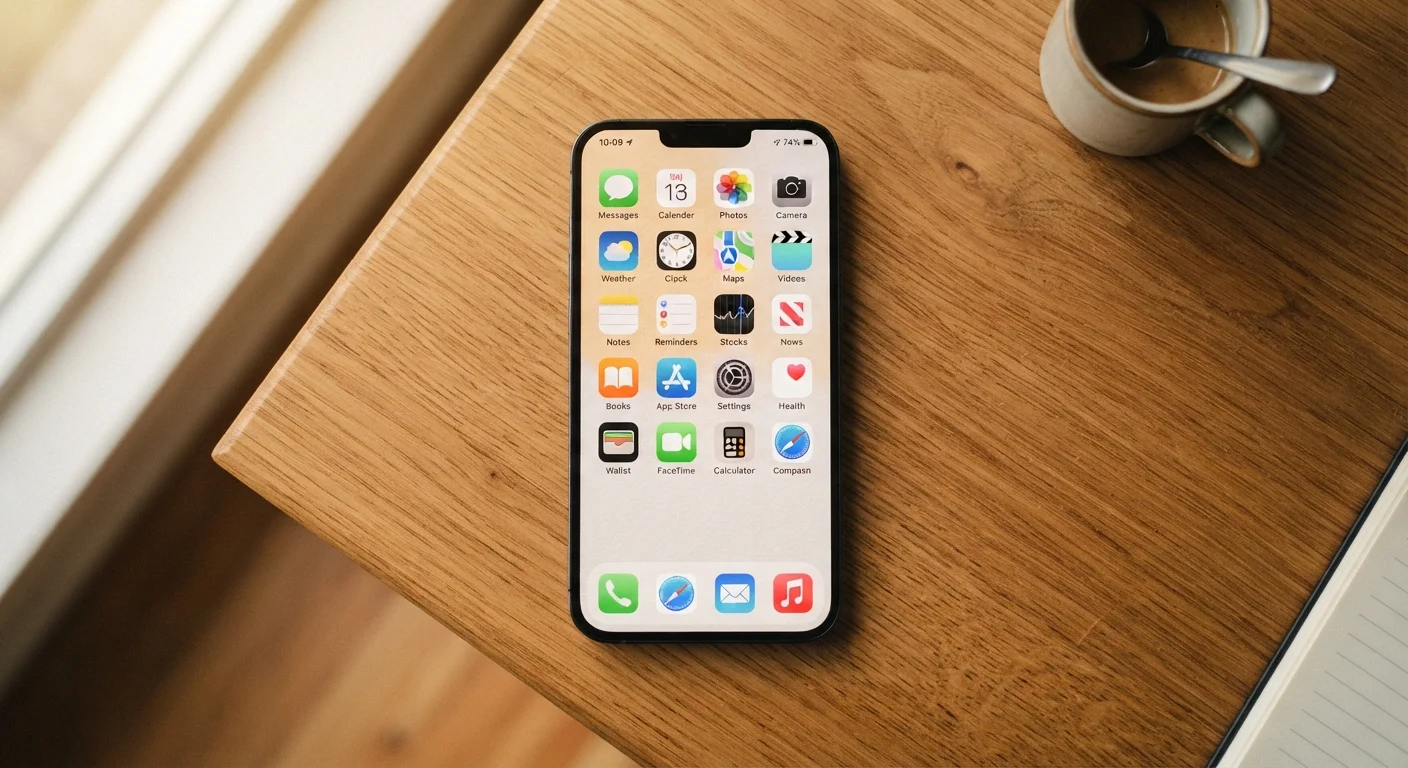
Photo credit: GadgetLite.net | All Things Tech
Before downloading yet another app, discover what your phone's default apps are already capable of doing.
Key Takeaways
- Most phones ship with built-in apps that handle scanning, measurement, translation, and more.
- Using default apps avoids unnecessary downloads, reducing storage use and clutter.
- Many hidden features in native apps work offline, requiring no account or subscription.
- Exploring what's already installed can simplify your daily routine right away.
What your default apps are already doing
Before reaching for the app store, it's worth pausing to consider what's already on your phone. Default apps - the ones that ship with your device - often go largely unexplored after setup. Yet many of them quietly handle tasks that most people assume require a separate download. If your home screen feels crowded, that clutter may be unnecessary. Too many installed apps can slow your phone, drain storage, and make the tools you actually need harder to find.
The features below are available on most modern iPhones and Android devices without installing anything extra. Some require a recent OS version - if a feature isn't showing up, a system update may unlock it. For a broader look at what today's phones are capable of right out of the box, see the grounded introduction to every core smartphone feature.
Features vary by device and OS version
Not every feature described here is available on every phone. Availability depends on your device manufacturer, operating system version, and region. If you don't see a feature mentioned, check whether your OS is up to date or search your device's built-in app list by name. Many features are added through standard system updates rather than requiring new hardware.
Scan documents without a scanner app
Both iPhone and Android phones include a document-scanning feature built directly into their native apps. On iPhone, the Notes app lets you tap the camera icon inside any note and choose Scan Documents - it automatically detects edges, corrects perspective, and saves a clean PDF. On Android, Google Drive's app offers a similar one-tap scan from its main menu. The result is a properly formatted, shareable document without downloading a dedicated scanning app or creating a third-party account.
Your Notes or Drive app already scans documents to PDF - no extra download needed.
Measure objects and rooms with your camera
If your phone supports augmented reality (AR) - which most modern smartphones do - there's a good chance a Measure app is already installed. Apple includes the Measure app as a default on iPhones running iOS 12 and later. It uses the camera to detect flat surfaces and lets you draw a line between two points to get a real-world measurement. Many Android devices running Google's AR Core technology include similar tools. This is handy for quick furniture sizing, ceiling height checks, or estimating whether a box fits in your trunk.
The built-in Measure app turns your camera into a practical tape measure for everyday use.
Translate text in real time using your camera
Google Translate is available on Android and iOS, and while it does require installation on iPhone, it comes pre-loaded on many Android devices. Its camera mode - called Instant Camera Translation - overlays translated text directly onto what your camera sees in real time. This is useful for reading menus, product labels, road signs, or printed instructions in another language. Many translations work offline once you download the relevant language pack, which means no Wi-Fi or cellular connection is needed on the go.
Real-time camera translation can decode foreign menus or signs without any internet connection.
Use your voice to set timed reminders
Most people know they can ask their phone's voice assistant to call someone or play music. Fewer people use it to set time-specific reminders with full context. Saying something like "Remind me to take the chicken out of the oven in 45 minutes" or "Remind me to call the dentist tomorrow at 9 AM" creates a contextual notification without opening a single app. Both Siri and Google Assistant handle natural phrasing well, and the reminder shows up in your native Reminders or Clock app so nothing gets lost.
Natural-language voice reminders save time and land directly in your phone's native apps.
Track packages using the built-in Mail app
If you receive shipping confirmation emails, your iPhone's Mail app can automatically detect tracking numbers and offer a Track Package shortcut directly in the message - no copy-pasting into a separate app required. On Android, Gmail similarly surfaces package tracking details from recognized shipping services. This works with major US carriers and many retailers. It's a small feature that saves several steps every time a delivery is expected, and it's already active without any setup on most devices.
Your native mail app can surface live package tracking data directly from shipping emails.
Identify plants and animals with your camera
Google Lens - built into the Google app and the Camera app on many Android phones - can identify plants, animals, and even breeds of dogs from a photo. On iPhone, the Visual Look Up feature (available in iOS 15 and later) works similarly: tap the info icon on any photo in your Camera Roll, and if the system detects a plant, bird, insect, or landmark, it surfaces information automatically. Neither feature requires a third-party subscription or separate download on supported devices.
Visual search tools built into your camera can identify plants and animals instantly from a photo.
Use your phone as a level for hanging things
The Compass app on iPhone includes a built-in level: just swipe left from the main compass dial. Place your phone flat on a surface or hold it against a wall, and a visual level indicator shows whether something is truly horizontal or vertical. Many Android phones have a similar tool within the built-in Measure or Compass app, or it can be accessed through the pre-installed toolkit app that ships on some manufacturers' devices. It's especially useful when hanging picture frames or shelving without a physical level tool handy.
Your phone's Compass app doubles as a spirit level - no hardware tool required.
Making the most of what you already have
The theme running through every item above is the same: your phone is likely more capable than your current habits suggest. Taking a few minutes to open unfamiliar pre-installed apps - especially Measure, Compass, Notes, and your camera's built-in tools - can genuinely reduce how often you reach for a download. Organising your apps by habit and routine makes these native tools easier to find when you need them, rather than buried behind app folders you rarely open.
The camera alone is one of the most underused built-in tools on most phones. Beyond photos, it can measure, translate, identify, and search - features that are easy to miss if you've never explored the modes available in your camera app. For more on getting the most from your phone's camera without touching any settings, see how to get better results right out of the box.
Search your phone's settings to find hidden tools
On both iPhone and Android, the Settings app has a search bar at the top. Typing a keyword like "measure," "translate," or "scan" can surface features and tools you didn't know existed. It's one of the fastest ways to discover what your phone already supports without browsing through every menu manually.

Author
Apps & Software Editorial Team
Apps & Software Editorial Team is the collective byline for our editorial team and contributor network. Articles published under this byline or an editorial pen name are researched, written, and reviewed according to our editorial standards for clarity, consistency, and independence before publication.
View all articles →