
Battery Life on Modern Phones: What Drains It and What Actually Helps
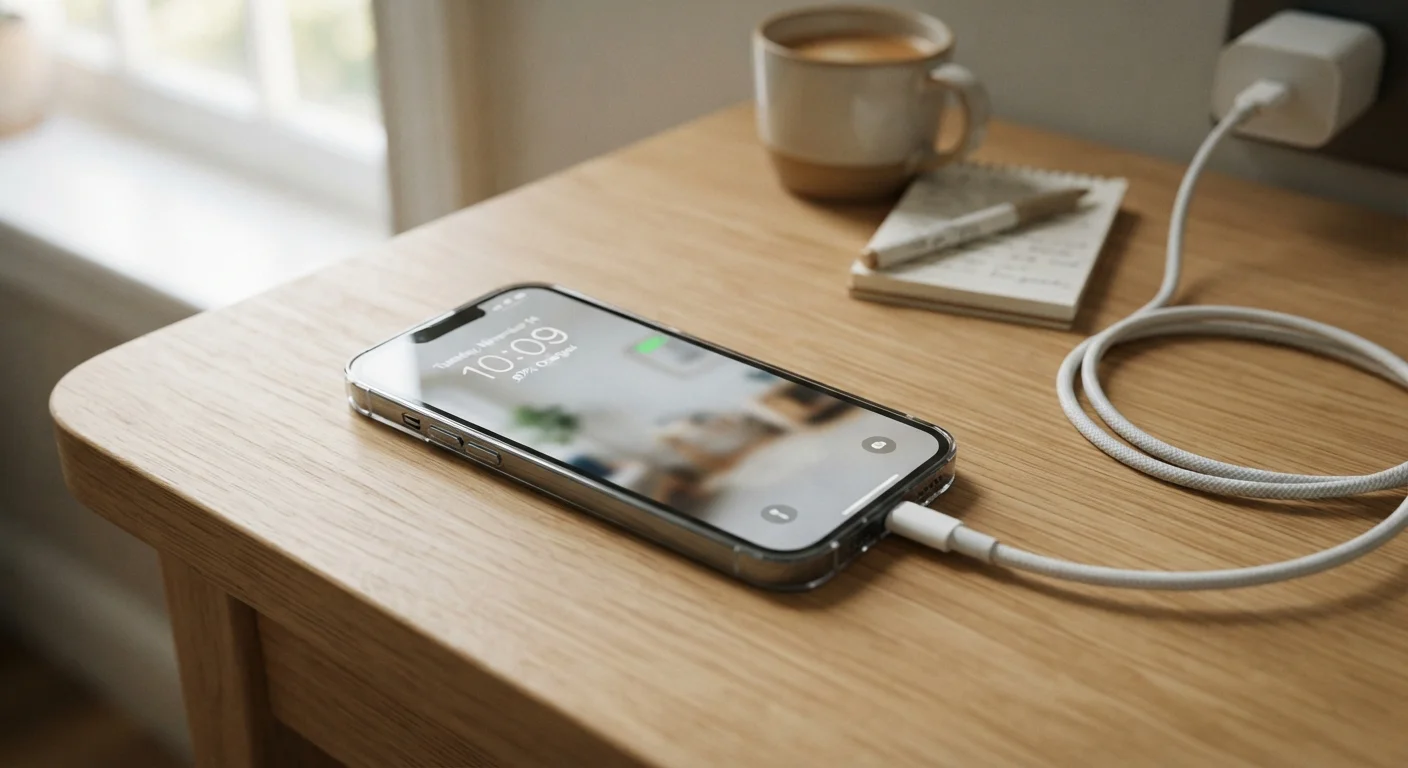
Photo credit: GadgetLite.net | All Things Tech
In this article
Separating real battery-saving habits from myths. Learn what genuinely extends your phone's charge through a full day.
Key Takeaways
- Screen brightness and cellular signal strength are the biggest real-world battery drains on most phones.
- Force-closing apps in the background typically does not save battery and can actually waste power.
- Keeping your battery charge between roughly 20% and 80% helps preserve long-term battery health.
- Dark mode on OLED screens offers a measurable — though modest — battery saving in daily use.
- Location services and push notifications from multiple apps contribute meaningfully to background drain.
What Actually Drains Your Battery Day to Day
Smartphone batteries have grown larger and more efficient over the years, yet plenty of users still find themselves hunting for a charger by mid-afternoon. The gap between a phone's quoted battery life and real-world endurance comes down to a handful of well-understood culprits — and recognizing them is the first step to fixing the problem.
Screen brightness is the single largest power draw on most phones. The display backlight or OLED panel running at full brightness can consume a substantial share of total battery in a single hour of active use. Enabling adaptive brightness — which automatically adjusts based on ambient light — is one of the simplest and most effective changes you can make.
Cellular signal quality is a less obvious but significant factor. When a phone is in a weak-signal area, its cellular radio continually increases power output trying to maintain a connection. A full day in a building with poor reception can drain a battery far faster than the same day spent in good coverage. Switching to Wi-Fi when available helps because Wi-Fi radios are designed for shorter-range, lower-power operation.
Location services and push notifications add up quickly when multiple apps are requesting your GPS position or pushing frequent alerts. Auditing which apps truly need always-on location access — typically found under Privacy or App Permissions in your phone's settings — is a practical way to reclaim background drain without losing core functionality.
~30–50%
Share of battery used by the display
Independent power-consumption analyses of modern smartphones consistently find the screen accounts for roughly a third to half of total battery draw during active use.
300–500
Typical full charge cycles before noticeable capacity loss
Lithium-ion battery specifications from major cell manufacturers indicate meaningful capacity degradation — often to around 80% of original — typically occurs after this range of full charge cycles.
Separating Battery Myths from Real-World Facts
A lot of battery advice circulating online dates back to older battery technology or simply misunderstands how modern phones manage power. The myth-vs-fact pairs below address the most persistent misconceptions.
Myth
Closing all background apps is the best way to save battery life.
Fact
Force-quitting apps frequently can actually use more power, because reloading them from scratch consumes more energy than letting the OS manage them.
Modern mobile operating systems — both Android and iOS — are designed to suspend background apps so they consume minimal resources. When you force-close an app and then reopen it, the processor has to reload it entirely, which spikes energy use. The OS is generally better at managing app memory and CPU time than manual intervention. For a deeper look at this specific topic, see common myths about closing apps to save battery.
Myth
A bigger mAh number always means better battery life in real use.
Fact
Battery capacity is one factor among many; screen resolution, processor efficiency, and software optimization all heavily influence how long a charge actually lasts.
A phone with a 5,000 mAh battery can outperform or underperform one with 4,500 mAh depending on the chip it uses, how the display is driven, and how well the software manages power states. Manufacturers' quoted battery life figures are measured under controlled conditions that rarely match daily use — a pattern also documented for other device categories, as explored in why laptop battery life claims rarely match real-world use.
Myth
You should always drain your battery to zero before recharging.
Fact
Lithium-ion batteries actually degrade faster with deep discharge cycles; keeping charge between about 20% and 80% extends long-term capacity.
The old advice about full discharge cycles came from nickel-cadmium batteries, which suffered from a different issue called the memory effect. Lithium-ion chemistry — used in virtually every modern smartphone — is stressed by repeated deep discharges and by sitting at 100% charge for extended periods. Partial charges are healthier. Many phones now offer a setting to cap charging at 80% for this reason.
Myth
Dark mode saves significant battery on any phone.
Fact
Dark mode delivers a noticeable battery benefit only on OLED and AMOLED screens; on LCD screens the saving is negligible.
OLED pixels emit their own light, so displaying black pixels literally turns those pixels off — saving real power. On an LCD display, a backlight illuminates the entire panel regardless of what color is shown on screen, so dark mode changes the appearance but not the power draw. If your phone has an OLED display, dark mode is a genuine — if modest — battery tool. If it uses LCD, the benefit is largely cosmetic.
Myth
Wi-Fi drains your battery faster than using mobile data.
Fact
Wi-Fi is generally more power-efficient than cellular data, especially in areas with weak signal strength.
Your phone's cellular radio works harder — and draws more power — when it has to search for or maintain a weak signal. A stable Wi-Fi connection typically transfers the same data at a lower energy cost. The real battery villain in many situations is being in a low-signal area, where the phone constantly boosts transmitter power to stay connected. This is also one reason airplane mode extends battery significantly — all radios are off.
For a broader look at battery chemistry, charging standards, and how capacity changes over a phone's lifespan, the complete picture on smartphone batteries covers the full technical picture without requiring an engineering background.
Habits That Genuinely Help
Once you've cleared up the myths, a short list of habits makes a real difference:
- Lower screen brightness or use adaptive brightness — even a modest reduction has an outsized effect on runtime.
- Enable battery saver or low-power mode proactively, not just when the battery is nearly empty. Most phones let you set a percentage threshold.
- Review location and background app permissions every few months. Apps frequently request more access than they need.
- Avoid extreme temperatures. Lithium-ion batteries lose capacity in cold weather temporarily and degrade permanently under sustained heat — leaving a phone in a hot car is genuinely damaging.
- Charge little and often rather than running from full to empty. Partial top-ups are kinder to long-term capacity.
Battery Health Declines Gradually Over Time
Every lithium-ion battery has a finite number of charge cycles, and capacity slowly fades with each one. If your phone's battery health has dropped significantly — many phones display this figure in Settings — reduced all-day endurance is expected, not a malfunction. Replacing the battery is often more cost-effective than replacing the device. Check your phone's settings for a battery health or capacity reading.
Battery degradation also plays into broader phone performance issues over time. If your phone feels sluggish alongside shorter runtime, why your phone slows down over time explains the connected factors and which fixes are actually worth pursuing.

Author
Gadgets Editorial Team
Gadgets Editorial Team is the collective byline for our editorial team and contributor network. Articles published under this byline or an editorial pen name are researched, written, and reviewed according to our editorial standards for clarity, consistency, and independence before publication.
View all articles →