
Before You Set Up a New Device: A Security and Privacy Checklist
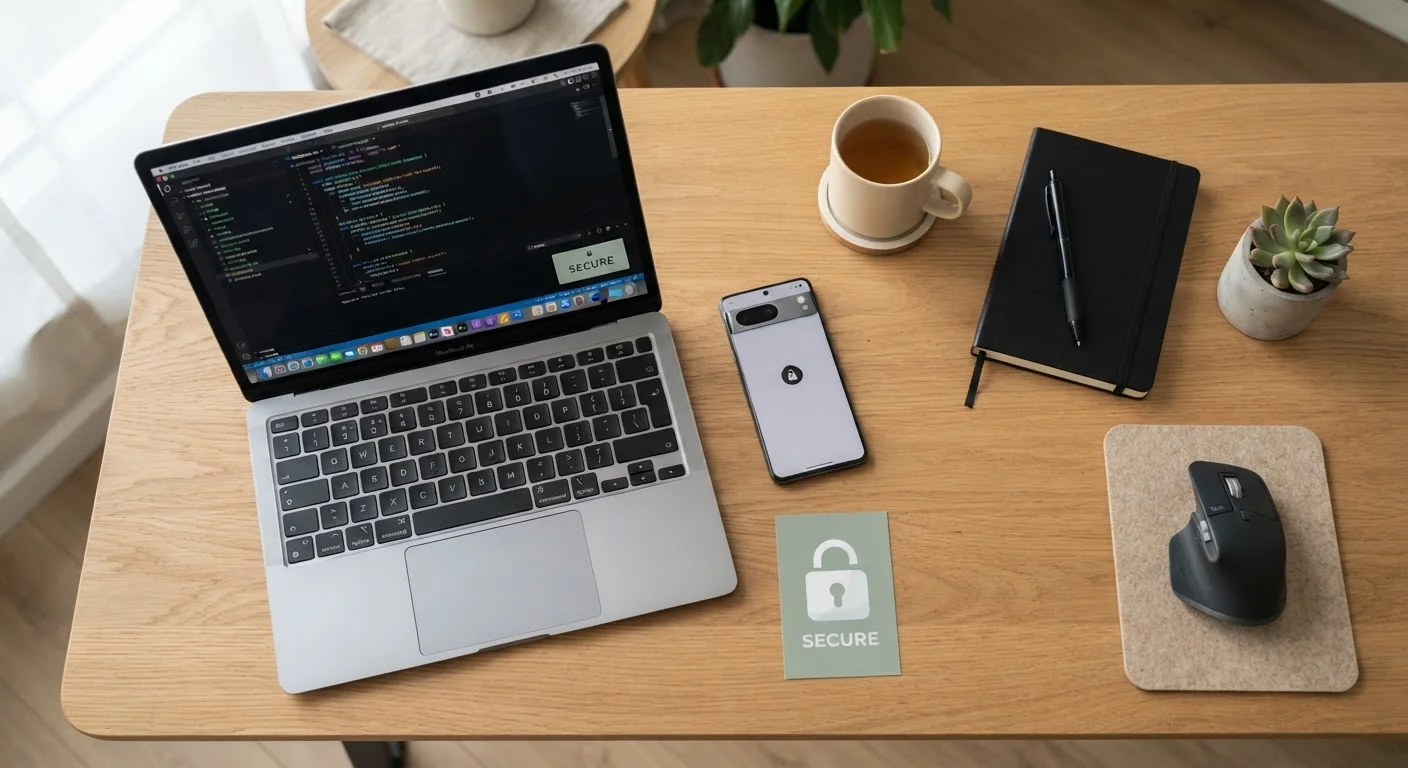
Photo credit: GadgetLite.net | All Things Tech
In this article
A step-by-step checklist covering privacy settings, account security, and permissions to review whenever you set up a new consumer electronics device.
Key Takeaways
- Changing default passwords and enabling two-factor authentication are non-negotiable first steps on any new device.
- Factory-default app permissions are often far broader than everyday use requires — review and tighten them immediately.
- Installing available firmware and software updates before first use closes known security vulnerabilities.
- Creating a dedicated account rather than using a personal profile can limit data exposure on shared devices.
- Reviewing data-sharing and analytics settings at setup prevents inadvertent data collection from the start.
Why Setup Day Is Your Best Security Window
The moment you power on a new device is the single most effective time to lock down its security and privacy settings. Manufacturers ship devices with defaults optimised for convenience — not protection. That gap between what works out of the box and what keeps your data safe is exactly what this checklist is designed to close.
This isn't just relevant to smartphones and laptops. Smart speakers, tablets, streaming sticks, and wearables all connect to your accounts and home network, which means each one is a potential entry point if left unconfigured. If you're still deciding whether a gadget belongs in your home at all, the setup readiness checklist is a useful starting point before unboxing.
Work through the groups below in order. Most steps take under two minutes individually — but together they form a meaningful security baseline you'll be glad you built from day one.
Password Manager
Generates and stores strong, unique passwords for every account you create or link during device setup.
Authenticator App
Provides time-based one-time codes for two-factor authentication on accounts linked to the new device.
Device Settings App
The built-in settings panel on your device — used to review permissions, privacy toggles, and update options throughout this checklist.
Note-Taking App or Paper
Lets you record the device serial number, linked accounts, and any settings you've changed for future reference.
The Full Device Setup Checklist
The checklist below is organised into logical stages that follow a natural setup flow. Start with your network and account foundations, then move through software updates and permissions before finishing with ongoing privacy hygiene. For a deeper dive into app-level permissions specifically, the app privacy audit checklist picks up exactly where this one leaves off.
Network & Account Foundations
Software & Firmware Updates
App Permissions Review
Privacy & Data-Sharing Settings
Physical & Screen Security
Skipping Updates Creates Immediate Risk
Some devices ship with firmware that contains known, publicly documented vulnerabilities. Attackers can exploit these before you've even used the device once. Always complete your first firmware update before linking accounts or granting any permissions. Connecting to an untrusted network — such as a hotel or café Wi-Fi — while running that initial update adds further risk; use your home network where possible.
If you're setting up a device a child will use, many of the steps below — particularly around accounts, app permissions, and screen time — will need tailoring. Our guide on setting up a tablet for a child walks through those family-specific configurations in detail.
Once your device is fully configured, consider running a broader account security audit to make sure the accounts now linked to your device are equally well protected.
Never Reuse Passwords Across Accounts
Reusing the same password across accounts is one of the most common ways devices and accounts get compromised. If one service suffers a data breach, every account sharing that password becomes vulnerable immediately. Use a password manager to generate and store a unique credential for each account you create or link during this setup process. This single habit prevents a large proportion of account takeovers.
Keeping Your Setup Secure Over Time
Completing this checklist at setup is the foundation — but security is an ongoing practice. Permissions accumulate silently as you install new apps, firmware updates introduce fresh settings worth reviewing, and data-sharing policies change. Set a reminder to revisit key sections of this checklist every few months.
Different device types also collect data in different ways. A smart speaker's always-on microphone raises different considerations than a wearable tracking your sleep. For a broader look at how each device category handles your data, managing privacy across phones, laptops, and smart speakers offers an end-to-end perspective. And before you install any new software on your freshly secured device, run through the software safety checklist to verify sources and review permissions in advance.

Author
Electronics Editorial Team
Electronics Editorial Team is the collective byline for our editorial team and contributor network. Articles published under this byline or an editorial pen name are researched, written, and reviewed according to our editorial standards for clarity, consistency, and independence before publication.
View all articles →