
Keeping Your Phone, Tablet, and Laptop in Sync Without the Chaos
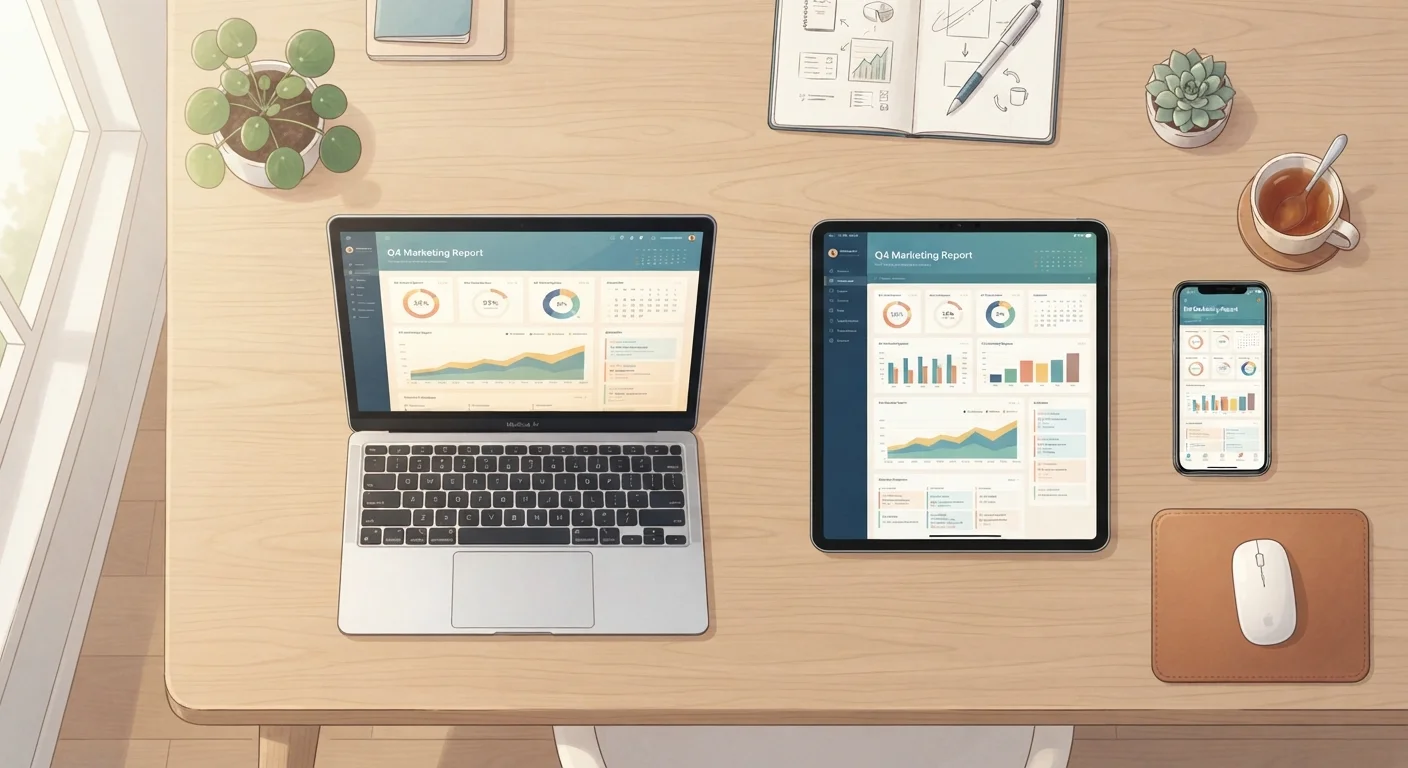
Photo credit: GadgetLite.net | All Things Tech
In this article
Multi-device households face constant sync headaches. These strategies help keep contacts, calendars, and files consistent everywhere.
Key Takeaways
- Using one cloud ecosystem per data type - contacts, calendars, files - prevents confusing duplicates.
- Turning on automatic sync means you never manually move files between devices again.
- Knowing when sync can hurt you is just as important as knowing how to enable it.
- A periodic check of your sync settings catches problems before they spread across devices.
Why Multi-Device Sync Feels So Messy
Most people don't set out to make syncing complicated. It happens gradually - you sign into a new service on one device, save a file in the wrong folder on another, and suddenly your calendar has two versions of the same appointment and your photos are scattered across three different apps.
The good news is that the chaos almost always comes from a few fixable habits, not from some deep technical problem. Once you understand what's actually happening under the hood - how cloud syncing moves data between your devices - the path forward becomes much clearer. This article focuses on the practical steps that keep your phone, tablet, and laptop genuinely in sync, without the constant friction.
Best Practices for Stress-Free Device Sync
These recommended approaches address the most common sources of sync confusion. Pick the ones that match your setup and build from there.
Pick one cloud service per type of data and stick to it consistently across all devices.
Using two different services for the same type of data - say, saving contacts in two places - creates duplicates and version conflicts. Consolidating to one service per data type (one for files, one for contacts, one for photos) eliminates that confusion at the root.
Enable automatic sync rather than relying on manual transfers.
Manual file moves are error-prone and easy to forget. Automatic sync means the moment you save a document or take a photo, it's available on your other devices without any extra steps from you.
Keep your sync apps updated on every device, not just your main one.
Outdated sync apps on a secondary device - like an older tablet you rarely use - can cause version mismatches that corrupt shared files or block updates from arriving correctly.
Do a monthly sync health check across your devices.
Sync issues often build silently. A quick monthly review - checking that the same files and contacts appear correctly on each device - catches problems before they multiply or result in data loss.
Maintain at least one backup that is separate from your live sync.
Sync is not the same as backup. If a file is deleted or corrupted, sync will mirror that damage everywhere. A separate, periodic backup gives you a recovery point that sync alone cannot provide.
Quick Actions You Can Take Today
You don't need to overhaul everything at once. Start with one or two of these moves and your devices will already feel more consistent by tonight.
If you're completely new to this, the beginner's guide to device syncing and backup walks through the foundational setup step by step.
When Sync Can Actually Cause Problems
Sync is powerful, but it's not always your friend. If you accidentally delete a file on one device, real-time sync can erase it everywhere before you notice. Corrupted files can spread the same way.
Sync Is Not a Backup
This is one of the most important distinctions in managing your digital life. Sync keeps your devices consistent with each other in real time - but if a file is deleted or damaged, that change syncs everywhere too. A true backup is a separate, time-stamped copy stored independently. Relying only on sync without a backup leaves you exposed to data loss from simple mistakes.
Understanding the situations where sync can work against you helps you set guardrails - like keeping a separate scheduled backup that isn't affected by live sync changes. For a deeper look at that tradeoff, see continuous sync vs. scheduled backup.
The goal isn't to avoid sync - it's to use it with enough awareness that a single mistake doesn't ripple across every device you own. For a complete picture of backup and sync strategies together, the comprehensive guide to syncing and backing up your digital life covers everything in one place.

Author
Cloud Editorial Team
Cloud Editorial Team is the collective byline for our editorial team and contributor network. Articles published under this byline or an editorial pen name are researched, written, and reviewed according to our editorial standards for clarity, consistency, and independence before publication.
View all articles →