
Continuous Sync vs. Scheduled Backup: Which Approach Fits Your Life
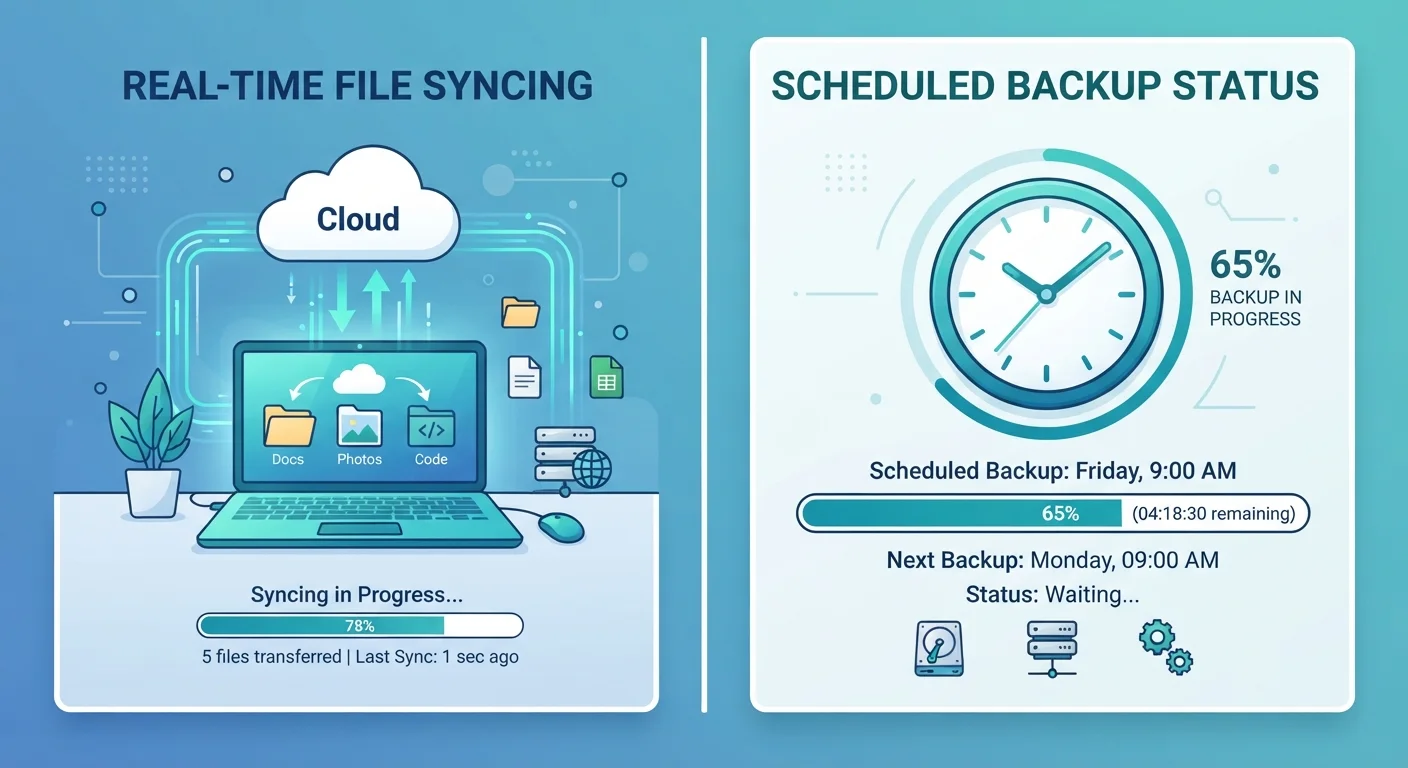
Photo credit: GadgetLite.net | All Things Tech
In this article
Real-time syncing and periodic snapshots serve different needs. Understand the difference before deciding how to protect your data.
Key Takeaways
- Continuous sync keeps files current across devices instantly but mirrors deletions and errors in real time.
- Scheduled backup creates periodic snapshots that let you recover older versions of files.
- Neither approach alone is a complete data protection strategy - most people benefit from both.
- Your choice depends on how often your files change and how much data loss you can tolerate.
- Understanding the difference helps you build a plan that fits your actual habits.
What Each Approach Actually Does
Before comparing them, it helps to know exactly what these two approaches do - because the names can be misleading.
Continuous sync watches your files in real time. The moment you save a document, add a photo, or update a contact, that change is pushed to the cloud or mirrored to your other devices within seconds. The goal is consistency: every device always reflects your current state. This is how services like Google Drive and iCloud Drive typically work by default.
Scheduled backup works differently. It takes a snapshot of your files at a set time - say, every night at 2 a.m. - and stores that snapshot somewhere safe. Tomorrow's snapshot is separate from today's, which means you can go back and recover a file the way it looked yesterday, last week, or last month.
If you're newer to these concepts, the Device Syncing and Backup from the Ground Up guide covers both ideas in plain-language detail before you commit to any strategy.
Where Each One Falls Short
Neither approach is perfect on its own, and understanding the gaps is where most people go wrong.
With continuous sync, the biggest risk is that it's a two-way mirror. If you accidentally delete a file or a document gets corrupted by a software bug, that change syncs immediately to everywhere else. You can end up with a deleted or broken file across every device before you've even noticed the problem. As we explain in Why Cloud Storage Is Not the Same Thing as a Backup, syncing feels like protection but doesn't always behave like one.
Scheduled backup has its own limitation: the gap between snapshots. If your backup runs at midnight and your laptop is stolen at 5 p.m., you lose everything created or edited that day. The longer the gap between backups, the more data is at risk at any given moment.
Sync Is Not a Substitute for Backup
A file synced to the cloud is still vulnerable to accidental deletion, corruption, or a service outage. If the only copy of an important file lives in a sync folder, you may have less protection than you think. Always maintain at least one separate, independent backup - ideally stored in a different location or service than your primary sync.
Neither method eliminates risk entirely. A sync service going offline, a backup drive failing, or a ransomware attack can affect both strategies. Layering them - and keeping at least one copy in a separate location - is the most resilient approach.
Comparing the Two Side by Side
Here's a direct look at how continuous sync and scheduled backup stack up across the criteria that matter most to everyday users.
| Continuous Sync | Scheduled Backup | |
|---|---|---|
| How often data is saved | Instantly, as changes happen | At set intervals (hourly, daily, etc.) |
| Recovery of older file versions | Limited or none | Strong - snapshots preserved over time |
| Protection against accidental deletion | Weak - deletes propagate immediately | Strong - previous snapshot still intact |
| Data loss window | Very small (seconds) | Equals the gap between backups |
| Multi-device consistency | Excellent - always in sync | Not applicable - backup only |
| Storage overhead | Mirrors current state only | Multiple snapshots use more space |
| Best for | Active, frequently edited files | Archives and long-term safety nets |
For a deeper look at how these two concepts relate, Cloud Sync vs. Cloud Backup walks through the nuances that often get glossed over.
Choosing the Right Fit for Your Habits
The right answer depends less on technology and more on how you actually use your devices day to day.
Lean toward continuous sync if you edit files constantly across multiple devices, share documents with others in real time, or need your phone, tablet, and laptop to always show the same thing. Keeping Your Phone, Tablet, and Laptop in Sync Without the Chaos has practical strategies for multi-device households.
Lean toward scheduled backup if you produce important work in long sessions, keep large archives of photos or projects, or want the ability to recover a file from a specific date. This matters especially if your files don't change constantly - a nightly backup catches the day's work without unnecessary overhead.
Combine Both for Stronger Protection
Using continuous sync for your active working files and a scheduled backup for everything else gives you the speed of real-time updates and the safety net of recoverable snapshots. Many operating systems include built-in backup tools that can run alongside a sync service without conflict. Setting both up once means you're covered against most common data loss scenarios.
One feature worth understanding before you choose a backup service is versioning - the ability to recover not just your most recent file, but older copies of it. What Versioning Means in Cloud Backup explains how it works and why it matters.
For most people, the practical answer is to use continuous sync for active, frequently changing files and a scheduled backup for the broader safety net. That combination gives you speed and flexibility without sacrificing a historical record you can fall back on. The complete syncing and backup resource covers how to combine both approaches into a coherent plan.

Author
Cloud Editorial Team
Cloud Editorial Team is the collective byline for our editorial team and contributor network. Articles published under this byline or an editorial pen name are researched, written, and reviewed according to our editorial standards for clarity, consistency, and independence before publication.
View all articles →