
Everything You Need to Know About Syncing and Backing Up Your Digital Life
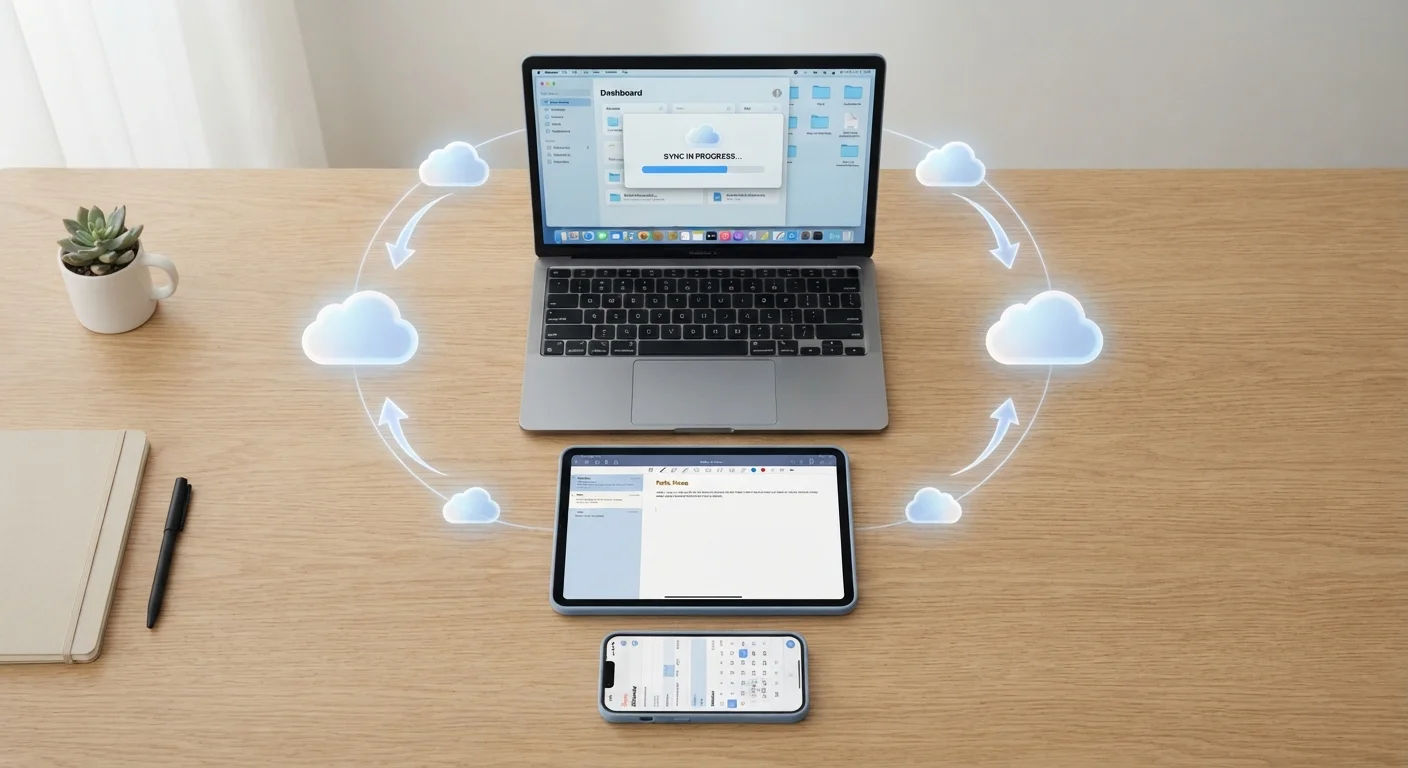
Photo credit: GadgetLite.net | All Things Tech
In this article
A comprehensive resource covering backup strategies, sync methods, storage options, and recovery steps — all in one place.
Key Takeaways
- Syncing and backing up are different - both are necessary to fully protect your data.
- The 3-2-1 rule gives you a simple, reliable framework for backup coverage.
- Most households need less cloud storage than they think once they audit what they actually have.
- Keeping multiple devices in sync requires a consistent strategy, not just luck.
- Recovery is only possible if backups were actually running - check yours today.
Sync vs. Backup: Why the Difference Matters
People use the words "sync" and "backup" interchangeably, but they do very different jobs. Understanding that difference is the foundation of keeping your digital life safe.
Syncing mirrors your current files across devices in near real time. When you edit a document on your laptop, syncing makes sure your phone sees the updated version within seconds. Convenient - but if you accidentally delete that file, the deletion syncs everywhere just as fast.
Backing up takes a snapshot of your data at a specific point in time and stores it separately. That separation is what lets you go back and recover a file that was deleted or corrupted days ago.
For a deeper look at how these two concepts interact, see our guide to cloud sync vs. cloud backup. The short version: you need both, and neither one replaces the other.
Start with what you can't replace
Before setting up any backup system, identify the data you absolutely cannot lose - family photos, important documents, work files. Prioritize backing those up first. Everything else can follow. Knowing your non-negotiables keeps the setup process focused and manageable.
The 3-2-1 Backup Rule Explained
The 3-2-1 rule is one of the most widely cited backup strategies among IT professionals, and it translates well to everyday home use. Here's what it means:
- 3 copies of your data - your original plus two backups
- 2 different storage types - for example, a local external drive and a cloud service
- 1 copy offsite - stored somewhere other than your home (cloud storage counts)
Why three copies? Because two copies sounds like enough until both fail at the same time - which happens more often than people expect when both live in the same location. A house fire, theft, or even a power surge can take out a computer and an external drive sitting next to it simultaneously.
Check That Your Backups Are Actually Running
It's surprisingly common for automatic backups to stop working silently - a full storage quota, a lapsed subscription, or a changed device permission can all pause them without any obvious alert. Open your backup settings right now and confirm the last successful backup date. If it's more than a week old, something likely needs attention.
The 3-2-1 rule isn't about paranoia. It's about giving yourself room to recover when one piece of the system fails, without losing everything.
3-2-1
Copies, media types, and offsite locations needed
The 3-2-1 backup rule is a widely adopted framework recommended by data recovery professionals and cybersecurity organizations.
30 days
Typical deleted-file retention window
Many major cloud storage providers retain deleted files in a recoverable trash folder for approximately 30 days before permanent removal.
Cloud Storage: How Much Do You Actually Need?
One of the most common backup mistakes is running out of cloud storage mid-backup without realizing it - leaving data unprotected while you assume everything is fine.
A practical approach is to audit what you actually have before choosing a storage tier. Photos and videos are typically the biggest consumers. A smartphone camera shooting in a modern format can produce files ranging from 3 MB for a photo to over 300 MB for a short 4K video clip. Documents, contacts, and app data are usually far smaller than people expect.
Our article on how much cloud storage you actually need walks through a simple framework for estimating your real storage needs without guessing.
As a rough starting point: if you take a lot of photos and videos across multiple devices, 200 GB of cloud storage tends to cover most households comfortably. Heavy video shooters or families with several active devices will likely need more.
Keeping Multiple Devices in Sync
Once you have more than one device - a phone, a tablet, a laptop - keeping them consistent becomes a real challenge. Contacts get duplicated, calendar events show up on one device but not another, and files edited on the road don't make it home.
The cleanest solution is to pick a single ecosystem for each type of data and stick with it. Use one calendar app across all devices. Store documents in one cloud folder that all devices can access. Avoid splitting the same type of data between two competing services.
Treat your sync setup like plumbing - set it up correctly once, then verify it's still flowing every few months. A five-minute monthly check that your backups are current is far less painful than discovering they stopped working after you needed them.
Automated backups can silently fail due to expired subscriptions, full storage, or app permission changes - periodic verification catches these issues before they become disasters.
When choosing a cross-platform sync service for a mixed-device household, prioritize ones with a web interface as a fallback. That way, if a device fails or an app breaks, you can still access your files from any browser.
Web access acts as an independent recovery path that doesn't depend on any single device or operating system being functional.
If you're managing a household with mixed device types - say, Android phones alongside Windows laptops - cross-platform services tend to work more reliably than platform-specific ones. Our full breakdown on keeping your phone, tablet, and laptop in sync covers practical strategies for multi-device households. You might also find useful context in our Smartphones & Tablets hub if you're navigating new device choices.
How to Recover When Things Go Wrong
Recovery is where backup strategies are either proven or exposed. Having a plan before something goes wrong is the entire point.
If a file is accidentally deleted, check your cloud service's version history or trash folder first - most major services retain deleted files for at least 30 days. If your device fails completely, a full device backup (the kind your phone's built-in backup system creates automatically) lets you restore everything to a new device as if nothing happened.
A few recovery habits worth building now:
- Periodically confirm that your automatic backups are actually running - don't assume.
- Test a restore on a small file before you need to do it for real.
- Know where your backups live - cloud account, external drive, or both - so you're not scrambling in a stressful moment.
For home tech setups more broadly, the Home Tech Essentials hub covers related tools and devices that can support a more organized digital home life.
Recovery Time Varies by Backup Type
Restoring from a cloud backup over a slow internet connection can take hours for large data sets. Local backups to an external drive are typically much faster. If speed of recovery matters to you - for example, for a work laptop - consider keeping a local backup in addition to a cloud one.

Author
Cloud Editorial Team
Cloud Editorial Team is the collective byline for our editorial team and contributor network. Articles published under this byline or an editorial pen name are researched, written, and reviewed according to our editorial standards for clarity, consistency, and independence before publication.
View all articles →