
Cloud Sync vs. Cloud Backup: Two Concepts That Are Easy to Confuse
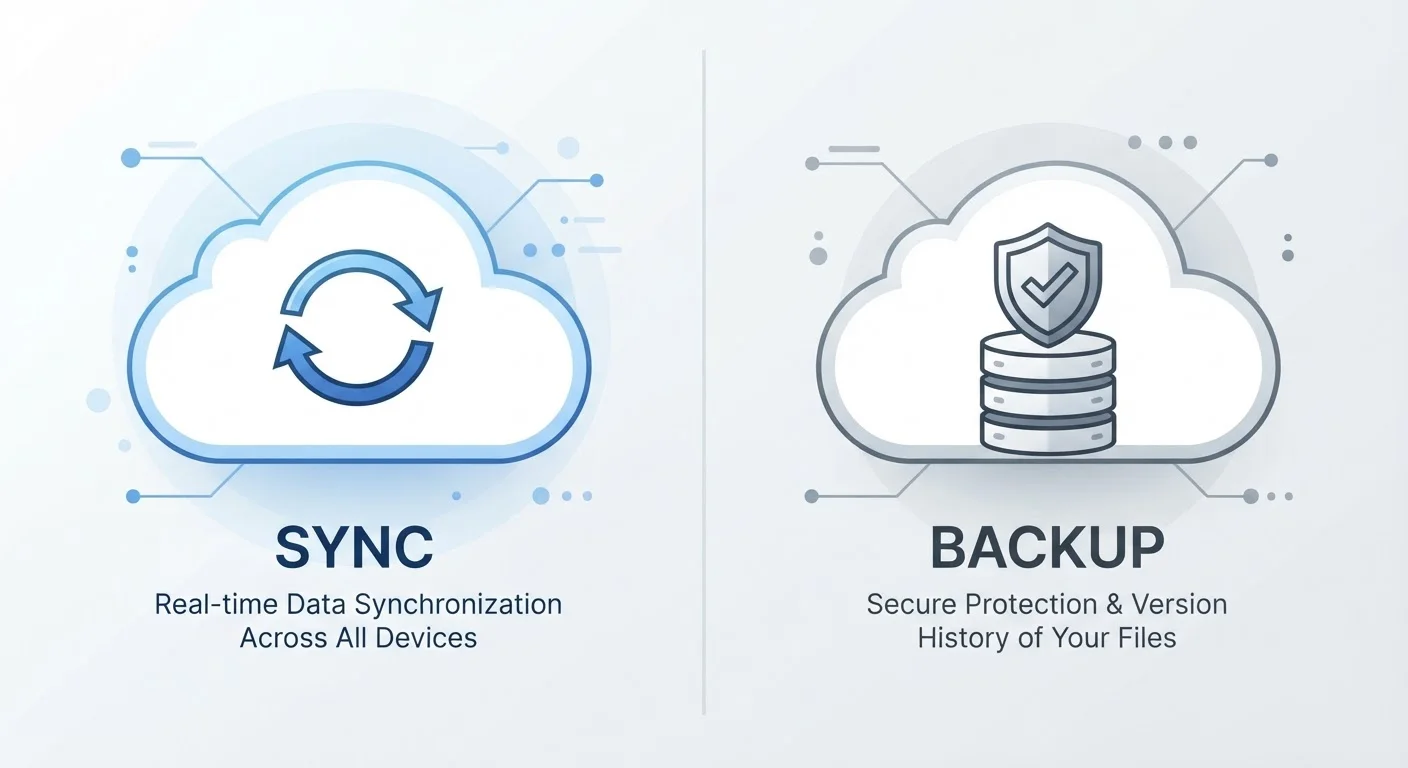
Photo credit: GadgetLite.net | All Things Tech
In this article
Sync and backup sound similar but protect your data in very different ways. Here's what sets them apart and when each one matters.
Key Takeaways
- Sync mirrors your current files across devices - delete something and it disappears everywhere.
- Backup preserves point-in-time copies so you can recover files even after they're gone.
- Many people rely on sync alone and mistakenly believe they're protected - they're not.
- A complete data strategy typically uses both sync and backup together.
- Versioning is a key backup feature that sync services rarely offer.
What Each One Actually Does
Cloud sync and cloud backup both involve copying your files to the internet, which is why so many people treat them as the same thing. They aren't - and that misunderstanding is one of the most common reasons people lose data they thought was safe.
Cloud sync creates a live, up-to-date copy of your files across all your connected devices. When you edit a document on your laptop, that change appears on your phone within seconds. The cloud acts as a central hub that every device stays in step with. The catch: sync reflects your current state. If you delete a file, that deletion propagates everywhere. Sync has no memory of what your files used to look like.
Cloud backup works differently. It takes scheduled or continuous snapshots of your data and stores them independently, typically with a history of previous versions. The goal isn't convenience - it's recovery. If a file gets corrupted, ransomware scrambles your drive, or you realize three weeks later that you deleted something important, a backup gives you something to restore from. For a deeper look at why this distinction matters, see why cloud storage is not the same as a backup.
| Criterion | Cloud Sync | Cloud Backup |
|---|---|---|
| Primary purpose | Access files across all devices | Recover data after loss or damage |
| What it stores | Your current file state only | Historical snapshots over time |
| What happens when you delete a file | Deletion spreads to all devices | Older copies remain recoverable |
| File versioning | Rarely included; limited if so | Core feature in most services |
| Recovery from ransomware or corruption | Unlikely - damage syncs too | Possible by restoring a clean snapshot |
| Setup effort | Usually automatic and built-in | Requires deliberate configuration |
The Critical Difference: What Happens When Things Go Wrong
Imagine you accidentally delete a folder of photos. With sync alone, that deletion is immediately pushed to every device and to the cloud. Within moments, the photos are gone everywhere. Some sync services do offer a brief recovery window - but it's often short and not guaranteed.
A backup service, on the other hand, already has a copy from before you deleted anything. You can browse your backup history, find the folder, and restore it. This is the defining advantage of backup: it treats your past data as worth keeping, not just your present data.
The same logic applies to corrupted files. If a document becomes unreadable and sync pushes that broken version across your devices, you're left with nothing usable. A backup with file versioning lets you retrieve a clean copy from before the corruption happened.
29%
People who have permanently lost data
According to Backblaze's consumer data research, roughly 29% of data loss incidents result from accidental deletion - events sync cannot protect against.
3-2-1
The widely recommended backup rule
Security and storage professionals widely recommend keeping 3 copies of data, on 2 different media types, with 1 stored off-site or in the cloud.
Sync can also work against you in less obvious ways - for example, when a change you didn't intend spreads silently across all your devices. Situations where sync can actually work against you explores those scenarios in detail.
Using Both Together: The Smarter Approach
Sync and backup aren't rivals - they solve different problems, and using both gives you the coverage that either one alone can't provide. Sync handles the day-to-day: your files are always where you need them, on whichever device you pick up. Backup handles the unexpected: if something goes seriously wrong, you have a safety net that isn't connected to your current file state.
Think of sync as the convenience layer and backup as the insurance policy. Most people already have sync turned on - it comes built into phones, laptops, and apps. What many people are missing is the backup layer. If you've never set one up, this plain-language introduction to backup is a practical place to start.
If you're weighing whether to store backups locally or in the cloud, local backup vs. cloud backup breaks down the genuine advantages and limitations of each approach. And for a broader view of how all these pieces connect, this comprehensive syncing and backup resource covers the full picture in one place.
Don't Assume Your Phone Is Backed Up
Many phones automatically sync photos and contacts to a cloud account, which feels like a backup but isn't quite the same thing. Synced photos can still be permanently deleted if you remove them from the cloud. A dedicated backup service - separate from your sync account - gives you a true independent copy. Check your device settings to confirm what's actually running and what it protects.

Author
Cloud Editorial Team
Cloud Editorial Team is the collective byline for our editorial team and contributor network. Articles published under this byline or an editorial pen name are researched, written, and reviewed according to our editorial standards for clarity, consistency, and independence before publication.
View all articles →