
Why a Higher DPI Mouse Doesn't Automatically Make You a Better Gamer
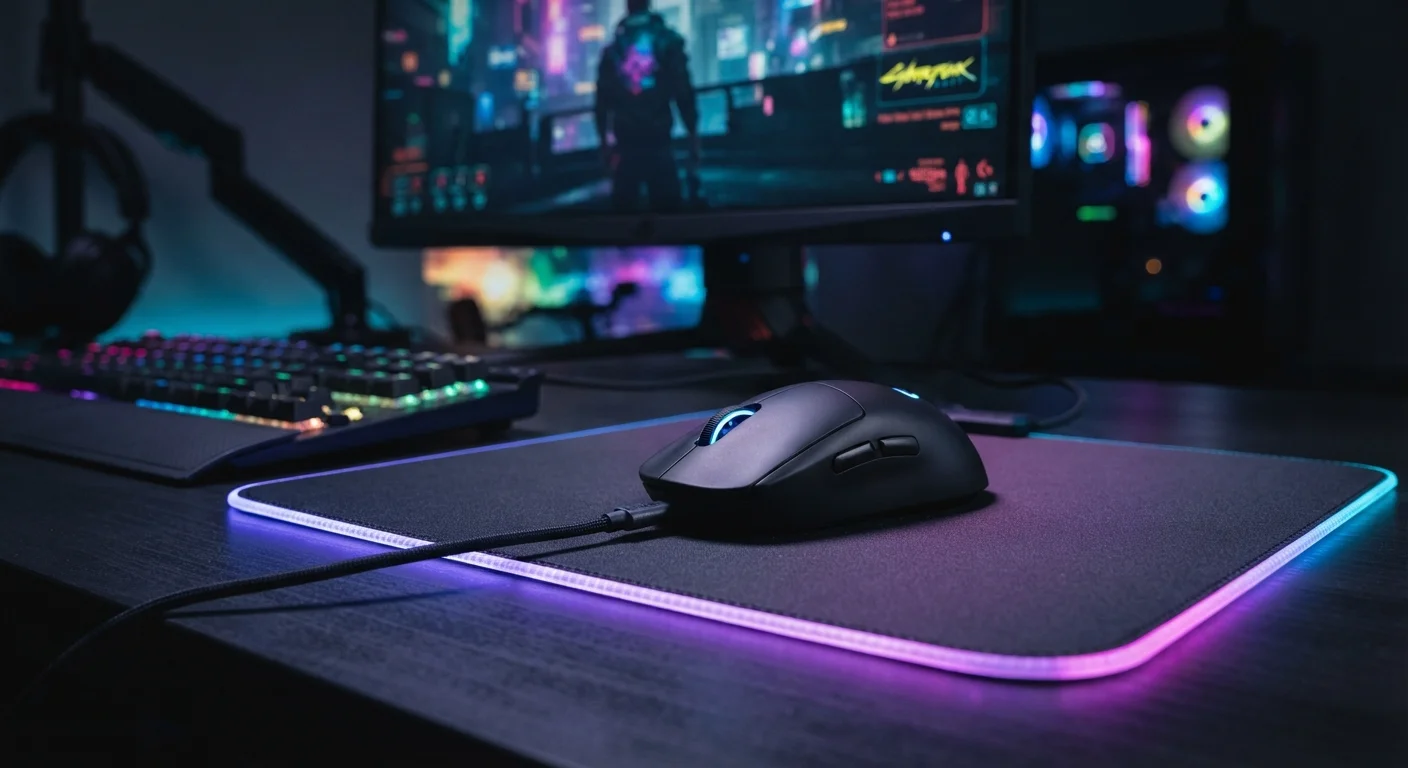
Photo credit: GadgetLite.net | All Things Tech
In this article
More DPI sounds better, but the truth about mouse sensitivity in gaming is more nuanced than the spec sheet suggests.
Key Takeaways
- DPI measures cursor movement speed, not accuracy or gaming skill — higher isn't automatically better.
- Most skilled players use moderate DPI settings, compensating with larger arm movements for precision.
- Mouse sensor quality, polling rate, and personal sensitivity settings matter more than raw DPI figures.
- Finding your ideal sensitivity requires experimentation, not chasing the highest spec on the box.
What DPI Actually Means
DPI stands for dots per inch — it measures how far your cursor moves on screen for every inch you physically move the mouse. A 1600 DPI setting moves the cursor 1,600 pixels per inch of mouse travel. A 16,000 DPI setting moves it ten times farther for the same wrist motion. That's it. DPI is purely about cursor speed, not responsiveness, not reaction time, and definitely not skill. If you want to dig into more of the language used around mice and other gear, the gaming peripheral glossary breaks it all down in plain English.
Marketing materials love big DPI numbers because they're easy to compare at a glance — similar to how megapixel counts get inflated in smartphone cameras. As our piece on why higher megapixels don't always mean better photos explains, headline specs routinely tell an incomplete story. The same principle applies here.
Common Myths — and the Real Story
Let's cut through the noise. The misconceptions around DPI are pervasive, and they lead a lot of players to buy hardware they don't need or, worse, misconfigure what they already own. Here's what the evidence actually says:
Myth
Higher DPI means more precise cursor control and better aim.
Fact
Very high DPI makes the cursor hypersensitive, which reduces precision — especially for slow, deliberate aiming movements.
Precision in gaming comes from controlled movement. When DPI is extremely high, even tiny hand tremors translate into large cursor jumps. Many competitive players in accuracy-heavy games deliberately use lower DPI (often 400–1600) paired with lower in-game sensitivity, relying on broader arm movements rather than wrist flicks. This gives them more physical distance to travel between two points on screen, which is inherently more controllable.
Myth
Pro gamers always use the highest DPI available.
Fact
A large proportion of competitive players use relatively modest DPI settings, typically between 400 and 1600.
This is one of the most persistent myths in gaming culture, and it's almost entirely backward. Many players who compete at high levels in first-person shooters have openly discussed using low sensitivity settings. The preference for lower DPI with wider mouse movements is common because it prioritizes repeatability and fine motor control over raw speed. High DPI settings tend to be more popular in genres like real-time strategy, where fast cursor repositioning matters more than pixel-precise aiming.
Myth
Your mouse's DPI setting is the same thing as in-game sensitivity.
Fact
DPI and in-game sensitivity are separate settings that multiply together to produce your effective cursor speed.
Think of DPI as a hardware-level multiplier and in-game sensitivity as a software-level one. If your DPI is set to 3200 and your in-game sensitivity is at 1.0, you could achieve the same effective movement speed with 800 DPI and a 4.0 in-game sensitivity. The combination matters — and running very high DPI with high in-game sensitivity can amplify input noise from the sensor, making the cursor feel jittery. Keeping DPI moderate and tuning in-game sensitivity gives you more granular control.
Myth
Switching to a higher DPI mouse will immediately improve your game.
Fact
Hardware upgrades rarely compensate for the time investment needed to build muscle memory and game sense.
Gear can remove friction, but it can't install skill. A player who has developed consistent habits with one sensitivity setup will almost always outperform someone constantly chasing a hardware upgrade. Changing DPI mid-training actually resets your muscle memory, setting you back rather than moving you forward. The most reliable performance gains come from deliberate practice — and from ensuring your current setup is properly configured, not from buying something with a bigger number on the box.
What Genuinely Affects Your Gaming Performance
If raw DPI is overrated, what should you pay attention to? A few things actually move the needle:
400–1600
DPI range preferred by many competitive FPS players
Community surveys across competitive gaming forums consistently show a majority of high-level FPS players gravitating toward this moderate DPI range rather than extreme settings.
1000 Hz
Polling rate considered standard for responsive gaming mice
A 1000 Hz polling rate — meaning 1,000 position reports per second — is widely regarded as the threshold where mouse input feels genuinely smooth during fast gameplay.
- Polling rate: This is how often the mouse reports its position to your PC (measured in Hz). A 1000 Hz polling rate means 1,000 updates per second — that smoothness is more noticeable than bumping DPI from 800 to 1600.
- Sensor quality: Modern optical sensors track movement accurately across a wide DPI range. A reliable mid-range sensor at 800 DPI outperforms a cheap sensor running at 12,000 DPI.
- Mouse shape and grip: How naturally the mouse fits your hand affects fatigue and consistency far more than any spec. A comfortable grip lets you make the same movement reliably, hour after hour.
- In-game sensitivity settings: DPI interacts with your in-game sensitivity slider. Two players can achieve identical effective sensitivity through completely different DPI and in-game combinations.
It's the same logic that applies to other gear categories — some features make a real difference for everyday players, while others are largely spec-sheet theatre. The guide to gear that actually improves casual play is worth a read if you want a broader breakdown.
Avoid Constantly Resetting Your Sensitivity
Changing your DPI or sensitivity settings every few days prevents your muscle memory from ever locking in. Pick a setting, stick with it for at least a week or two, and only adjust if you have a specific reason — not just because you read a number somewhere. Consistency beats optimization in the short run.
How to Find Your Ideal Sensitivity
There's no universal "correct" DPI — it depends on your monitor resolution, desk space, game genre, and personal preference. A practical starting point: set your mouse to 800 DPI, set your in-game sensitivity to a mid-range value, and play for a week without changing anything. Then adjust in small increments. The goal is a sensitivity where flick shots feel fluid but precision aiming on small targets doesn't feel like threading a needle.
Keep in mind that the same "spec obsession" trap exists across gaming hardware categories. Just as more RAM isn't always the answer for PC performance, more DPI rarely solves a gameplay problem that practice and proper setup can fix. And if you're exploring the full ecosystem of controllers and peripherals, understanding what gaming controller features actually do can help you build a smarter setup overall.

Author
Gaming Editorial Team
Gaming Editorial Team is the collective byline for our editorial team and contributor network. Articles published under this byline or an editorial pen name are researched, written, and reviewed according to our editorial standards for clarity, consistency, and independence before publication.
View all articles →