
The Gaming Peripheral Glossary: Terms Every Player Should Know
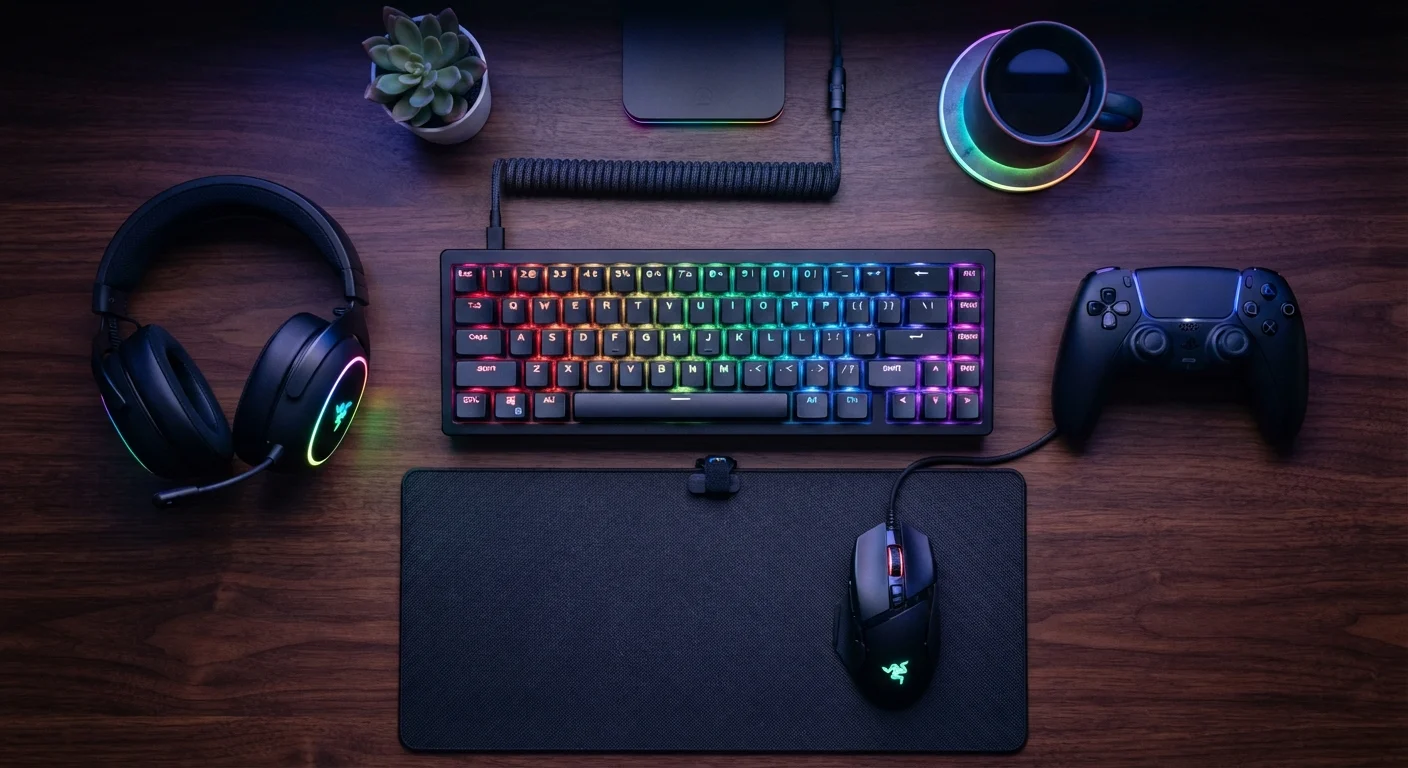
Photo credit: GadgetLite.net | All Things Tech
In this article
DPI, polling rate, N-key rollover — a plain-language reference for the technical terms you'll encounter when shopping for gaming gear.
Why Peripheral Specs Feel So Confusing
Shopping for a gaming mouse, keyboard, or headset can feel like reading a foreign language. Terms like polling rate, actuation force, and impedance get thrown around on product pages with little explanation, leaving many players guessing which numbers actually matter for their setup. This reference glossary cuts through the jargon and explains each term in plain English so you can focus on what genuinely affects your experience.
For broader hardware terminology beyond peripherals — things like refresh rate, codec, and form factor — our consumer electronics glossary is a great companion read. And if you want to understand platform-specific language, the gaming platforms glossary covers terms like cross-play, backward compatibility, and ecosystem.
Hardware Terms vs. Gaming Slang
This glossary focuses specifically on peripheral and hardware terminology. If you're looking to decode the language players use in chat, streams, and forums, check out our gaming slang guide. The two vocabularies overlap occasionally but cover very different ground.
Mouse Terms You'll Encounter
The mouse is arguably the most spec-heavy peripheral category. Here are the key terms that appear on almost every gaming mouse listing.
| Common Gaming Mouse DPI Range | 400 – 3,200 DPI for most play styles |
| Standard Keyboard Polling Rate | 1,000 Hz (1 ms report interval) |
| Typical Headset Impedance (Gaming) | 16 – 32 ohms |
| Mechanical Switch Lifespan (average) | 50–100 million keystrokes (Manufacturer rated figures vary by switch brand) |
| N-Key Rollover Requirement | Full NKRO via USB in most modern gaming keyboards |
DPI is the most cited mouse specification, but raw numbers aren't everything — a player who prefers slow, sweeping movements might use 400–800 DPI, while someone who plays in a small space might prefer 1,600 or higher. The right DPI is personal, not universal.
Polling rate determines how often the mouse tells your PC where it is. Higher Hz equals smoother tracking data. Most gaming mice offer 125, 500, or 1,000 Hz options.
1,000 Hz
Standard polling rate in gaming mice
At 1,000 Hz, a mouse sends position data to the PC every single millisecond, keeping cursor movement responsive.
50M+
Keystroke lifespan of quality mechanical switches
Most reputable mechanical switch manufacturers rate their products at 50 to 100 million actuations before wear becomes noticeable.
The sensor type — optical versus laser — affects how the mouse reads your mousepad surface. Optical sensors are the standard choice for most gaming surfaces; laser sensors can handle more surface types but may introduce unwanted acceleration on certain materials. See the full definitions in the glossary below.
Keyboard Terms Demystified
Mechanical keyboards dominate gaming setups for a reason: they're more consistent, more durable, and more customizable than membrane alternatives. But the terminology can trip up anyone new to them.
When a listing mentions a linear, tactile, or clicky switch, it's describing the physical feel and sound of each keypress. Linear switches are smooth and quiet; tactile switches give a small bump when the key registers; clicky switches add an audible click to that bump. None of these is objectively better — it comes down to personal preference and your environment.
Actuation force and N-key rollover are the two specs most relevant to gameplay. Actuation force affects how tiring extended sessions feel, while NKRO ensures the keyboard keeps up during intense key combinations. Anti-ghosting is related but slightly different — check the glossary for the distinction.
DPI (Dots Per Inch)
A measure of how sensitive a mouse is to physical movement. A higher DPI means the cursor travels farther on screen for every inch you move the mouse. Most gaming mice let you adjust DPI on the fly to match different games or tasks.
Polling Rate
How often per second a mouse or controller reports its position to your computer, measured in Hz. A polling rate of 1000 Hz means the device reports 1,000 times per second, resulting in smoother, more responsive tracking.
N-Key Rollover (NKRO)
A keyboard feature that lets every key be recognized simultaneously, no matter how many are pressed at once. This matters in fast-paced games where multiple key presses happen in rapid succession.
Actuation Force
The amount of pressure needed to register a keypress on a mechanical keyboard switch. Lighter actuation forces feel faster for gaming; heavier ones can reduce accidental presses during long typing sessions.
Mechanical Switch
A type of keyboard key mechanism that uses a physical spring and contact rather than a membrane layer. Different switch types (clicky, tactile, linear) offer distinct feel and sound profiles.
Anti-Ghosting
A keyboard technology that prevents unregistered or phantom keypresses when multiple keys are held simultaneously. It is closely related to N-key rollover but typically covers a specific set of key combinations rather than every possible key.
Haptic Feedback
Vibrations or tactile sensations built into controllers, mice, or headsets to simulate in-game events like explosions or terrain textures. Advanced haptics can vary in intensity and pattern to convey different experiences.
Impedance
Measured in ohms (Ω), impedance describes how much resistance a headset's speakers present to the audio signal. Lower impedance headsets work well straight from a phone or controller; higher impedance models often need a dedicated amplifier.
Virtual Surround Sound
Audio processing that simulates a multi-speaker setup through a standard stereo headset using software algorithms. It can improve spatial awareness in games, though dedicated hardware surround setups may perform differently.
Optical vs. Laser Sensor
Two main types of tracking sensors found in gaming mice. Optical sensors use an LED and tend to perform consistently on most surfaces; laser sensors use infrared light and can track on glossy surfaces but may over-read texture data at very high speeds.
Trigger Stop
A hardware adjustment on some controllers that limits how far a trigger button can travel before it registers. Shorter travel distances can result in faster repeated trigger presses, which some competitive players prefer.
USB vs. Wireless Latency
The delay between a peripheral input and its signal reaching the console or PC. Wired USB connections have near-zero added latency; modern gaming-focused wireless technologies have narrowed this gap significantly, though measurable differences can still exist under certain conditions.
Headset and Controller Terms
Audio and controller specs are often the least understood, yet they can have a real impact on immersion and competitive awareness.
For headsets, impedance is the spec most people overlook. Plug a 250-ohm headset into a phone and you'll get very quiet audio; at 16–32 ohms, the same headset works fine from any standard jack or USB output. Virtual surround sound is a software feature — not a hardware one — so don't assume it requires special headset hardware to work.
On the controller side, features like trigger stops and haptic feedback are increasingly common. If you want a deeper breakdown of controller anatomy, our controller explainer walks through every component in detail. For the full landscape of accessory categories beyond just peripherals, see our accessories category guide.

Author
Gaming Editorial Team
Gaming Editorial Team is the collective byline for our editorial team and contributor network. Articles published under this byline or an editorial pen name are researched, written, and reviewed according to our editorial standards for clarity, consistency, and independence before publication.
View all articles →