
Everything You Need to Know About Smart Home Automation
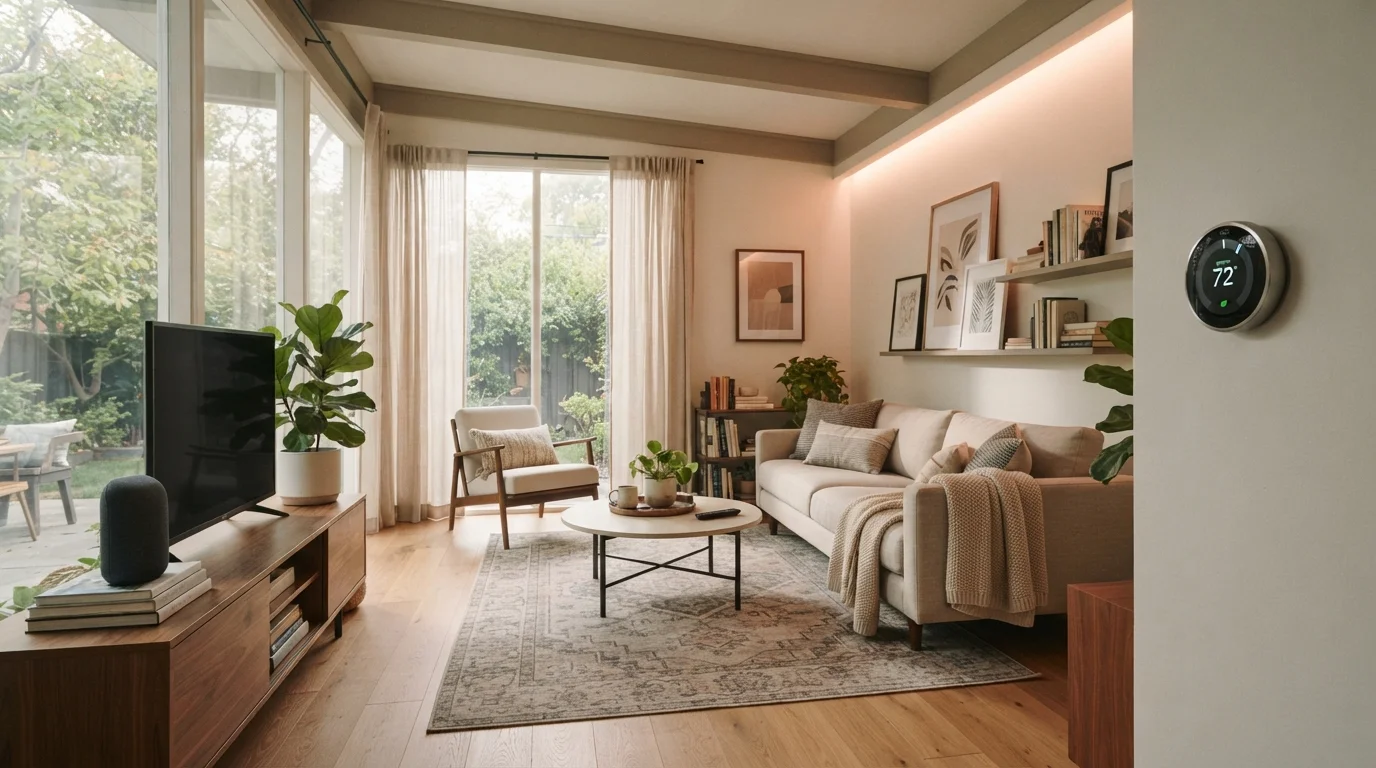
Photo credit: GadgetLite.net | All Things Tech
In this article
A comprehensive resource covering smart home automation from basic concepts to multi-device routines — written for everyday users, not IT professionals.
Key Takeaways
- Smart home automation connects devices so they work together with minimal manual input.
- You don't need a full system on day one — starting with one or two devices is perfectly valid.
- Communication protocols like Wi-Fi, Zigbee, and Matter determine which devices can work together.
- Automations are triggered rules: when X happens, do Y — no programming knowledge required.
- Privacy settings and strong passwords matter as much as any hardware choice.
What Smart Home Automation Actually Means
Smart home automation is the practice of connecting household devices to a network so they can be controlled remotely, scheduled, or triggered to act on their own based on conditions you set. The goal isn't to fill your home with gadgets — it's to reduce repetitive tasks and make your environment respond to how you actually live.
A simple example: your porch light turns on at sunset without you touching a switch. A more involved example: when your morning alarm goes off, the thermostat adjusts, the coffee maker starts, and the bedroom blinds open — all automatically. Both are legitimate forms of home automation, just at different scales.
If the concept still feels abstract, common myths about home automation are worth addressing before diving deeper — many people overestimate the complexity and cost involved.
~35%
US households with at least one smart home device
Statista estimates roughly one-third of US households owned at least one smart home device as of the mid-2020s.
3–5
Average smart devices per connected US home
Industry research suggests most smart-home adopters own a small cluster of devices rather than a fully integrated system.
The Core Building Blocks
Every smart home setup relies on three foundational elements:
- Smart devices — the physical hardware, such as bulbs, plugs, locks, thermostats, cameras, and speakers.
- A hub or controller — the central point that sends and receives commands. This can be a dedicated hub device, a smart speaker with a built-in assistant, or an app on your phone.
- An app or platform — the interface where you create schedules, set conditions, and manage devices. Major platforms include Google Home, Amazon Alexa, Apple Home, and Samsung SmartThings.
You don't need all three to get started. A single smart plug controlled by a phone app is already a functional setup. Complexity can grow gradually as your comfort level increases. For a deeper look at what specific device categories actually do, see what smart home devices actually do and how they connect.
Choose one ecosystem — Google Home, Amazon Alexa, or Apple Home — and buy devices confirmed to work within it before branching out. Mixing ecosystems early is the single fastest way to create a setup that frustrates rather than simplifies.
Ecosystem fragmentation is the leading cause of abandoned smart home setups. Locking in one platform keeps troubleshooting manageable and routines reliable.
Before buying any device, search its model number plus your chosen platform name to confirm compatibility. Marketing language like 'works with voice assistants' doesn't always mean full integration.
Partial compatibility — where a device can be switched on but can't participate in routines — is common and rarely disclosed prominently on packaging.
How Devices Talk to Each Other
Devices communicate using wireless protocols — essentially shared languages that determine which hardware can work together. The most common ones:
- Wi-Fi
- Works with your existing router. Easy to set up, but many Wi-Fi devices can strain a home network if you add dozens of them.
- Zigbee and Z-Wave
- Low-power mesh protocols that let devices relay signals to each other, extending range. Usually require a compatible hub.
- Matter
- A newer, cross-platform standard backed by major tech companies. Matter-certified devices are designed to work across different ecosystems without compatibility headaches.
- Bluetooth
- Short-range and simple, best suited for devices near your phone or hub.
The practical takeaway: if you're buying new devices, look for Matter compatibility or confirm they work with the platform you've already chosen. Mixing incompatible protocols is one of the most common sources of frustration in home automation.
Ecosystem Lock-In Is Real
Devices built for one platform often don't transfer cleanly to another. If you buy exclusively within one ecosystem and later switch platforms, many devices may need to be replaced entirely. Matter-certified devices offer the best protection against this problem, but always verify support before purchasing.
Building Your First Automation Routine
An automation routine follows a basic logic: trigger → condition → action. A trigger is what starts the routine (a time, a sensor reading, a location). A condition is an optional filter (only run this if it's after sunset). An action is what happens (turn on the light).
Good starting routines for beginners:
- Away mode — when everyone leaves home, turn off lights and lower the thermostat.
- Bedtime routine — at a set time, lock the front door, turn off all lights, and set the thermostat to your sleep temperature.
- Motion-triggered lighting — hallway lights turn on when motion is detected at night, then turn off after two minutes.
Most major platforms let you build these routines through simple if-this-then-that interfaces — no coding involved. Start with one routine, live with it for a week, and adjust before adding more. If you're starting from scratch, a practical guide for complete beginners can walk you through the logical order for building a setup that holds together.
Test One Routine Before Adding More
Resist the urge to build five automations at once. Set up a single routine — like bedtime lights off — and use it daily for a week. You'll quickly discover what needs tweaking, and the lessons carry over to every routine you build afterward.
Privacy and Security Considerations
Connected devices collect data — usage patterns, voice commands, motion logs. That's worth understanding before you set anything up.
Practical steps to protect yourself:
- Use strong, unique passwords for your smart home platform account and your router.
- Enable two-factor authentication wherever available.
- Keep device firmware updated — manufacturers regularly patch security vulnerabilities.
- Put smart home devices on a separate guest Wi-Fi network if your router supports it, so they're isolated from computers and phones storing sensitive data.
- Review what data each app collects in its privacy settings and disable anything you don't need.
Default Passwords Are a Security Risk
Many smart home devices ship with generic default passwords that are publicly documented and trivially guessed. Change both your device account password and your router admin password before putting any device online. Failing to do so leaves your home network exposed to unauthorized access.
No connected device is entirely risk-free, but basic hygiene — strong credentials, regular updates, network segmentation — significantly reduces exposure without requiring technical expertise.
Where to Go From Here
Smart home automation rewards patience more than budget. A deliberate, phased approach — one device category at a time, one ecosystem, routines tested before expanding — produces setups that actually get used rather than abandoned after a month.
For a balanced perspective on where automation genuinely helps and where it adds friction instead, a closer look at the real trade-offs is worth reading before committing to a larger build-out. And if you want to explore the broader landscape of connected home devices, the Home Tech hub covers everything from smart displays to connected appliances.
Your smartphone or tablet is likely the remote control for everything you build — most major platforms offer well-designed mobile apps that make day-to-day management straightforward once your devices are set up.
The goal is a home that works a little harder for you. You don't have to automate everything — just the things that genuinely reduce friction in your daily routine.
Google Home App
The central hub for managing Google-compatible smart devices, creating routines, and monitoring your home. Available on Android and iOS.
Matter Compatibility Checker
The Connectivity Standards Alliance maintains an official list of Matter-certified devices — useful for confirming cross-platform compatibility before purchasing.
Apple Home App Guide
Apple's support documentation walks through setting up HomeKit devices, creating automations, and managing home access — clear instructions for non-technical users.

Author
Gadgets Editorial Team
Gadgets Editorial Team is the collective byline for our editorial team and contributor network. Articles published under this byline or an editorial pen name are researched, written, and reviewed according to our editorial standards for clarity, consistency, and independence before publication.
View all articles →