
Local Storage vs Cloud Storage: Two Very Different Places for Your Files
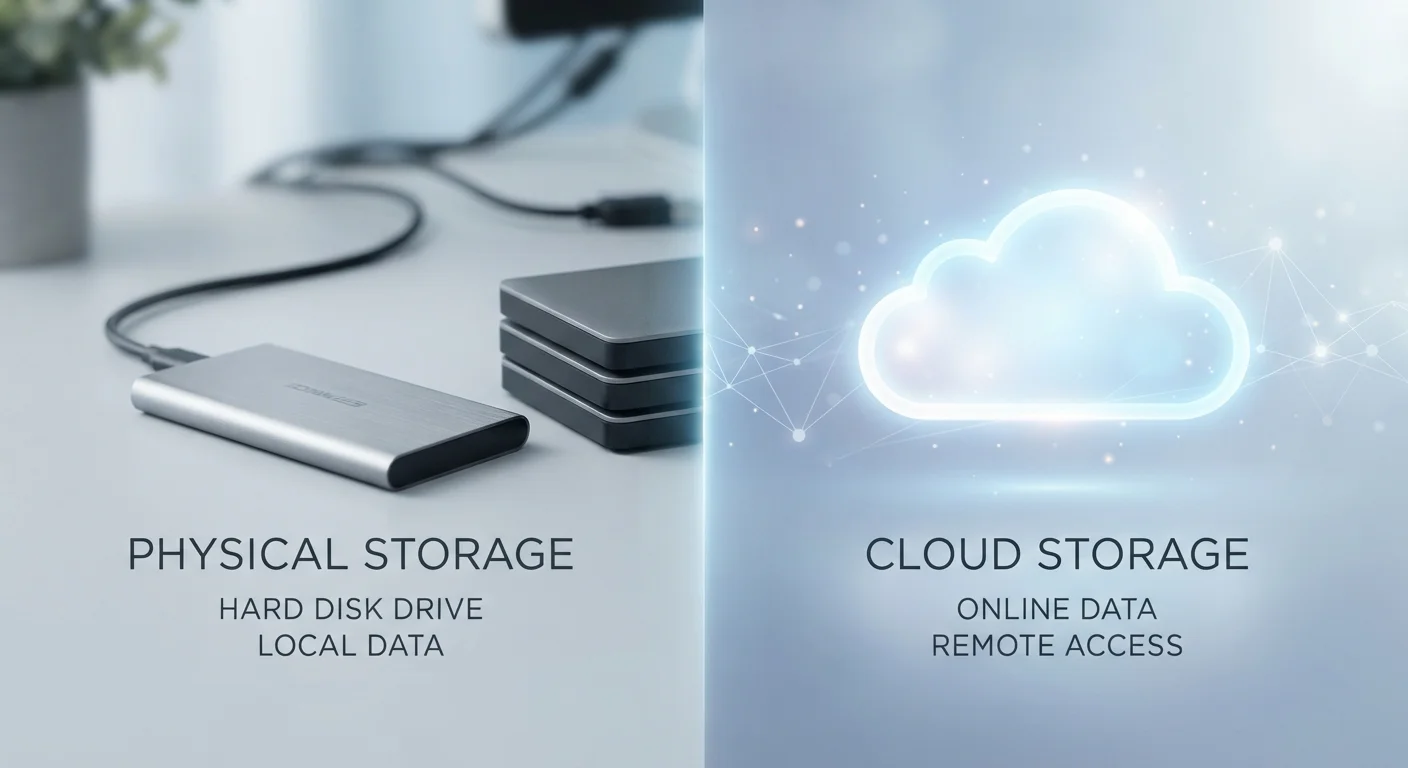
Photo credit: GadgetLite.net | All Things Tech
In this article
Understand the key differences between storing files on your device and storing them in the cloud — and when each makes sense.
Key Takeaways
- Local storage keeps files on your device; cloud storage keeps them on someone else's servers.
- Local storage works without internet; cloud storage requires a connection to access your files.
- Cloud storage makes sharing and multi-device access simple, but comes with privacy trade-offs.
- Neither option alone is a complete backup strategy - both have real failure risks.
- Most people end up using both, and that's often the most practical approach.
What Each One Actually Means
Local storage is any physical medium attached to - or built into - your device. That includes the internal drive in your laptop, the storage chip in your phone, an external hard drive on your desk, or a USB stick in your pocket. When you save a file locally, it writes directly to that hardware. No internet involved.
Cloud storage is space on servers owned and operated by a company, accessed over the internet. When you upload a file to a cloud service, it travels over your network and gets stored in a data center that could be anywhere in the world. You access it later through an app or a browser. For a deeper breakdown of how this works under the hood, see what cloud storage actually is.
Both approaches store the same kinds of files - photos, documents, videos, anything digital. The difference is where those files live, and what that means for how you use them.
Head-to-Head: How They Compare
The table below covers the practical differences most people run into day to day.
| Criterion | Local Storage | Cloud Storage |
|---|---|---|
| Where files live | On your device or drive | On remote servers |
| Internet required | No | Yes, to upload or access |
| Access from multiple devices | Manual transfer needed | Available anywhere, any device |
| Storage limit | Fixed by hardware capacity | Expandable (often with a fee) |
| Risk if device fails | Files may be lost | Files remain accessible |
| Privacy control | Full - files stay with you | Shared with service provider |
| Sharing files with others | Requires manual steps | Simple via link or folder |
| Ongoing cost | One-time hardware cost | Often subscription-based above free tier |
One thing worth noting: cloud storage access depends entirely on your internet connection. A slow connection can make large files frustratingly slow to open or save. Local storage has no such bottleneck - your device reads from its own drive at full speed regardless of your network situation.
The Trade-offs You Should Know About
Local storage has one significant vulnerability: if the device fails, gets lost, or is damaged, the files go with it. There's no automatic copy somewhere else unless you've set one up deliberately.
Cloud storage has its own risks. Files are only as safe as the service you're using - and a common misconception is that cloud storage equals a backup. It often doesn't. If you delete a file, that deletion can sync across all your devices almost instantly. Cloud storage is not the same as a backup, and treating it like one can leave you exposed.
Sync Is Not the Same as a Backup
Many cloud services sync your files, meaning they mirror whatever is on your device. If you accidentally delete something, that deletion syncs too. A true backup keeps a separate, recoverable copy that isn't affected by what happens on your main device. Most cloud storage services are not backup tools by default, though some offer versioning features that let you recover older file versions.
There's also a privacy dimension. Uploading files to a cloud service means a third party holds copies of your data and can be subject to their own security incidents or legal requests. If that concerns you, understanding cloud storage and privacy before you upload is worth your time.
For a broader look at when cloud storage genuinely helps versus when it adds unnecessary complexity, the case for and against putting everything in the cloud covers the full picture.
Using Both Together
Most people don't have to pick one and stick with it. A practical approach: keep working files on your device for speed and offline access, while letting a cloud service handle automatic copies of photos and important documents. That way you get the convenience of cloud access without being entirely dependent on a remote server.
If you use mobile devices, the calculus gets a little more nuanced. Cloud and local storage on mobile devices involves real trade-offs around cost, privacy, and how much room your phone actually has.
And if you're newer to all of this, a complete starting point for cloud storage walks through the basics without assuming any prior knowledge.
34%
Users who have permanently lost files
According to Backblaze's 2023 data loss survey, roughly one in three people reported permanently losing files at some point, most commonly due to device failure or accidental deletion.
2-3x
More devices the average person owns vs. a decade ago
Research from Statista and similar analytics firms consistently shows the average household now uses multiple connected devices, making cross-device file access a practical everyday need.

Author
Cloud Editorial Team
Cloud Editorial Team is the collective byline for our editorial team and contributor network. Articles published under this byline or an editorial pen name are researched, written, and reviewed according to our editorial standards for clarity, consistency, and independence before publication.
View all articles →