
The Software Categories Every Device Owner Should Know
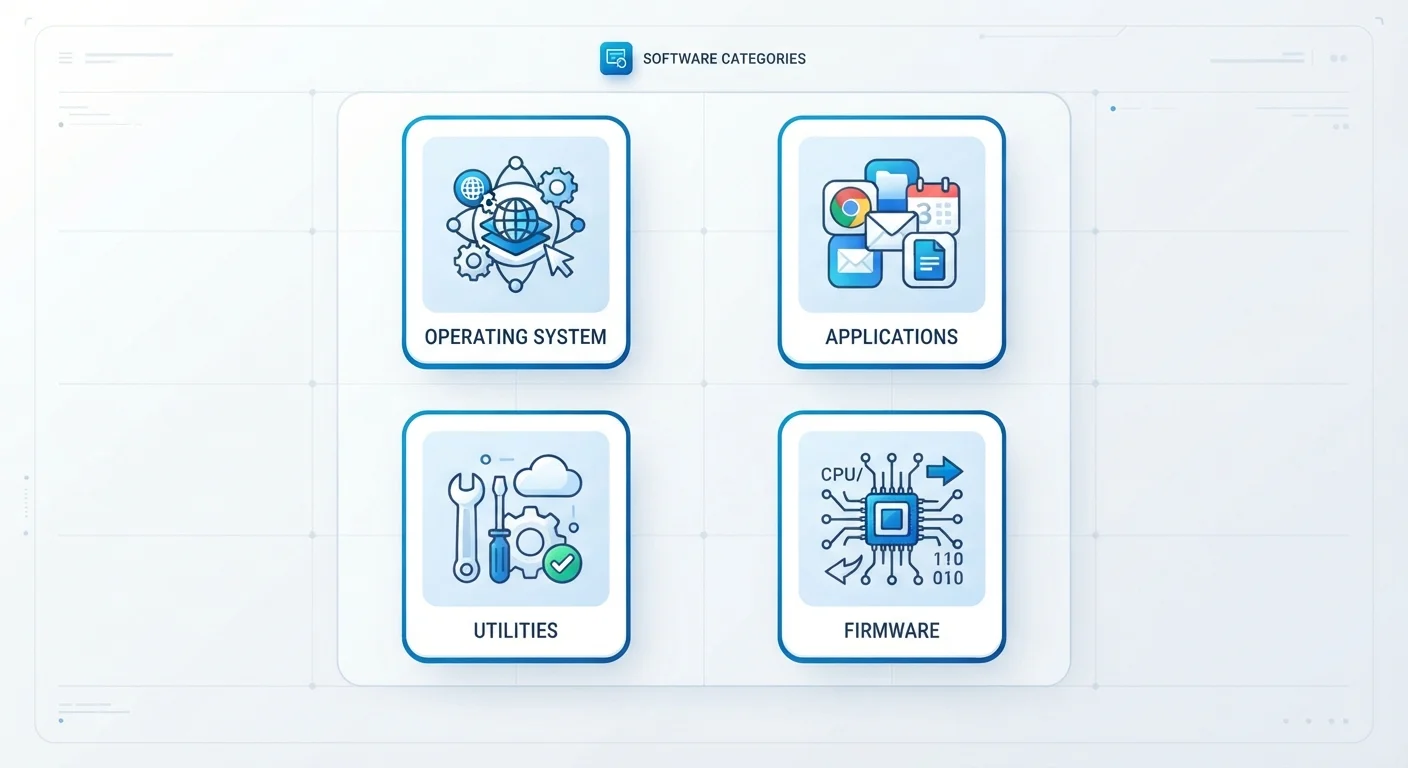
Photo credit: GadgetLite.net | All Things Tech
In this article
From operating systems to utilities to firmware — a plain-language guide to the main types of software and what role each one plays.
Why Software Categories Matter to Everyday Users
When something goes wrong with a device - or when you're trying to understand a spec sheet - knowing the difference between an operating system, an app, and firmware saves real time and confusion. Software isn't one thing; it's a layered stack, and each layer has a distinct job.
This guide breaks down the main software categories in plain language so you can navigate your devices with more confidence. Whether you own a smartphone, a laptop, or a smartwatch, these categories apply across the board. For a broader look at how software fits into your gadgets, see this end-to-end guide to modern consumer electronics.
| Most common OS types | Android, iOS, Windows, macOS, Linux |
| Firmware update frequency | Varies; typically a few times per year per device |
| Software layers on a typical smartphone | OS, apps, firmware, drivers, middleware |
| Who manages utility software | Often built into the OS or installed separately by the user |
| Driver updates triggered by | OS updates, new hardware connections, or manufacturer patches |
The Core Software Categories Explained
Operating Systems (OS)
The operating system is the foundational software that manages all hardware and lets other programs run. Android, iOS, Windows, and macOS are the most familiar examples. Without an OS, your device is just circuitry. The OS handles memory, storage access, displays, and the interface you tap or click through every day.
Applications (Apps)
Apps are the software you actively choose and use - a messaging app, a photo editor, a navigation tool. They run on top of the OS and rely on it for resources. Apps can be installed, updated, or removed independently, which is what makes them so flexible. For a deeper dive into how apps work on smartphones specifically, this grounded smartphone feature guide is a solid starting point.
Firmware
Firmware is low-level software embedded directly in hardware - your router, your wireless earbuds, your smart TV's circuit board. It rarely changes, but manufacturers release firmware updates to fix bugs or add features. Skipping firmware updates can leave devices with unpatched security issues. Learn more about firmware and other invisible software layers that keep your devices running quietly in the background.
Drivers
A driver is a small program that tells the OS how to communicate with a specific piece of hardware - a printer, a graphics card, or a USB device. When hardware suddenly stops working after an OS update, an outdated driver is usually the culprit.
Utilities
Utility software handles maintenance and system management tasks - disk cleanup tools, antivirus programs, backup software, and file compression tools all fall here. They work behind the scenes to keep your system healthy and organized.
Middleware
Middleware acts as a bridge between the OS and applications, enabling services like cloud sync, push notifications, and location sharing. Most users never see it directly, but it's what lets your calendar app update across all your devices automatically.
Operating System (OS)
The core software that manages a device's hardware and provides a platform for all other software to run. Examples include Android, iOS, Windows, and macOS.
Firmware
Permanent, low-level software stored directly on hardware components. It controls how that hardware behaves and is typically updated less frequently than apps or the OS.
Driver
A small program that allows the operating system to communicate with a specific hardware component, such as a printer, graphics card, or USB peripheral.
Middleware
Software that sits between the operating system and applications, enabling services like cloud sync, push notifications, and cross-device communication.
Utility Software
Programs designed to perform maintenance or system management tasks, such as antivirus scanning, disk cleanup, or file backup.
Application (App)
End-user software installed on top of an operating system to perform specific tasks. Apps can be added, updated, or removed without affecting the OS itself.
How These Categories Show Up on Your Devices
On a smartphone, you're interacting with all these categories simultaneously. The OS manages your screen and battery. Apps provide your actual tools. Firmware runs your phone's radio chips. Drivers handle the camera sensor. Utilities might appear as a built-in storage cleaner. Middleware keeps your contacts synced to the cloud.
Wearables like smartwatches follow the same model in a more compact form - this wearable device reference explains how software applies across every major wearable category. Even the terms printed on a phone box often hint at software layers - this packaging decoder can help you interpret what those specs actually mean.
Software Updates Apply to Every Category
Many users only think to update their apps, but OS updates, firmware updates, and driver updates are equally important. Each targets a different software layer, and skipping any one of them can create performance issues or security gaps. Check your device's settings periodically to confirm all software layers are current.
Understanding which software category is responsible for a problem helps you find the right fix faster - whether that's updating an app, installing a driver, or flashing a firmware update.

Author
Apps & Software Editorial Team
Apps & Software Editorial Team is the collective byline for our editorial team and contributor network. Articles published under this byline or an editorial pen name are researched, written, and reviewed according to our editorial standards for clarity, consistency, and independence before publication.
View all articles →