
Before You Unbox That New Gadget: A Setup Checklist
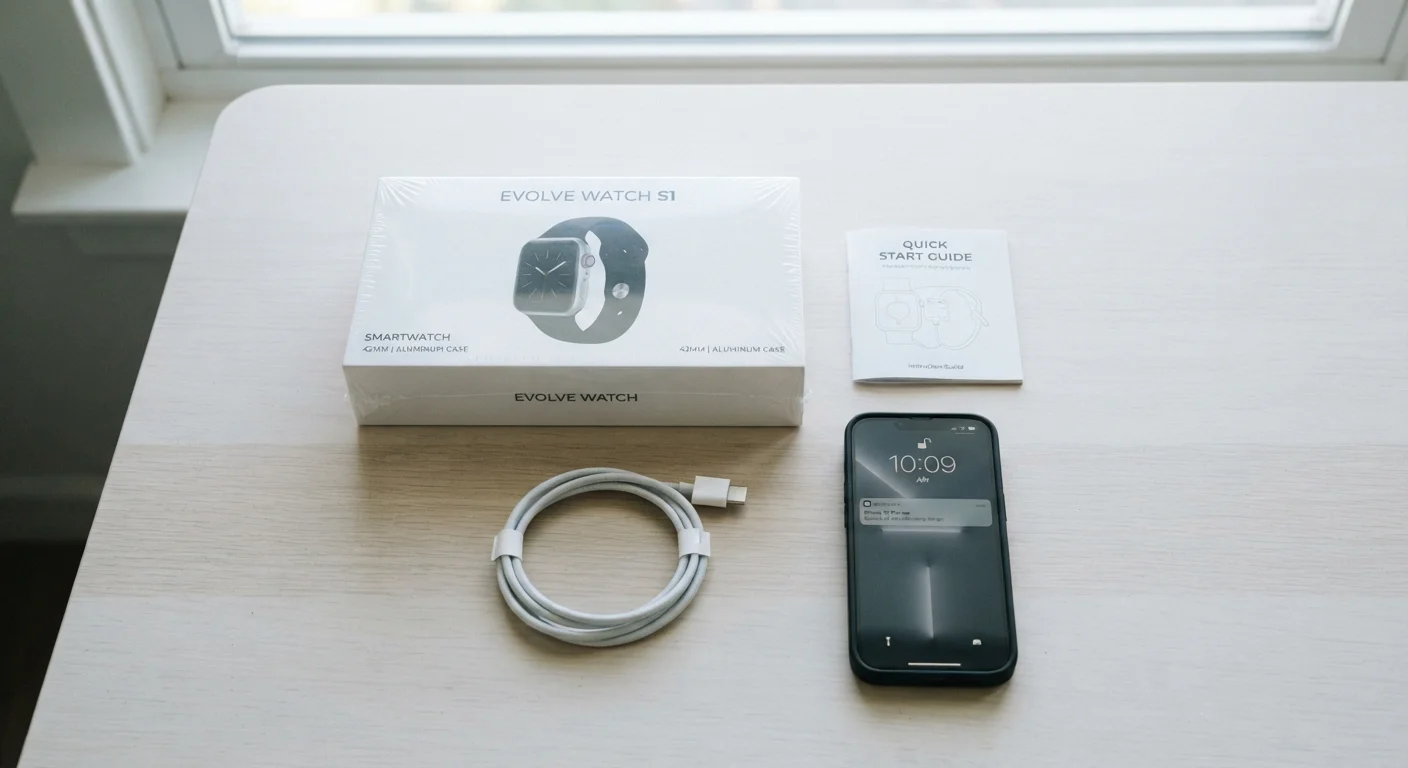
Photo credit: GadgetLite.net | All Things Tech
In this article
A short checklist covering the steps most people skip—firmware updates, privacy settings, account security—when setting up a new wearable or smart gadget.
Key Takeaways
- Charging your device fully before first use protects long-term battery health.
- Firmware updates on day one close security gaps that shipped with the device.
- Reviewing app permissions before setup prevents unnecessary data sharing.
- Registering your device is required for warranty coverage in most cases.
- A strong, unique password for the companion account is your first line of defense.
Why Setup Matters More Than Unboxing
The unboxing moment gets all the attention, but what happens in the next 30 minutes often determines whether a new gadget becomes genuinely useful or a source of ongoing frustration. Most people power on, tap through setup screens quickly, and skip straight to using the device — skipping steps that protect their privacy, security, and the device's long-term performance.
This checklist covers every category of setup that matters: from the physical basics to account security and data permissions. It applies broadly to wearables, smart speakers, fitness trackers, and most consumer gadgets. For a deeper look at security and privacy steps on a wider range of devices, see our device security and privacy checklist.
If you're still deciding whether a wearable is even right for you, this practical self-assessment can help clarify your priorities before you spend anything.
Before You Power On
Software and Firmware
Account Security
Privacy and Permissions
Connectivity and Network
Physical and Practical Setup
Tools and Resources You'll Need
Before working through the checklist, gather the items below. Having everything ready prevents mid-setup interruptions that can cause apps to freeze or pairing to fail.
Smartphone
Required for downloading the companion app, pairing the device via Bluetooth, and managing account settings.
Companion App
The manufacturer's official app handles pairing, firmware updates, and privacy/permission controls.
Wi-Fi Network
Needed for firmware downloads and initial account setup on most modern gadgets.
Password Manager
Helps you generate and store a strong, unique password for the device's associated account.
Original Charger and Cable
Use the included charger for the first full charge to avoid compatibility issues.
If you're connecting a wearable, the pairing process has its own quirks. This guide to pairing a wearable with your phone walks through Bluetooth setup and permission prompts in plain terms.
Don't Use Third-Party Chargers on Day One
Using an uncertified charger for the initial charge can interfere with battery calibration and, in some cases, damage the device's charging circuit. Stick to the included cable and adapter for the first few charge cycles. After that, any certified charger rated for the correct wattage should be fine.
After Setup: What to Check Before Daily Use
Once the main setup is done, spend a few minutes confirming everything is working as intended. Check that notifications are arriving as expected, location permissions are set correctly, and any health or fitness features are calibrated if the device requires it.
New to wearables altogether? Our first wearable guide covers what to expect from day-to-day use, including what the device can and can't track reliably.
If you're setting up a smart speaker as part of a broader home setup, this smart speaker walkthrough covers connection steps and common first-day issues. And if you're adding yet another device to a home that already has several, this setup readiness checklist helps you audit your network and compatibility before plugging anything in.
Skipping Firmware Updates Is a Security Risk
Devices often ship with firmware that was finalized weeks or months before reaching store shelves — meaning known vulnerabilities may already exist on a brand-new device. Installing the latest firmware before you start using the gadget closes those gaps. Delaying this step while you explore features leaves your account and personal data unnecessarily exposed.

Author
Releases Editorial Team
Releases Editorial Team is the collective byline for our editorial team and contributor network. Articles published under this byline or an editorial pen name are researched, written, and reviewed according to our editorial standards for clarity, consistency, and independence before publication.
View all articles →