
Headset Microphone Quality: Why It Matters More Than Most Players Realise
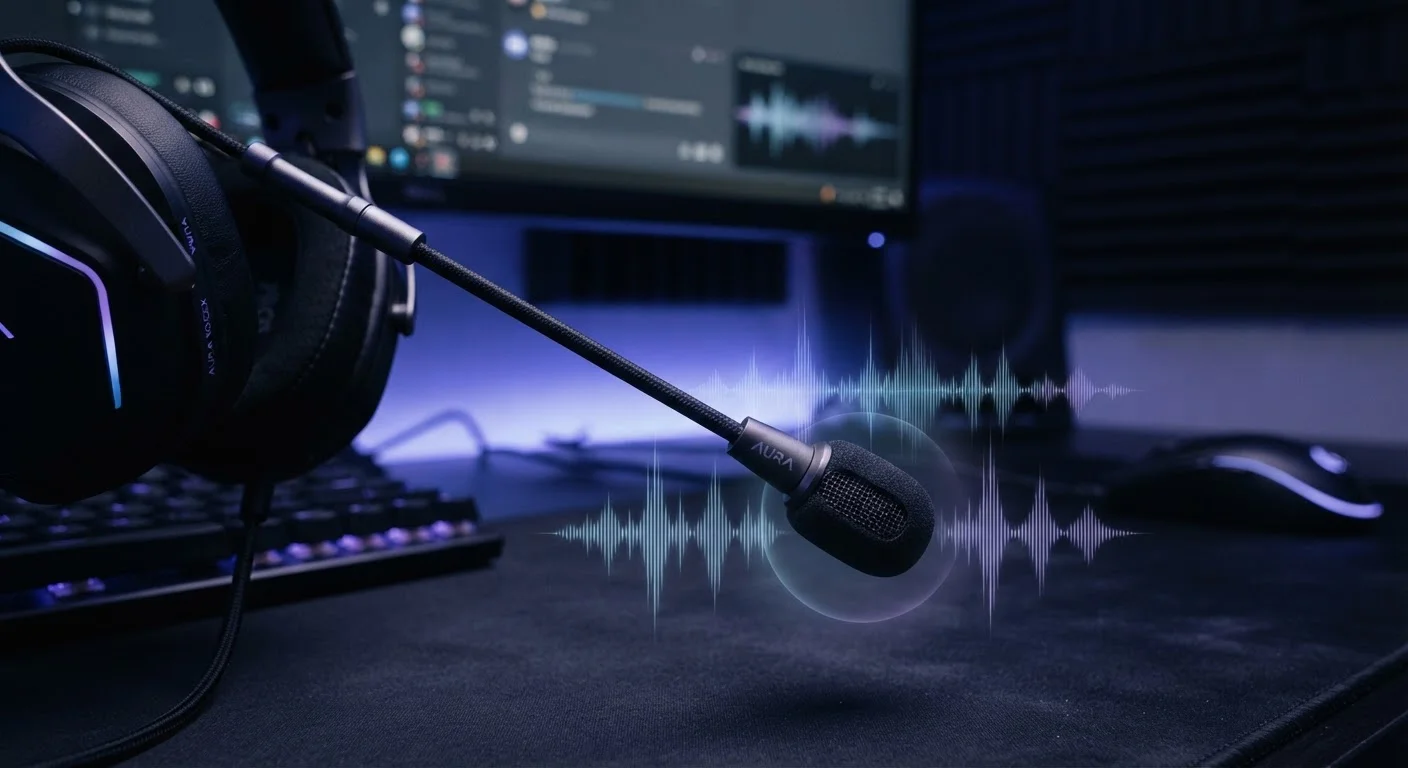
Photo credit: GadgetLite.net | All Things Tech
In this article
Mic pickup patterns, noise cancellation, and sample rates — understand what shapes your voice clarity during online play.
Key Takeaways
- Pickup pattern determines which directions a mic captures sound — cardioid is ideal for gaming.
- Noise cancellation reduces background sounds like keyboard clicks and fan hum from your voice channel.
- Sample rate affects how finely your voice is digitised, though diminishing returns apply for speech.
- Condenser mics are more sensitive than dynamic mics, which affects both clarity and background pickup.
- Software enhancements like noise gates can compensate for a physically limited microphone capsule.
Why Mic Quality Gets Overlooked — and Why That's a Problem
When gamers shop for headsets, they tend to obsess over driver size, surround sound modes, and wireless range. The microphone? It's usually an afterthought. That's understandable — you hear through the headset constantly, but you only indirectly experience your own mic through teammates' reactions.
The downstream effects of a poor mic are real, though. Muffled callouts in a squad match, clipped voice chat during clutch moments, or a teammate who sounds like they're speaking through a pillow — these are mic quality failures, not just annoyances. Communication is part of performance, and a mic that obscures your voice puts you at a disadvantage. See how this fits into the broader picture in our look at gear that genuinely improves casual play.
~80 Hz – 8 kHz
Frequency range of intelligible human speech
Most audio engineers and speech researchers cite this as the practical range that needs to be captured for clear voice communication.
48 kHz
Common headset mic sample rate
48 kHz is the standard sample rate for gaming headset microphones and is more than sufficient for capturing full voice frequency detail.
~1 inch
Optimal boom mic distance from the mouth
Audio recording guidelines widely recommend positioning a boom mic approximately one inch from the corner of the mouth to maximise voice-to-noise ratio.
Pickup Patterns: How the Mic Decides What to Hear
A pickup pattern — sometimes called a polar pattern — describes which directions a microphone is sensitive to. For gaming headsets, there are two patterns you'll encounter:
- Cardioid: Heart-shaped sensitivity zone focused in front of the mic. This is the standard for headsets because it prioritises your voice and rejects sound from behind — think keyboard noise, speakers, and ambient room sound.
- Omnidirectional: Picks up from all directions equally. Useful for conference calls or group recording, but a liability in gaming since it captures everything around you.
Most headset mics are cardioid, and for good reason. A proper cardioid capsule positioned on a flexible boom arm — angled close to the corner of your mouth — is the most effective physical foundation for clean voice capture.
Noise Cancellation: Signal Processing vs. Physics
Many headsets advertise "noise-cancelling microphones," which is worth unpacking. Unlike active noise cancellation in headphones, which uses speaker output to counter ambient sound reaching your ears, mic-side noise cancellation works by filtering what the mic transmits outward.
There are two main approaches:
- Dual-microphone beamforming: Uses two mic capsules to compare signals and isolate your voice by detecting what's consistent (your mouth) versus inconsistent (background sources). This is a hardware solution built into the mic itself.
- Software noise suppression: Runs as signal processing — either in the headset's DSP chip or via companion software — to identify and attenuate non-voice frequencies in real time.
Neither approach is perfect. Aggressive software filtering can make voices sound thin or robotic. Hardware beamforming works best when the mic is physically close to your mouth. The most effective setups combine both.
Test Your Mic Before Game Night
Most platforms — including Windows, macOS, and PlayStation — have a built-in microphone test in audio settings. Run it before a session to catch gain or placement issues early. A quick 30-second check saves you from a full match of teammates struggling to hear your callouts.
Sample Rate and Frequency Response: The Numbers That Actually Matter
Two specs you'll see on headset boxes are sample rate (in kHz) and frequency response (in Hz). Here's what they mean in plain terms:
- Sample rate
- How many times per second the mic digitises your voice. Higher numbers mean more data captured. For speech, 44.1 kHz or 48 kHz is genuinely sufficient — human voice sits between roughly 80 Hz and 8 kHz, and both those sample rates capture it fully.
- Frequency response
- The range of pitches the mic can reproduce. A response of 100 Hz–10 kHz covers the entire intelligible voice range. Wider isn't always better for a gaming mic — a boosted mid-range presence (around 2–5 kHz) often aids voice clarity more than extended highs or lows.
For a deeper technical foundation, our explainer on audio quality in consumer devices covers how these same concepts apply across speakers and earbuds.
What You Can Actually Control
Hardware limits what's possible, but your habits and settings shape the result. A few high-impact adjustments:
- Boom arm placement: Position the mic about an inch from the corner of your mouth — not directly in front of your lips, which causes plosive pops on "p" and "b" sounds.
- System input levels: Most operating systems and consoles let you set mic gain. Too high introduces clipping (distortion at loud volumes); too low makes your voice hard to hear. Aim for peaks in the mid-range of your platform's input meter.
- Noise gate software: Tools built into many headset companion apps let you set a volume floor — the mic only transmits when you're actively speaking, killing idle room noise automatically.
For anyone curious about the privacy dimension of mics that are always active, it's worth reading up on always-on microphone trade-offs — especially relevant if your headset software runs a persistent background process. And if you're weighing other headset variables, our comparison of wired vs. wireless gaming headsets covers what connectivity choice means for audio and latency.
Frequently Asked Questions

Author
Gaming Editorial Team
Gaming Editorial Team is the collective byline for our editorial team and contributor network. Articles published under this byline or an editorial pen name are researched, written, and reviewed according to our editorial standards for clarity, consistency, and independence before publication.
View all articles →