
Home Tech Security: Keeping Your Connected Devices Safe on Your Network
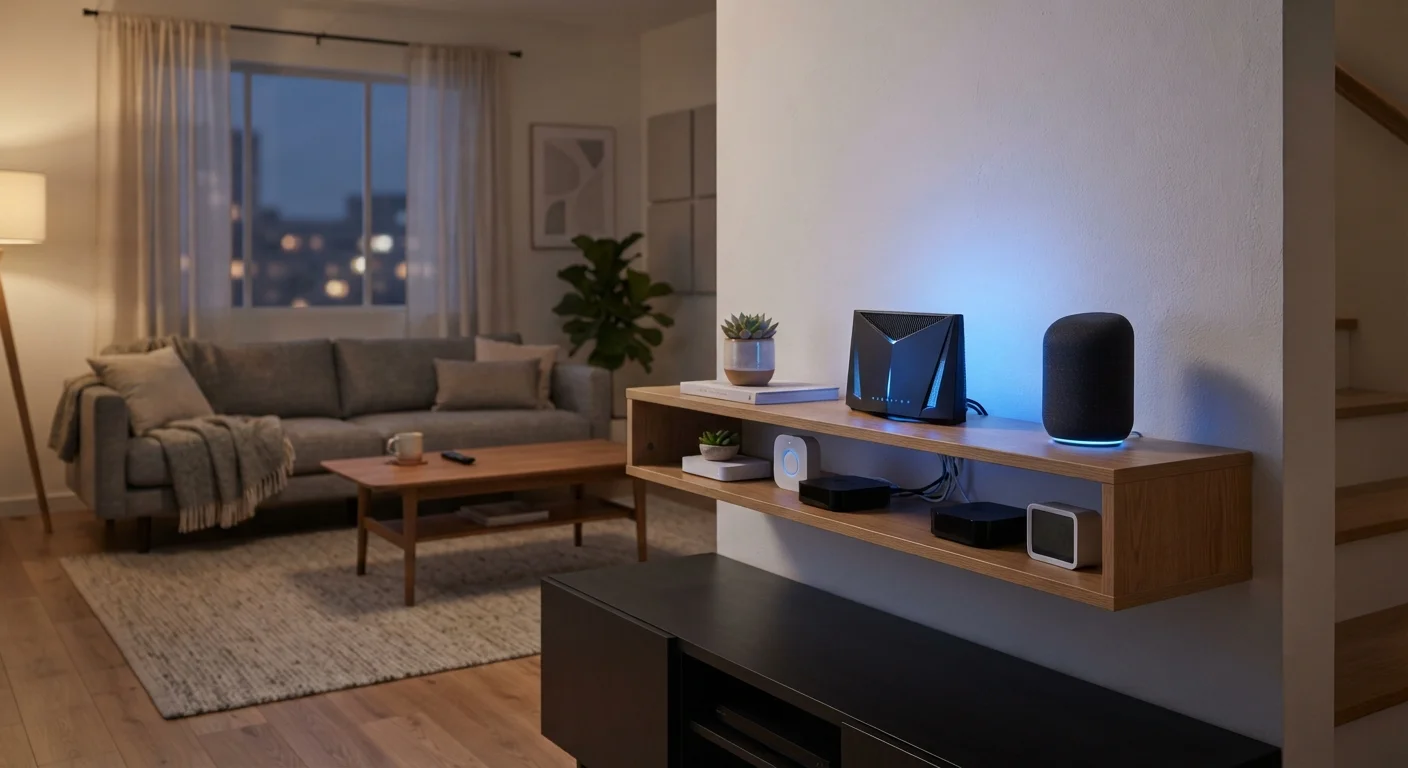
Photo credit: GadgetLite.net | All Things Tech
In this article
Smart devices are common entry points for network intrusions. These practical steps help you lock down your home setup without needing expert knowledge.
Key Takeaways
- Default router passwords and device credentials are a leading cause of home network breaches.
- A guest network isolates smart devices from your primary computers and phones.
- Firmware updates patch known security vulnerabilities and should not be skipped.
- Disabling unused features like remote access reduces your network's attack surface.
- Strong, unique passwords on every device are one of the most effective defenses available.
Why Your Smart Devices Are a Security Risk
Most people think of home security as locks on doors — but your Wi-Fi network has its own set of entry points. Smart TVs, thermostats, video doorbells, and even smart plugs all connect to the internet, and each one is a potential gap an attacker could exploit. Unlike your laptop, many of these devices run quietly in the background with little oversight.
The risk isn't hypothetical. Security researchers have demonstrated how compromised smart cameras, routers, and even connected appliances can be used to intercept traffic or gain a foothold into a home network. If you're unsure what's actually on your network right now, our guide to what smart home devices actually do is a useful starting point.
57%
Of IoT devices vulnerable to medium or high severity attacks
According to a Palo Alto Networks Unit 42 report, over half of connected devices carry unpatched vulnerabilities that make them susceptible to known attack methods.
83%
Of home routers running with default or weak credentials
Research from the American Consumer Institute found the vast majority of home routers are poorly secured, often shipped with credentials that users never change.
Core Practices Every Household Should Follow
None of these steps require a technical background — they're straightforward actions that meaningfully reduce your exposure. Taken together, they address the most common ways home networks are compromised.
Change default login credentials on every device immediately after setup.
Routers and smart devices ship with well-known default usernames and passwords that are publicly documented. Leaving them unchanged means anyone who finds your device — physically or digitally — can log straight in. Changing them closes this gap instantly.
Keep firmware updated on your router and all connected devices.
Manufacturers regularly release firmware updates that patch discovered security vulnerabilities. An unpatched device is a known weak point that attackers can exploit using publicly available methods. Most modern routers and smart home apps offer automatic update options.
Create a separate network segment for your smart devices.
Keeping smart gadgets on a different network from your computers and phones means that even if a device is compromised, an attacker can't easily pivot to your sensitive data. Many routers support a guest network that works perfectly for this purpose.
Disable features you don't use, especially remote access.
Many devices enable remote management or cloud-based access by default. Each enabled feature is an additional pathway that could be exploited. Turning off what you don't actively need reduces the number of ways an attacker can reach your network.
Use strong, unique passwords for every device and associated account.
Reusing passwords means a breach on one service can expose accounts elsewhere. A password manager makes it practical to maintain unique credentials across dozens of devices and apps without needing to memorize them.
Quick Wins You Can Do Today
If the full list feels daunting, start here. These actions take under ten minutes each and deliver real security value immediately. For a deeper look at locking down your broader home setup, see our home network security walkthrough.
Once you've handled the basics, it's worth setting up a guest network for your smart devices — a simple router setting that keeps your connected gadgets separated from the devices you use for banking and personal accounts.
Not All Routers Support Guest Networks
Older or budget routers may not offer a dedicated guest network option. If yours doesn't, it may be worth checking whether a firmware update adds the feature, or considering whether your current router meets your household's needs. Our guide on setting up a home Wi-Fi network for smart devices covers what to look for.
Building Better Habits Over Time
Security isn't a one-time fix — it's an ongoing habit. Set a reminder every few months to check for firmware updates on your router and smart devices. Review which devices are connected to your network and remove anything you no longer use. If you notice devices dropping offline unexpectedly, that can sometimes signal a network configuration issue worth investigating — our article on why smart devices keep dropping off the network covers the most common causes.
For households with indoor or outdoor cameras, it's also worth reading up on smart camera privacy considerations — particularly around data storage and who has access to your footage.
“Security is always excessive until it's not enough.”
— Robbie Sinclair, Head of Security, Country Energy (widely cited in cybersecurity contexts)
The goal isn't perfect security — that doesn't exist. The goal is to make your home network a harder target than average, so that opportunistic attacks move on rather than in.

Author
Gadgets Editorial Team
Gadgets Editorial Team is the collective byline for our editorial team and contributor network. Articles published under this byline or an editorial pen name are researched, written, and reviewed according to our editorial standards for clarity, consistency, and independence before publication.
View all articles →