
Voice Assistants at Home: What They Can Do, What They Can't, and What They Remember
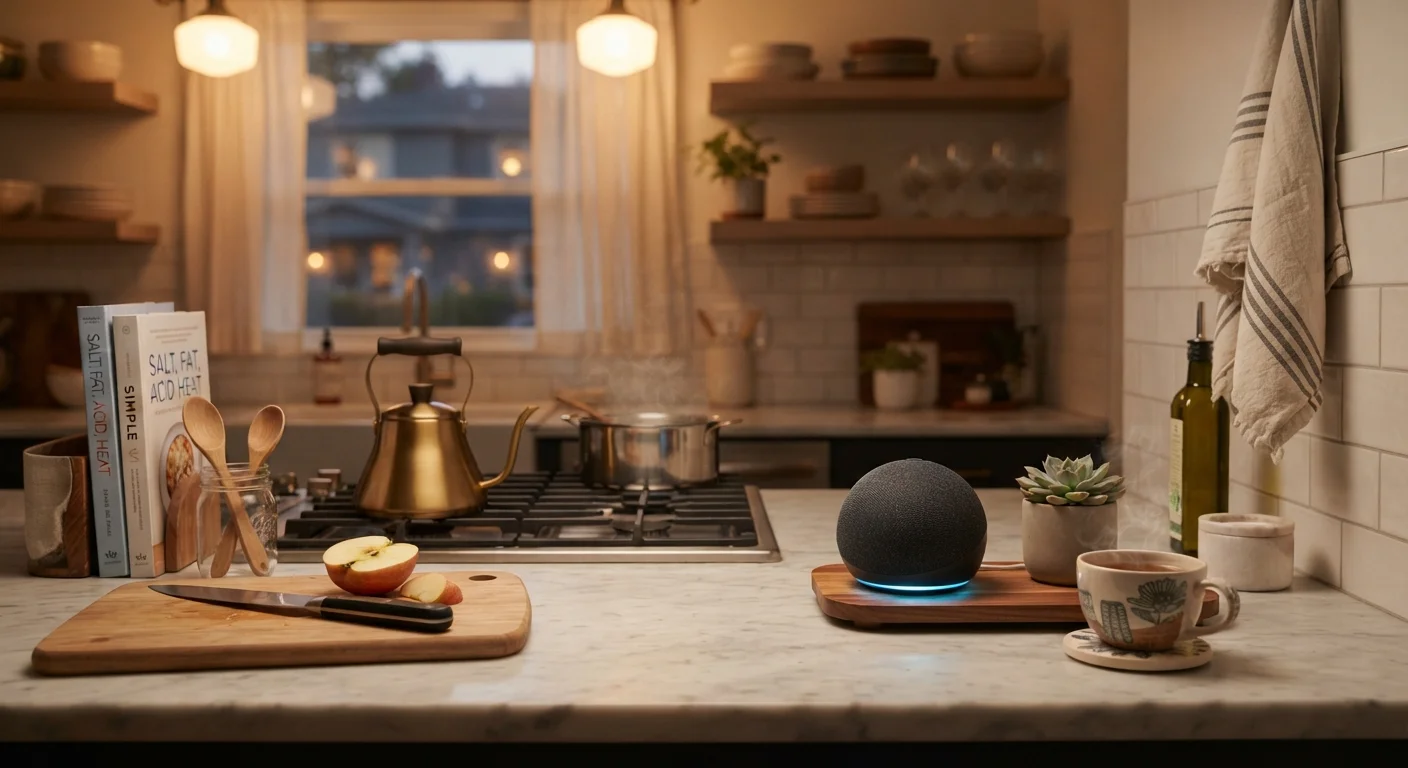
Photo credit: GadgetLite.net | All Things Tech
In this article
A clear-eyed look at voice assistant capabilities, their limitations, and what recordings they store — so you can decide how much to rely on them.
Key Takeaways
- Voice assistants excel at quick, hands-free tasks like timers, reminders, and smart home control.
- Complex reasoning, nuanced questions, and multi-step planning remain genuine weak spots.
- Most platforms store voice recordings by default; you can review and delete them in account settings.
- Privacy controls vary by platform — checking your settings once is worth the few minutes it takes.
Hands-free control of smart home devices
Controlling lights, thermostats, and plugs by voice is fast and genuinely useful — especially when your hands are occupied.
Quick answers to bounded factual questions
Weather, unit conversions, definitions, and sports scores are retrieved in seconds with no screen required.
Seamless calendar and reminder integration
When linked to your accounts, assistants handle scheduling reminders and reading back your calendar reliably.
Reduced friction for routine daily tasks
Timers, shopping list additions, and music playback happen in one spoken sentence — no app-switching needed.
Struggles with complex, multi-step reasoning
Requests that require synthesizing multiple factors — meal planning, nuanced advice — produce incomplete or generic results.
Limited context memory across a conversation
Most voice assistants treat each query as largely independent, making back-and-forth dialogue clumsy compared to human conversation.
Sensitive to accents, noise, and unusual words
Background sounds and regional accents can noticeably reduce recognition accuracy, leading to repeated or misunderstood commands.
Voice recordings stored by default on servers
Audio snippets are typically retained to improve the service, meaning private conversations near the device can potentially be captured.
Accidental activations are a real occurrence
Devices occasionally mishear ambient speech as their wake word, triggering recording and processing of unintended audio.
What Voice Assistants Actually Do Well
Voice assistants — the software powering devices like smart speakers and smart displays — have settled into a clear set of strengths after years of development. Understanding where they genuinely shine helps you get real value from them instead of constant frustration.
Hands-free control of smart home devices
Controlling lights, thermostats, and plugs by voice is fast and genuinely useful — especially when your hands are occupied.
Quick answers to bounded factual questions
Weather, unit conversions, definitions, and sports scores are retrieved in seconds with no screen required.
Seamless calendar and reminder integration
When linked to your accounts, assistants handle scheduling reminders and reading back your calendar reliably.
Reduced friction for routine daily tasks
Timers, shopping list additions, and music playback happen in one spoken sentence — no app-switching needed.
Hands-free control is the headline feature. Asking your assistant to turn off the living room lights, start a kitchen timer, or add milk to your shopping list takes seconds and requires zero screen interaction. For people cooking, exercising, or caring for young children, that frictionless access is meaningful. Integration with smart home devices has matured considerably, meaning most mainstream platforms support a wide range of connected appliances out of the box.
Quick information retrieval — weather, unit conversions, sports scores, dictionary definitions — is another reliable strength. These are bounded questions with definitive answers, and voice assistants handle them efficiently. Calendar management, alarms, and reminder scheduling also tend to work smoothly when your assistant is linked to your accounts.
Where Voice Assistants Fall Short
Despite years of improvement, voice assistants hit predictable walls. Knowing these limitations upfront saves a lot of repeated, increasingly frustrated requests.
Struggles with complex, multi-step reasoning
Requests that require synthesizing multiple factors — meal planning, nuanced advice — produce incomplete or generic results.
Limited context memory across a conversation
Most voice assistants treat each query as largely independent, making back-and-forth dialogue clumsy compared to human conversation.
Sensitive to accents, noise, and unusual words
Background sounds and regional accents can noticeably reduce recognition accuracy, leading to repeated or misunderstood commands.
Voice recordings stored by default on servers
Audio snippets are typically retained to improve the service, meaning private conversations near the device can potentially be captured.
Accidental activations are a real occurrence
Devices occasionally mishear ambient speech as their wake word, triggering recording and processing of unintended audio.
Nuanced or multi-step reasoning is still a weak point. If you ask a voice assistant to help you plan a week of meals based on dietary restrictions and what's already in your fridge, expect incomplete or generic results. These systems are better at retrieving information than synthesizing it. Context retention across a conversation is limited — each query is often treated closer to a fresh request than a continuation of a dialogue.
Accents, background noise, and uncommon proper nouns can all trip up speech recognition. Voice assistants also struggle with tasks that require judgment calls or opinion — areas where even humans disagree. For a broader look at where smart home technology delivers versus where it creates new headaches, see smart home convenience vs. complexity.
Voice Assistants vs. Generative AI Chatbots
Traditional voice assistants are optimized for quick, command-style interactions and device control. Generative AI tools — increasingly being built into phones, PCs, and some smart speakers — handle open-ended questions and longer conversations differently, with more contextual memory. They are distinct technologies with overlapping but separate strengths. If a voice assistant disappoints you on a reasoning task, a generative AI tool on your phone may handle it better.
What Gets Recorded — and What You Can Do About It
This is the part most people skip, and it matters. Voice assistants use a wake word (like "Hey" followed by the assistant's name) to begin listening. In practice, audio snippets are typically sent to the platform's servers for processing after that trigger — and many platforms store those recordings by default.
~70%
US adults who own a smart speaker
Pew Research Center surveys have consistently found smart speaker ownership among US adults has grown significantly over the past several years.
Seconds
Typical wake-word to response latency
Modern voice assistants process most simple queries in under two seconds, according to platform-published performance benchmarks.
What gets stored varies by platform, but major voice assistant providers have acknowledged that voice recordings are retained to improve speech recognition and personalization features. Most platforms now provide settings pages where you can review, delete, or limit the storage of your voice history. Some allow automatic deletion on a rolling schedule — weekly or every three months, for example.
Accidental activations — when the device mishears a nearby conversation as its wake word — do happen, and those snippets can also be recorded. The practical privacy implications of always-on microphones are worth understanding before you place a device in every room. The privacy trade-offs of always-on microphones deserve a deliberate look, not an afterthought.
The short version: assume recordings exist, check your platform's privacy dashboard, and configure deletion schedules that match your comfort level. It takes fewer than ten minutes and meaningfully changes what data is retained.
Making an Informed Decision for Your Home
Voice assistants occupy a practical middle ground — more useful than many skeptics admit, less capable than their marketing suggests. The right question isn't whether they're worth having, but whether their specific strengths match the tasks you actually want help with.
If your home includes other connected devices, pairing a voice assistant with them can genuinely streamline daily routines. The smart displays vs. smart speakers comparison is a useful next step if you're deciding which form factor suits your space. For broader context on how voice-based AI compares to the AI tools appearing in laptops and PCs, AI features in new PCs offers an honest parallel assessment.
Use voice assistants for what they're genuinely good at, keep your expectations calibrated for the rest, and take fifteen minutes to explore your privacy settings. That combination gets you the convenience without the unpleasant surprises.

Author
Electronics Editorial Team
Electronics Editorial Team is the collective byline for our editorial team and contributor network. Articles published under this byline or an editorial pen name are researched, written, and reviewed according to our editorial standards for clarity, consistency, and independence before publication.
View all articles →