
Trusting the Wrong Signals: How Scammers Fake Legitimacy
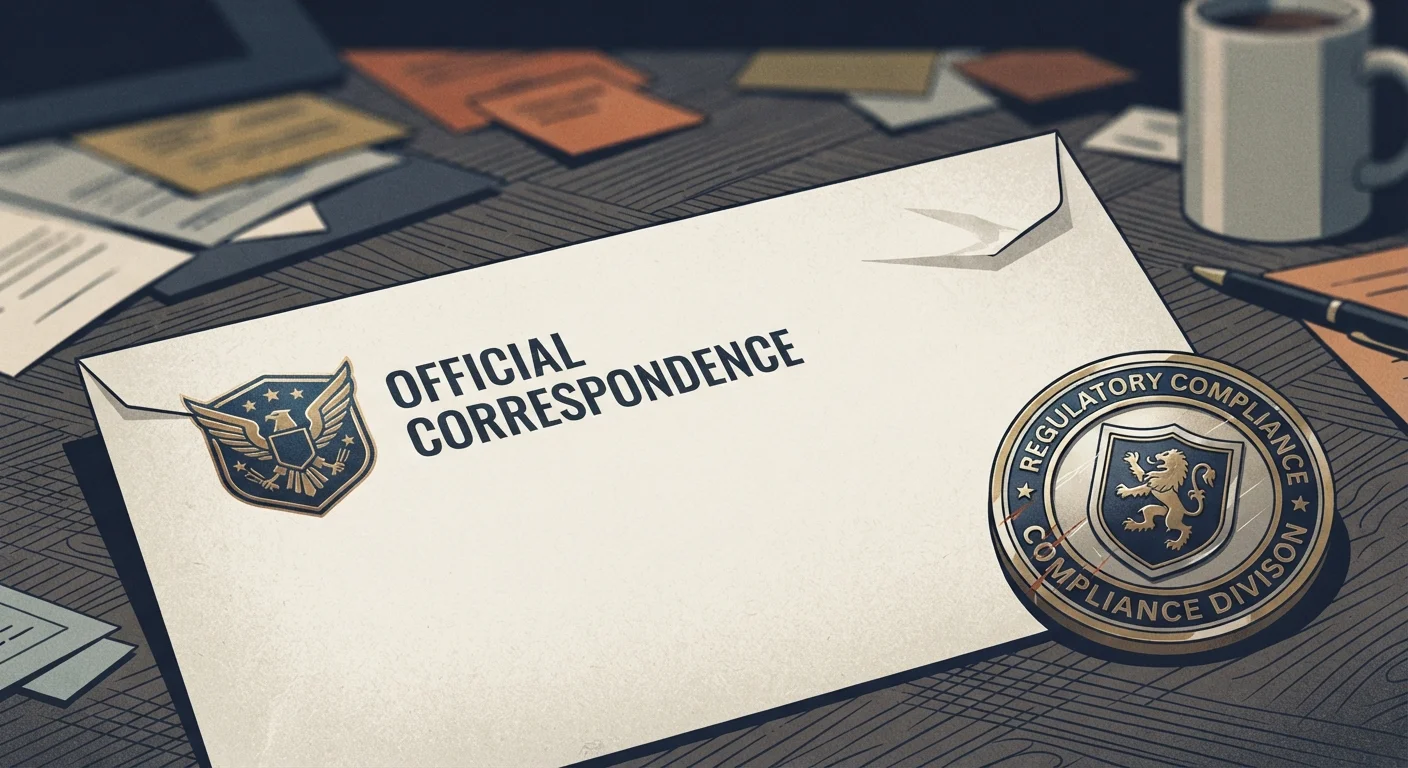
Photo credit: GadgetLite.net | All Things Tech
In this article
Logos, professional language, and even real company names can be copied. Learn which trust signals are easy to fake and which aren't.
Key Takeaways
- Logos, official-sounding language, and even real company names are trivially easy for scammers to copy.
- Visual trust signals like padlock icons and professional design do not guarantee a site or message is safe.
- Verifying through a known, independent channel is the most reliable way to confirm legitimacy.
- Urgency and emotional pressure are manipulation tactics designed to prevent you from thinking critically.
Why Faking Legitimacy Is Easier Than You Think
Scammers don't rely on technical exploits alone — they rely on your trust. By mimicking the look and feel of legitimate organizations, they exploit the mental shortcuts we all use to decide what's safe. The problem is that most of the signals we've been trained to trust are surprisingly easy to fake.
A copied logo, a professional email template, and a domain name one letter off from the real thing can be assembled in minutes. Understanding which trust signals are hollow — and which actually hold up — is one of the most practical skills you can develop. For a deeper look at how manipulation tactics underpin these attacks, see our piece on social engineering and digital fraud.
Assuming a professional appearance means a message or website is safe.
Why it happens: We're conditioned to associate polished design with credibility. Scammers exploit this by investing effort into making communications look official.
Trusting the HTTPS padlock as a sign a website is legitimate.
Why it happens: Security awareness campaigns historically emphasized the padlock as a safety marker, and many people still equate it with trustworthiness.
Reading only the display name on an email instead of the full sending address.
Why it happens: Email clients often show only the friendly display name by default, and most users never expand the header to see the actual address.
Acting immediately on messages that create urgency or fear.
Why it happens: Urgency bypasses deliberate thinking. When we believe something bad will happen if we don't act now, our instinct is to react rather than evaluate.
Assuming a message is real because it includes accurate personal details.
Why it happens: Scammers acquire real names, partial account numbers, and addresses from data breaches and use them to seem like insiders with legitimate access.
Trust Signals That Scammers Can and Cannot Fake
Not all trust signals are equal. Some are genuinely hard to replicate; others offer almost no security at all.
Easy to Fake
- Logos and branding: Any image on the web can be downloaded and inserted into an email or website within seconds.
- Professional language: Grammar and polished writing no longer separate real messages from fraudulent ones, especially as AI writing tools improve.
- Sender display names: An email can show "PayPal Support" as the sender name while the actual address is something completely unrelated.
- HTTPS padlock icons: HTTPS means the connection is encrypted — it says nothing about whether the site itself is trustworthy. Our guide to spotting a fake website explains this distinction in detail.
Harder to Fake
- The actual email domain: Look past the display name to the full sending address. Legitimate companies use their own verified domains consistently.
- Contact initiated by you: If you call a company's number found on their official website — not one in the message — you control the channel.
- Multi-factor authentication prompts from your own device: Codes generated by an authenticator app on your phone are significantly harder for attackers to intercept than SMS codes. See our comparison of SMS codes vs. authenticator apps for more context.
Real Company Names Don't Equal Real Senders
Scammers routinely reference authentic brand names, invoice numbers, and even your own name — obtained from data breaches — to appear credible. Seeing your bank's logo or your name in an email is not confirmation that it came from your bank. Account takeover attacks often begin exactly this way; our article on account takeover scams explains why they are so difficult to detect.
What to Do When Something Feels Off
The single most effective habit is slowing down. Scammers create urgency precisely because a hurried person skips verification steps. If a message claims your account will be closed, a payment failed, or a package is held — pause before clicking anything.
Go directly to the organization's official website by typing the URL yourself or using a saved bookmark. Call the customer service number listed there — not any number provided in the suspicious message. This independent verification approach is covered step-by-step in our article on verifying a suspicious message before you respond.
Also train yourself to check the actual sender address on every email, not just the display name. Our editorial team outlines the most telling signs in red flags security experts spot in emails. When in doubt, delete and contact the organization directly — no legitimate company will penalize you for taking an extra moment to verify.
Independent Verification Is Non-Negotiable
Never use contact details — phone numbers, links, or email addresses — provided inside a suspicious message to verify that message. Those details are fully controlled by the scammer. Always locate contact information through an official website you navigate to yourself, or a physical document you already had before the message arrived.

Author
Cyber Security Editorial Team
Cyber Security Editorial Team is the collective byline for our editorial team and contributor network. Articles published under this byline or an editorial pen name are researched, written, and reviewed according to our editorial standards for clarity, consistency, and independence before publication.
View all articles →