
The Honest Trade-Offs of a Smart Home on a Single Network
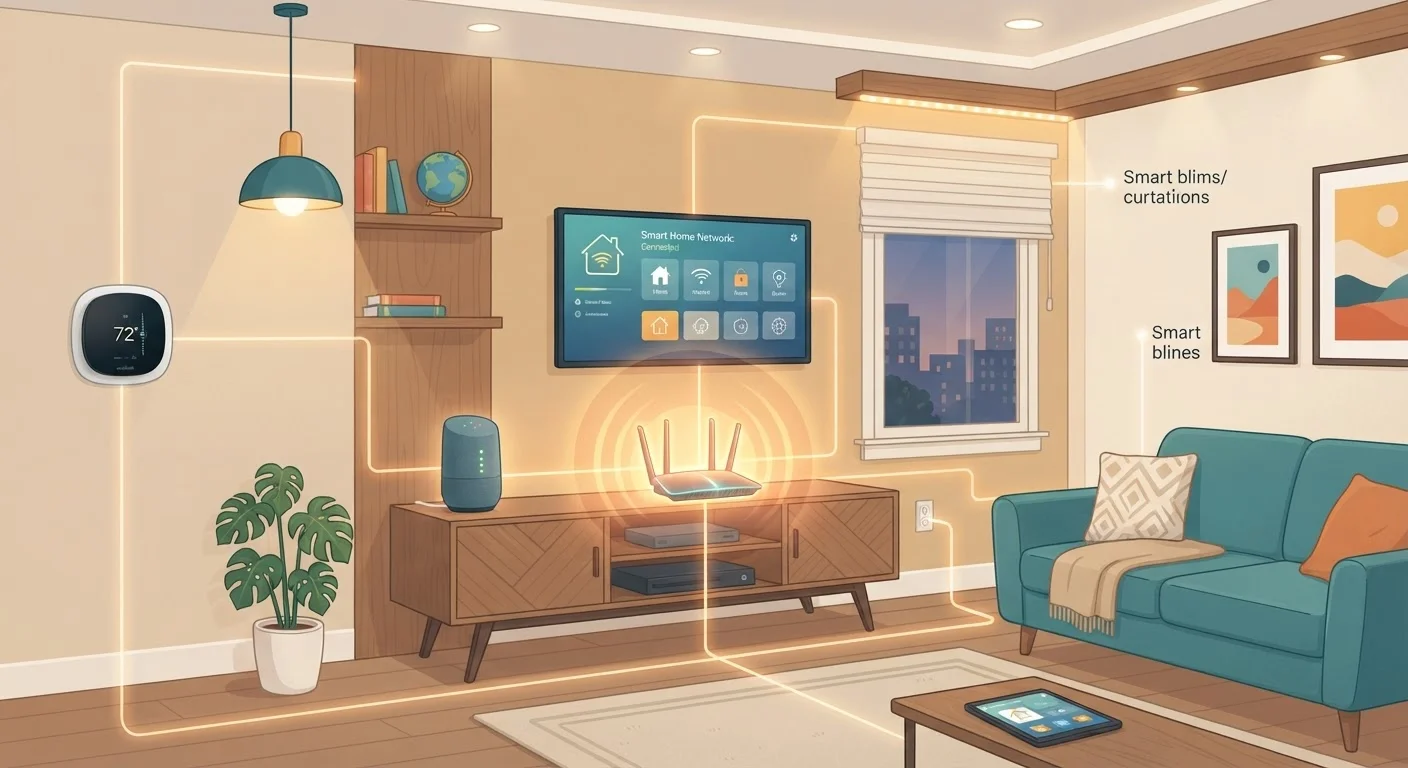
Photo credit: GadgetLite.net | All Things Tech
In this article
Running all your smart home devices on one network is convenient but carries real downsides. Here's a balanced look at the implications.
Key Takeaways
- A single network for all smart devices is simpler to manage but creates a shared point of failure.
- Security risk increases when low-security IoT devices share a network with laptops and phones.
- Network congestion from too many devices can slow speeds and cause lag.
- Simple steps like network segmentation can reduce risk without requiring a second router.
Devices discover and communicate with each other easily
When everything is on the same network, apps, hubs, and smart devices can find each other automatically. This reduces manual configuration and makes features like voice control or cross-device automation more reliable.
Simpler setup with fewer credentials to manage
One Wi-Fi password covers every device in the home. This lowers the friction of adding new gadgets and makes it easier to troubleshoot when something stops connecting.
Easier troubleshooting from a single location
When connectivity issues arise, there's one router and one network to investigate. Splitting devices across multiple networks can obscure where a problem actually originates.
Works out of the box for most households
Default router configurations support a single network, meaning no extra setup is required to get started. For users who want functional and simple, this is often sufficient for a small number of devices.
Vulnerable IoT devices can expose your whole network
Smart home gadgets often have weaker security than computers or phones. If one is compromised, a flat single-network setup gives an attacker a potential path to more sensitive devices on the same network.
Bandwidth congestion increases as device count grows
Every device on the network competes for the same bandwidth pool. A busy household with a dozen or more connected gadgets may notice slowdowns, especially during video calls or streaming.
One point of failure affects everything simultaneously
If the router goes down, reboots, or loses its configuration, every device on the network is affected at once - including security cameras, smart locks, and any automations that depend on connectivity.
No natural isolation between device types
Without segmentation, a smart TV, a work laptop, and a cheap Wi-Fi plug all share the same logical space. This makes it harder to apply different security standards to different device categories.
Why One Network Is So Appealing
Most home routers broadcast a single Wi-Fi network, and for plenty of households, that's where everything lands - phones, laptops, smart TVs, thermostats, doorbells, and whatever else arrived in a holiday gift box. It works, and that's a big part of why people stick with it.
The practical upsides are real. Devices on the same network can discover and talk to each other without extra configuration. Your phone finds the smart speaker. The app connects to the camera. The smart display pulls your calendar. When everything lives in one place, it tends to just work - at least at first.
There's also less mental overhead. One password to remember, one router to reboot when something acts up, one place to look when you're troubleshooting. For everyday users who aren't managing a home IT setup, simplicity is a genuine feature, not a consolation prize. See how smart home devices balance convenience and complexity for a broader look at this trade-off.
Devices discover and communicate with each other easily
When everything is on the same network, apps, hubs, and smart devices can find each other automatically. This reduces manual configuration and makes features like voice control or cross-device automation more reliable.
Simpler setup with fewer credentials to manage
One Wi-Fi password covers every device in the home. This lowers the friction of adding new gadgets and makes it easier to troubleshoot when something stops connecting.
Easier troubleshooting from a single location
When connectivity issues arise, there's one router and one network to investigate. Splitting devices across multiple networks can obscure where a problem actually originates.
Works out of the box for most households
Default router configurations support a single network, meaning no extra setup is required to get started. For users who want functional and simple, this is often sufficient for a small number of devices.
Where a Single Network Starts to Strain
The problems tend to creep up rather than announce themselves. As device count grows, they all compete for bandwidth and router attention. A single router has a ceiling - both in terms of simultaneous connections it can handle cleanly and the raw throughput it can distribute. What actually happens as device count climbs is worth understanding before you add another gadget to the pile.
Beyond performance, there's a structural security problem. Smart home devices - especially cheaper ones - often run older firmware, receive infrequent updates, or have weak default credentials. When a vulnerable device shares a flat network with your laptop and phone, an attacker who compromises that device potentially has a route to everything else. It's not hypothetical; researchers have demonstrated this kind of lateral movement in home networks repeatedly.
Vulnerable IoT devices can expose your whole network
Smart home gadgets often have weaker security than computers or phones. If one is compromised, a flat single-network setup gives an attacker a potential path to more sensitive devices on the same network.
Bandwidth congestion increases as device count grows
Every device on the network competes for the same bandwidth pool. A busy household with a dozen or more connected gadgets may notice slowdowns, especially during video calls or streaming.
One point of failure affects everything simultaneously
If the router goes down, reboots, or loses its configuration, every device on the network is affected at once - including security cameras, smart locks, and any automations that depend on connectivity.
No natural isolation between device types
Without segmentation, a smart TV, a work laptop, and a cheap Wi-Fi plug all share the same logical space. This makes it harder to apply different security standards to different device categories.
17+
Average connected devices per US household
According to Deloitte's Digital Media Trends research, the average US household has over 17 internet-connected devices - a figure that has grown steadily as smart home adoption has expanded.
~57%
IoT devices vulnerable to medium or high severity attacks
A Palo Alto Networks Unit 42 report found that approximately 57% of IoT devices are vulnerable to medium or high severity attacks, highlighting how exposed unmanaged smart devices can leave a shared network.
What You Can Actually Do About It
You don't need a second router or an IT background to reduce the risk. The most practical step most modern routers already support is creating a guest network - a separate Wi-Fi segment that keeps connected devices isolated from your main network. Put your smart plugs, bulbs, and cameras there. Keep your computers and phones on the primary network.
This approach, sometimes called network segmentation, limits how far any one compromised device can reach. Your smart thermostat still works. Your doorbell still sends alerts. But if that thermostat were somehow exploited, it can't reach your laptop's shared folders or your phone's open apps. It's a meaningful security upgrade with a modest setup effort.
Check Your Router Before Buying New Gear
Many mid-range routers sold in the past few years support guest networks or VLAN (Virtual Local Area Network) segmentation - a way to divide traffic into separate lanes. Before assuming you need new hardware, log into your router's admin panel and look for a 'Guest Network' option. Most major router brands include this feature even on their more affordable models. If yours doesn't, that may be a stronger reason to upgrade than raw speed.
For a deeper walkthrough of securing connected devices, these practical steps for home network security cover the topic without requiring expert knowledge. If you're also weighing how your devices connect physically, the wired vs. wireless trade-off guide is a useful companion read.

Author
Cloud Editorial Team
Cloud Editorial Team is the collective byline for our editorial team and contributor network. Articles published under this byline or an editorial pen name are researched, written, and reviewed according to our editorial standards for clarity, consistency, and independence before publication.
View all articles →