
Wired vs. Wireless Smart Home Devices: Understanding the Real Trade-Offs
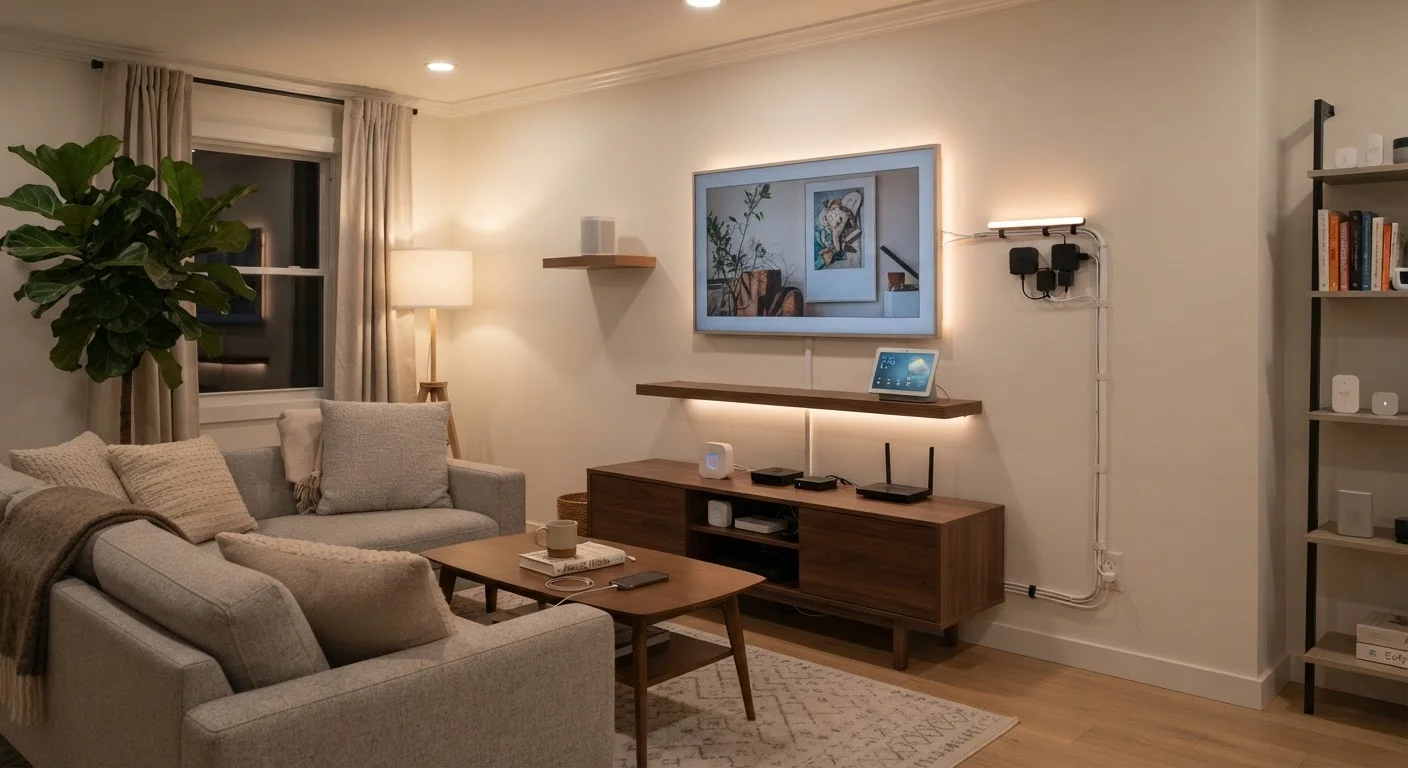
Photo credit: GadgetLite.net | All Things Tech
In this article
Wired installations are stable; wireless ones are flexible. Here's an honest look at what each approach costs you in reliability and effort.
Key Takeaways
- Wired devices deliver more consistent performance but require professional installation in most cases.
- Wireless devices are easier to install and relocate but depend on a stable, well-structured home network.
- The wireless protocol a device uses — Wi-Fi, Zigbee, Z-Wave, or Thread — significantly affects its reliability.
- Mixing wired and wireless approaches in the same home is common and often the most practical strategy.
- Neither approach is universally superior; your home layout, budget, and goals determine the better fit.
What Actually Separates Wired and Wireless Smart Devices
In smart home terms, the wired vs. wireless distinction comes down to how a device receives power and transmits data. Wired devices — think hardwired video doorbells, in-wall smart switches, or PoE (Power over Ethernet) security cameras — run both power and data through physical cables. Wireless devices — smart plugs, battery-powered sensors, Wi-Fi cameras — communicate over radio frequencies and are either battery-powered or plugged into a standard outlet.
The distinction matters because each approach introduces a completely different set of constraints. Wired devices require planning, cable routing, and often an electrician; wireless devices require a reliable home network and, for battery-powered units, regular maintenance. Neither is simply easier — they're just easier in different ways.
For a broader look at how this wired-versus-wireless tension plays out across all types of home electronics, see our overview of wired vs. wireless trade-offs across everyday devices.
Reliability: Where Wired Has a Structural Advantage
Wired smart devices have one fundamental advantage: they don't compete for airspace. A hardwired smart switch communicates over a dedicated physical path. It won't drop off the network because your neighbour's Wi-Fi is congested or because your router rebooted during a firmware update.
Wireless devices sit on a shared medium — radio frequencies — that can be affected by interference from other devices, thick walls, distance from the router, and the sheer number of devices on your network. The more wireless smart devices you add, the more carefully your network needs to be managed.
~25+
Wireless devices typical large smart home contains
Industry estimates suggest a fully outfitted smart home can easily exceed 25 connected wireless devices, placing meaningful load on a standard router.
2.4 GHz / 5 GHz
Wi-Fi bands shared by most wireless smart devices
Most Wi-Fi smart home devices operate on 2.4 GHz, meaning they compete with other household devices on the same band, which can contribute to congestion.
The wireless protocol your device uses also shapes its reliability. Zigbee and Z-Wave devices form mesh networks, passing signals between nodes rather than routing every command through a central router. Thread does the same with added efficiency. Wi-Fi devices, by contrast, connect directly to your router and can strain it as device count grows. Our guide to Wi-Fi, Zigbee, Z-Wave, and Thread protocols explains how each affects your setup in practice.
Installation, Flexibility, and Long-Term Cost
Wired installations involve physical infrastructure that, once in place, is largely invisible and highly durable. The upfront cost — in time, labour, and materials — is real. Running ethernet or low-voltage wiring through walls typically requires either significant DIY skill or a professional installation. For renters, it's largely off the table.
Wireless devices eliminate that barrier but shift the cost elsewhere. Battery replacements, firmware updates, occasional re-pairing to the hub, and the need for solid Wi-Fi coverage throughout the home all represent ongoing overhead. If your home network has dead zones, wireless smart devices in those areas will underperform — a problem a mesh Wi-Fi system can help address.
| Criterion | Wired Devices | Wireless Devices |
|---|---|---|
| Installation effort | High — cable routing required | Low — plug-in or adhesive mount |
| Reliability | Very high — no interference | Moderate — network-dependent |
| Portability | None — fixed in place | High — easy to move or remove |
| Ongoing maintenance | Minimal once installed | Battery replacements, re-pairing |
| Suitable for renters | Rarely | Yes, in most cases |
| Scales well to large homes | Yes — infrastructure-based | Requires careful network planning |
| Upfront cost | Higher — labour and materials | Lower — hardware only |
For households building a comprehensive smart home, a hybrid approach often makes the most sense: hardwired where stability is non-negotiable (security cameras, alarm sensors, in-wall lighting controls) and wireless where flexibility matters (smart speakers, plugs, portable sensors).
Your home network is the backbone of any wireless setup. See our Home Tech Essentials hub and the Home Network Tips hub for practical guidance on building a network that can handle a growing device list.

Author
Electronics Editorial Team
Electronics Editorial Team is the collective byline for our editorial team and contributor network. Articles published under this byline or an editorial pen name are researched, written, and reviewed according to our editorial standards for clarity, consistency, and independence before publication.
View all articles →