
The Vocabulary of Cloud Storage: A Plain-Language Glossary
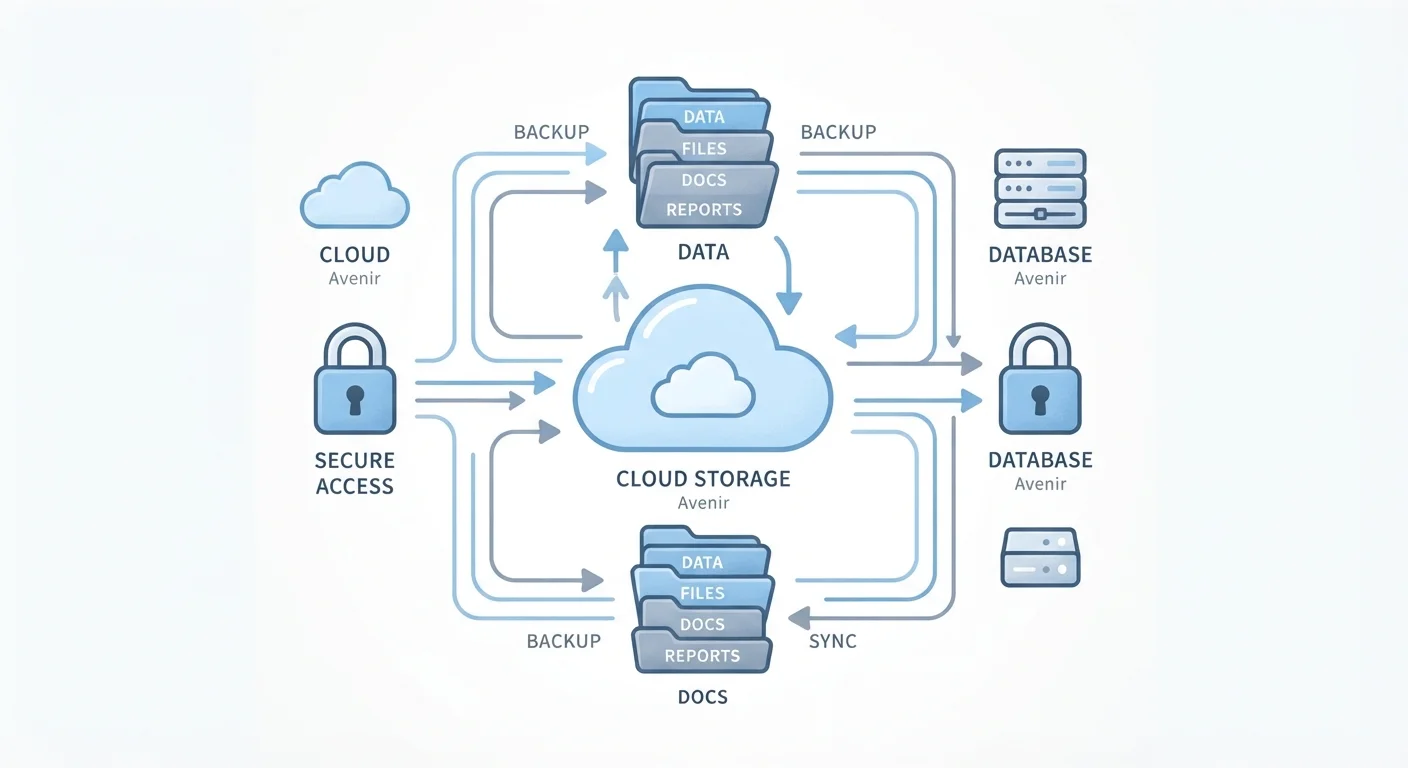
Photo credit: GadgetLite.net | All Things Tech
Sync, bandwidth, encryption, redundancy — every cloud storage term you'll encounter, explained simply and clearly.
Why Cloud Storage Has Its Own Language
Cloud storage is genuinely useful - but the terminology around it can feel like a wall of jargon standing between you and actually using it. Words like redundancy, latency, and end-to-end encryption show up constantly, often without explanation.
This glossary cuts through that. Whether you're setting up your first account or trying to make sense of a privacy policy, these are the terms you'll actually encounter - explained in plain language. For a broader foundation, read what cloud storage actually is before diving into the vocabulary.
| What "the cloud" physically is | A network of servers in data centers around the world |
| Common free storage tiers | Typically 5-15 GB depending on the provider |
| Encryption standard used by most major providers | AES-256 for data at rest |
| Version history window (typical) | 30-180 days, varies by plan |
| 2FA adoption benefit | Blocks the vast majority of automated account takeover attempts (General industry guidance; consult your provider's security documentation) |
The Essential Terms, Defined
Below you'll find the core vocabulary of cloud storage - organized to build on itself, from the basics up to security and sharing concepts. Bookmark this page and return to it whenever a new term trips you up.
If you're just getting started, your complete starting point for cloud storage walks through setting up an account using many of these concepts in context. You can also compare how this vocabulary differs from everyday gadget terms in the smartphone glossary or the broader consumer electronics glossary.
Sync and Backup Are Not the Same Thing
Many people assume that if their files are syncing to the cloud, they're also backed up. That's not quite right. Sync mirrors your current files - so if you delete a file on one device, it disappears from all devices. A true backup preserves a separate copy even after deletion. For a deeper look at how these two concepts differ, see Cloud Sync vs. Cloud Backup.

Author
Cloud Editorial Team
Cloud Editorial Team is the collective byline for our editorial team and contributor network. Articles published under this byline or an editorial pen name are researched, written, and reviewed according to our editorial standards for clarity, consistency, and independence before publication.
View all articles →