
Free vs Paid Cloud Storage Plans: What Changes When You Upgrade
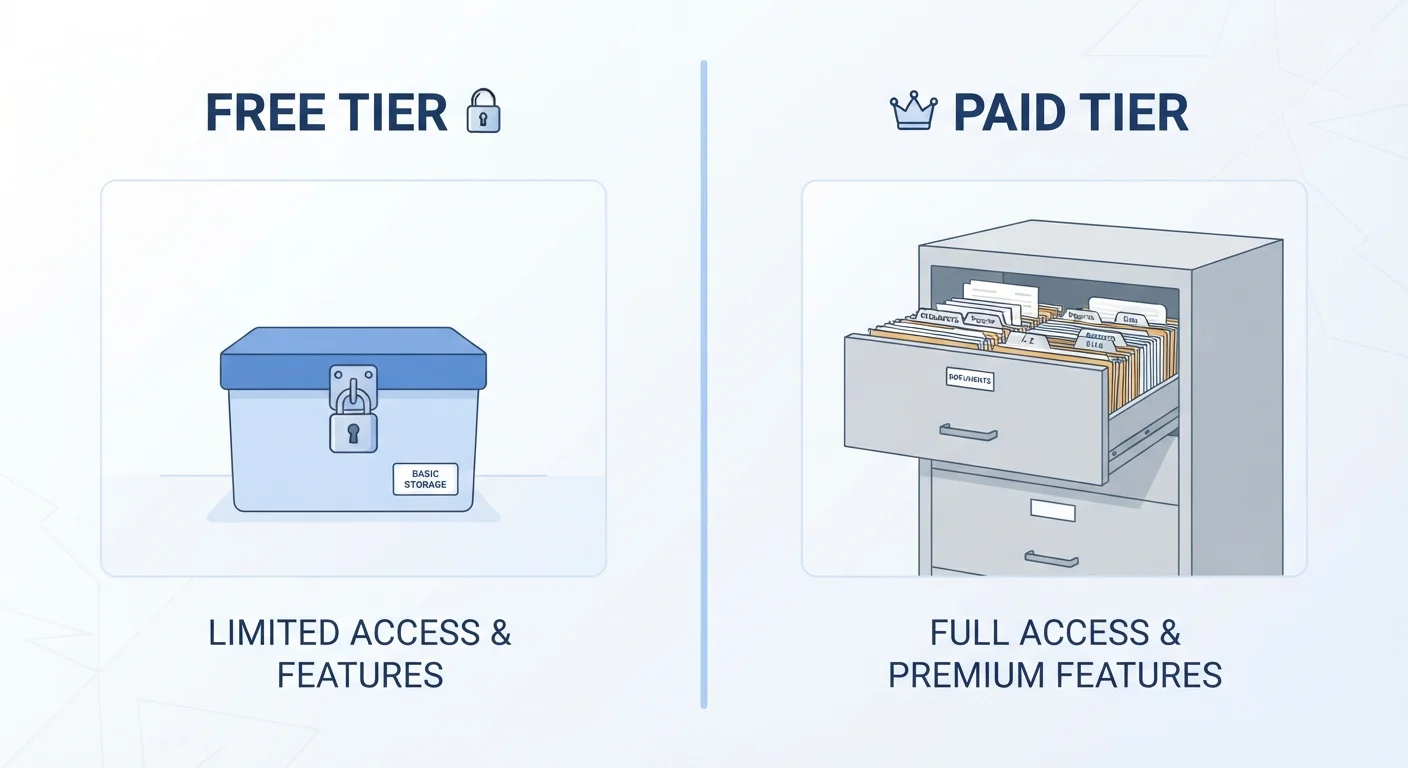
Photo credit: GadgetLite.net | All Things Tech
In this article
A clear breakdown of what free cloud storage tiers actually offer, where their limits sit, and what paid plans add to the picture.
Key Takeaways
- Free plans typically offer between 5 GB and 15 GB of storage - enough for documents, not enough for a full photo library.
- Paid plans add storage capacity, but often also unlock better sync speeds, version history, and priority support.
- Most free tiers come with trade-offs beyond storage, including limited file recovery windows and fewer sharing options.
- Upgrading makes the most sense when you regularly run out of space or rely on cloud backup for important files.
- Family or group plans on paid tiers can spread the cost across multiple users, lowering the per-person price.
What Free Plans Actually Give You
Every major cloud storage service offers a free tier, and they all follow roughly the same structure: a fixed amount of storage, basic syncing, and access from any device. If you're new to cloud storage, our plain-language guide on what cloud storage actually is covers the fundamentals before diving into tiers.
Free allowances tend to land between 5 GB and 15 GB depending on the provider. That sounds like a lot until you consider that a single minute of 4K video can eat around 375 MB. A year of automatic phone photo backups can easily exceed a free plan's entire quota.
Beyond storage, free plans often come with quieter restrictions that don't show up in the headline numbers:
- Version history: Most free plans let you recover deleted or overwritten files for only a short window - sometimes as few as 5 to 7 days.
- Upload speed: Some services throttle how quickly free users can upload files, particularly large ones.
- Sharing limits: Folder sharing and collaborative features may be capped or unavailable entirely on free tiers.
- Support access: Free users typically get community forums or help articles rather than direct customer support.
| Criterion | Free Plans | Paid Plans |
|---|---|---|
| Storage space | Typically 5-15 GB | 100 GB to several TB |
| Version / file recovery window | Often 5-7 days | 30-180 days (varies by plan) |
| Upload speed | May be throttled | Generally higher priority |
| Advanced sharing controls | Limited or unavailable | Link expiry, permissions, tracking |
| Customer support | Community / self-serve only | Direct support included |
| Family / multi-user sharing | Usually not available | Available on higher tiers |
| Cost | No charge | Monthly or annual subscription |
What Changes When You Pay
The most obvious upgrade is storage space - paid plans typically start at 100 GB and scale up to several terabytes. But the more useful changes are often the ones people don't think to check first.
5-15 GB
Typical free storage allowance
Most major providers offer free tiers in this range, though exact amounts vary by service.
~375 MB
Approx. size of 1 minute of 4K video
File size varies by device and compression settings, but this gives a realistic sense of how fast storage fills up.
180 days
Maximum version history on some paid plans
Free plans often offer 7 days or fewer; paid tiers can extend this significantly depending on the provider.
Longer version history is one of the most practical upgrades. If you overwrite a file by mistake, a paid plan might let you retrieve a version from 30, 90, or even 180 days ago. On a free plan, that window often closes within a week.
Priority upload and sync speeds matter if you're syncing large files - think video projects, design assets, or a full device backup. Free users sometimes share lower-priority bandwidth, which can make large uploads painfully slow.
Advanced sharing controls show up on paid tiers too. That can mean setting link expiration dates, restricting who can download or edit a shared file, or tracking who's accessed something you sent.
Worth noting: upgrading doesn't change how your files are stored or who can technically access them on the provider's side. If that's a concern, our piece on cloud storage and privacy is worth reading before you commit to any plan.
For a deeper look at how pricing tiers are actually structured - including family plans and per-GB costs - see how cloud storage services decide what to charge you.
How to Decide Which Tier Fits You
The honest answer is: it depends on how you actually use cloud storage, not how you think you might use it.
Start by checking how much space you're currently using. Most apps show this in their settings. If you're consistently at 80% or more of your free limit, that's a clear signal. If you're sitting at 30% and rarely add new files, a free plan may be all you need.
Also think about what's at stake. Storing files you could recreate is different from storing irreplaceable photos or work documents. If losing access - even temporarily - would cause real problems, the recovery features on a paid plan start to look less like a luxury and more like a practical safety net.
If you're weighing cloud against keeping files on your device instead, our breakdown of cloud versus local storage on mobile devices walks through those trade-offs clearly. And if the free-vs-paid question feels familiar from other apps, the same logic explored in free vs paid app versions applies here too.
The goal isn't to spend more - it's to match what you're paying (or not paying) to what you actually need.

Author
Cloud Editorial Team
Cloud Editorial Team is the collective byline for our editorial team and contributor network. Articles published under this byline or an editorial pen name are researched, written, and reviewed according to our editorial standards for clarity, consistency, and independence before publication.
View all articles →