
Free vs Paid App Versions: What You Gain and What You Give Up
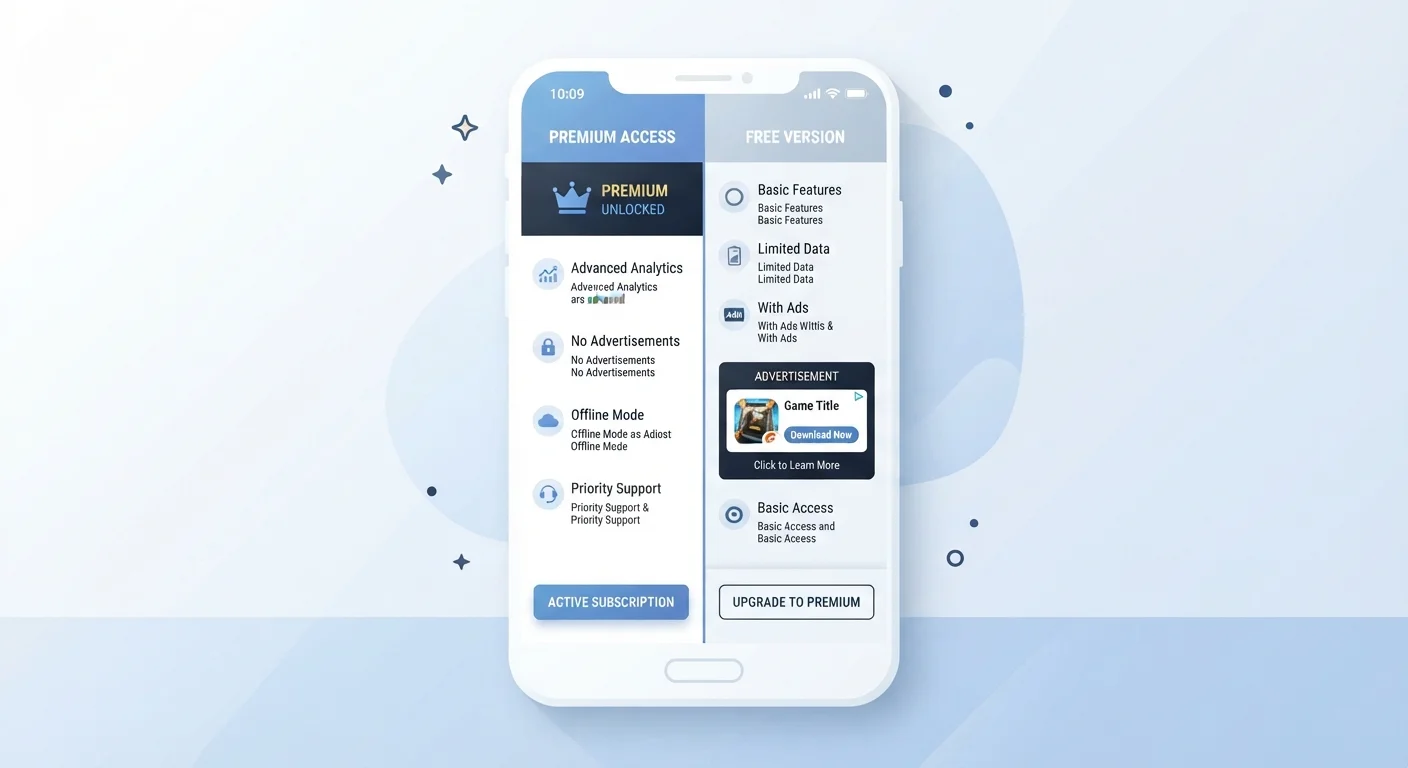
Photo credit: GadgetLite.net | All Things Tech
In this article
A balanced look at what free and paid tiers actually offer, so you can decide what's worth paying for.
Key Takeaways
- Free app tiers often come with trade-offs like ads, data collection, or feature limits rather than being truly cost-free.
- Paid upgrades are most worthwhile when you use an app frequently and the locked features genuinely affect your daily workflow.
- Many apps offer a middle path - one-time purchases, annual plans, or limited free trials - worth exploring before committing.
- Understanding what each pricing model actually means helps you spend only where it makes a real difference.
What "Free" Actually Costs You
Free apps are rarely free in the purest sense. Developers need revenue to keep the lights on, and when you're not paying with money, you're typically paying in one of three ways: ads, data, or limited access.
Ad-supported apps display banners or video ads, sometimes at disruptive intervals. This is a straightforward exchange - tolerable for light use, genuinely annoying if you're in the app for long stretches. Data collection is less visible but often more significant. Many free apps monetize by sharing anonymized usage data or behavioral signals with advertisers. For a deeper look at what that exchange involves, see our article on privacy trade-offs when sharing personal data.
The third cost - feature limits - is the one most people notice immediately. Core functionality may be available for free, but cloud sync, export options, advanced tools, or storage caps are often held behind a paywall. This is the freemium model at work. To understand the logic behind how these pricing structures are designed, how freemium, subscriptions, and one-time purchases work is worth reading first.
Start Free, Upgrade Intentionally
Always start with the free version of an app before considering an upgrade. Use it for at least two to four weeks to get a realistic sense of your actual usage patterns. If you keep hitting a specific limit or skipping a locked feature you genuinely want, that's the signal - not a promotional banner urging you to upgrade.
What Paid Tiers Actually Unlock
Upgrading an app typically removes ads, expands storage or usage limits, and unlocks advanced features. But the value of those extras depends entirely on how you use the app.
For productivity apps - note-taking, task managers, writing tools - paid tiers often add cross-device sync, version history, collaboration features, and priority support. For creative apps like photo editors or music tools, the upgrade may unlock higher export quality or additional filters and effects. For utility apps like VPNs or password managers, the paid version usually removes device limits and adds more robust security options.
| Free Tier | Paid Tier | |
|---|---|---|
| Cost | $0 upfront | Monthly or annual fee |
| Ads | Usually present | Typically removed |
| Feature access | Core features only | Full feature set |
| Storage / usage limits | Capped | Higher or unlimited |
| Data collection | Often more extensive | May be reduced |
| Best for | Occasional or trial use | Frequent, workflow-critical use |
Before paying, it's worth asking: Do I actually use this app enough for those features to matter? An app you open twice a month rarely justifies a recurring subscription, regardless of what's unlocked.
When Free Is Genuinely Enough
For a surprising number of use cases, the free tier is legitimately sufficient. A free weather app, a basic calculator, or a simple flashlight tool needs no upgrade. Even more feature-rich apps - email clients, maps, social platforms - deliver their core value without payment for most everyday users.
The free tier also makes sense as a trial period. Using an app's free version for a few weeks is the most reliable way to know whether you'll actually use the paid features. Many subscription traps start with a free trial that auto-converts to a paid plan - our guide on what you're agreeing to before tapping 'Continue' explains what to watch for before enabling billing.
Apps you use on a phone or tablet add another layer of consideration - device storage, battery usage, and background data all factor into whether any version of an app is worth keeping. The Smartphones & Tablets hub has context on how apps interact with your device's resources.
Making the Call: A Practical Framework
Rather than defaulting to free or paid, run through these four questions before deciding:
- How often do I use this app? Daily use shifts the math heavily toward paid.
- Which locked features would I actually use? List them - if it's one or none, the free tier is probably fine.
- Is this a subscription or a one-time purchase? Subscriptions compound over time. A $3/month app costs $36 a year.
- What's the alternative? Sometimes a different free app covers your needs without a paywall at all.
If you're weighing paid app upgrades alongside paid cloud storage decisions, the comparison in free vs. paid cloud storage plans follows the same decision logic and is a useful companion read.
Watch Out for Auto-Renewing Subscriptions
Free trials often flip automatically to paid plans at the end of the trial period. If you enable billing to start a trial, set a calendar reminder a day or two before it ends. Cancelling after the charge posts may not result in a refund, depending on the platform's policy. Always check the subscription terms before tapping through.

Author
Apps & Software Editorial Team
Apps & Software Editorial Team is the collective byline for our editorial team and contributor network. Articles published under this byline or an editorial pen name are researched, written, and reviewed according to our editorial standards for clarity, consistency, and independence before publication.
View all articles →