
Why Apps Crash - and What the Error Is Really Telling You
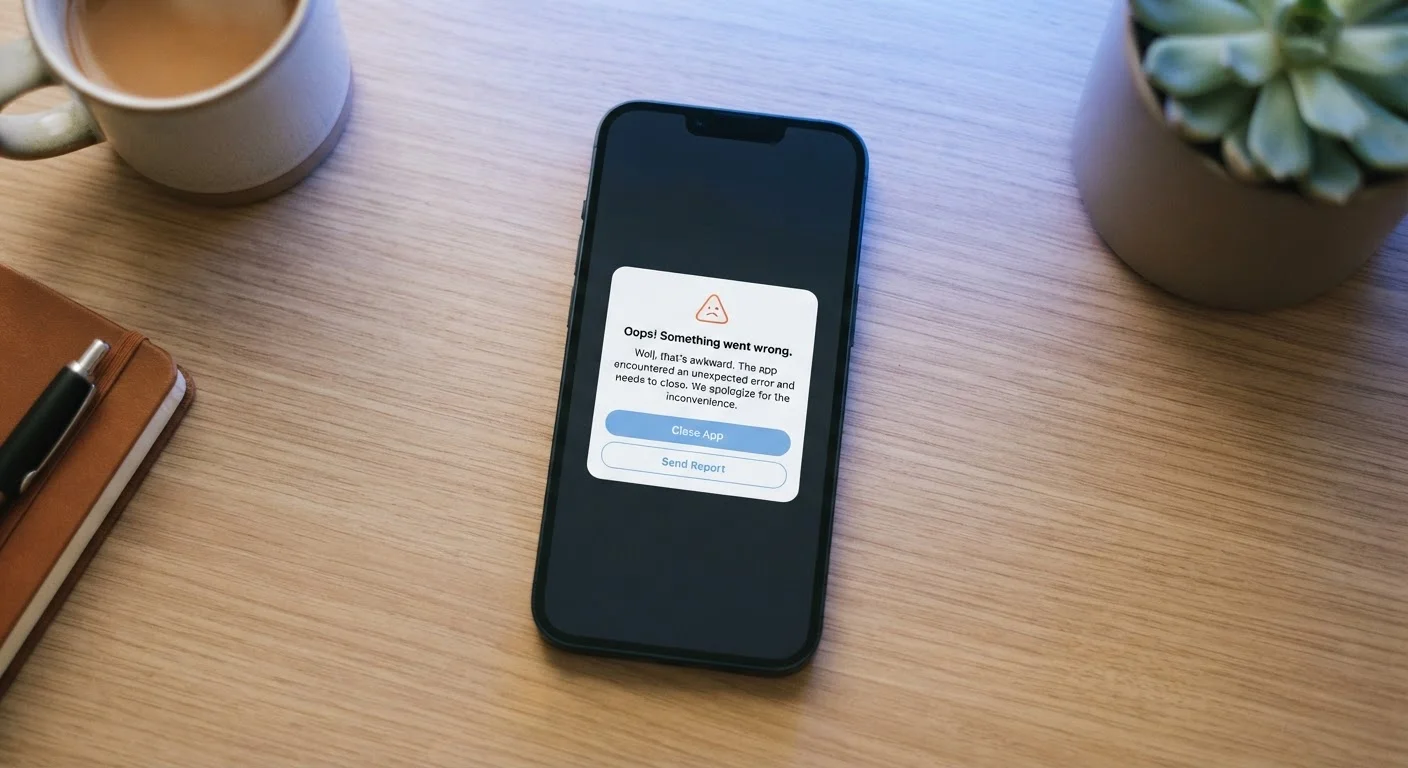
Photo credit: GadgetLite.net | All Things Tech
In this article
Force closes and error codes can point to fixable problems. Learn the common reasons apps crash and how to read the signals they leave behind.
Key Takeaways
- App crashes are almost always caused by a specific, identifiable problem rather than random bad luck.
- Error messages and force-close dialogs contain signals that point to the real underlying cause.
- Most crashes can be resolved without deleting or reinstalling the app.
- Keeping your OS and apps updated eliminates a large category of crash triggers.
- Low storage and conflicting permissions are two of the most commonly overlooked crash causes.
What an App Crash Is Actually Saying
When an app force-closes or throws an error code, it's not just quitting on you - it's reporting a failure. The app hit a condition it couldn't handle, so the operating system stepped in and shut it down. That moment of frustration is actually a diagnostic signal.
Most crashes fall into a handful of categories: the app ran out of a resource it needed (memory, storage, network access), encountered code that conflicts with your current OS version, or tried to do something your device's permissions wouldn't allow. Understanding those categories turns a confusing experience into a solvable one.
The same logic applies whether you're on Android or iOS. Both platforms log crash details in the background - Android surfaces these in developer options and crash reports, while iOS captures them in Settings under Privacy & Security → Analytics & Improvements. You don't need to read raw logs, but knowing they exist helps you trust that something specific went wrong, not something mysterious.
Don't Assume the Problem Is Your Phone
A single app crashing while everything else runs fine almost always points to that specific app, not your device. Before resetting settings or doing anything drastic, narrow down whether the crash is app-specific, content-specific (only on one video or file), or network-specific (only on Wi-Fi or mobile data). That distinction alone will save you a lot of unnecessary troubleshooting.
Mistakes That Make Crashes Worse (and How to Avoid Them)
Most people respond to a crash by immediately reopening the app, tapping through any dialog, or blaming their phone. Those instincts often miss the actual problem. Below are the most common mistakes users make - and what to do instead.
Ignoring the error message and immediately reopening the app.
Why it happens: Error dialogs feel technical and easy to dismiss. Most people tap "OK" or "Close" out of habit without reading what the message says.
Running an outdated version of the app or operating system.
Why it happens: Updates feel optional or disruptive, so users defer them - sometimes indefinitely. Meanwhile, the app may rely on OS features only available in newer versions.
Never clearing the app's cache, letting it grow stale or corrupt.
Why it happens: Cache is invisible and automatic. Most users don't know it exists, let alone that it can become corrupted and cause crashes.
Denying permissions the app genuinely needs, then wondering why it fails.
Why it happens: Privacy awareness has made users cautious about permissions - reasonably so. But some apps crash specifically because a required permission (like microphone for a voice app) was blocked.
Running the app on a device with critically low free storage.
Why it happens: Storage fills gradually and invisibly. Users often don't notice until something breaks. Apps need free space not just to install, but to write temporary files and save state during operation.
If repeated crashes are making you question the app entirely, it's worth checking whether it might be misbehaving beyond just crashing. Signs that an app may be overstepping its boundaries covers red flags like unexplained battery drain and excessive permission requests that sometimes accompany crash-prone behavior.
Reading the Error Before You React
71%
App uninstalls triggered by crashes
A 2022 survey by Dimensional Research found that 71% of users who experienced a crash uninstalled the app - even when the fix would have been simple.
1 in 3
Crashes linked to outdated software
Industry estimates from mobile analytics platforms consistently attribute roughly one-third of app crashes to OS or app version mismatches.
Error messages are written for developers, but many follow recognizable patterns. A "null pointer" or "NullPointerException" message usually means the app expected to find data and found nothing - often caused by a corrupted cache or a failed sync. An "out of memory" error is literal: your device didn't have enough free RAM. A "network error" or HTTP code like 503 means the problem is on the server side, not your phone.
When an app crashes, resist the urge to immediately force-close every background app. That habit is based on a common misconception - see the truth about force-closing apps and battery for a fuller explanation. Instead, note what you were doing in the app when it crashed, whether it happens consistently in the same spot, and whether other apps are behaving normally. That context is genuinely useful when troubleshooting or contacting support.
Also consider that the app itself may have recently changed. Developers push updates frequently, and a crash right after an update usually means a bug was introduced. Checking the app's store listing for recent reviews mentioning crashes can confirm whether you're alone or part of a wider issue. Why your favourite app keeps changing explains why these rapid update cycles happen and how to adapt.
If nothing resolves the issue and you're considering removing the app entirely, make sure you've taken the right steps first. Before you delete an app walks through what to back up and check before uninstalling.
Persistent Crashes May Signal a Deeper Problem
If an app crashes repeatedly across multiple reinstalls and device restarts, and other users aren't reporting the same issue, consider whether the app may be behaving unexpectedly on your specific device. Explore your device's privacy and analytics logs, and review what permissions and background access the app holds. For a broader view of when an app's behavior crosses a line, the App Privacy & Safety hub is a useful starting point.

Author
Apps & Software Editorial Team
Apps & Software Editorial Team is the collective byline for our editorial team and contributor network. Articles published under this byline or an editorial pen name are researched, written, and reviewed according to our editorial standards for clarity, consistency, and independence before publication.
View all articles →