
Common Myths About Closing Apps to Save Battery
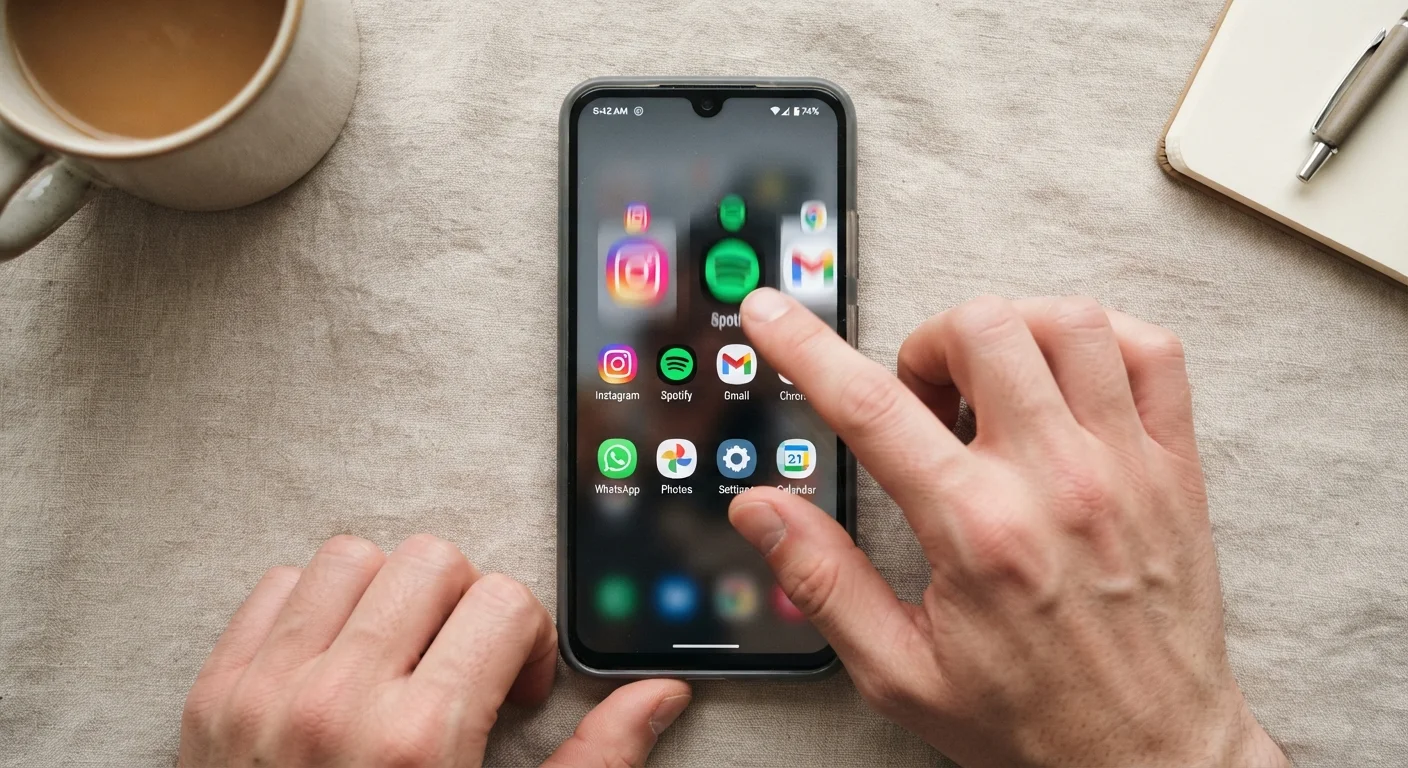
Photo credit: GadgetLite.net | All Things Tech
Force-closing apps doesn't always help your battery. Separate the facts from the widely repeated misconceptions.
Key Takeaways
- Force-closing apps often makes your battery drain faster, not slower.
- Modern iOS and Android operating systems manage background apps automatically and efficiently.
- Background app refresh and location access are the real culprits worth checking.
- Clearing RAM repeatedly can cause apps to reload from scratch, consuming more energy.
- Your phone's built-in battery settings offer more reliable power savings than manual app-closing.
Why This Myth Is So Persistent
The logic seems airtight: apps you're not using must be draining your battery, so closing them should save power. Millions of phone users swipe away every app in their recent-apps tray daily - often several times a day - convinced it's good phone hygiene.
The habit feels intuitive because it mirrors how physical things work. Leave the lights on, pay the electricity bill. Leave apps open, drain the battery. But smartphones don't work that way, and the operating systems running them have evolved significantly to account for exactly this kind of background management.
Understanding what's actually happening when an app sits in your recent-apps list - versus what's happening when an app is genuinely active in the background - is the first step to making smarter choices about your phone's battery. For a broader look at persistent software misconceptions, see common software myths that trip up everyday users.
The Myths, Corrected
The following myth-and-fact pairs address the most widely repeated beliefs about closing apps and battery life. Each one is grounded in how iOS and Android actually handle app states today.
Myth
Closing all your open apps saves battery life and keeps your phone running faster.
Fact
On modern smartphones, apps sitting in the recent-apps list are largely frozen and consuming little to no power.
Both Android and iOS place apps that aren't actively in use into a suspended state. A suspended app doesn't run code, doesn't use the processor, and doesn't draw meaningful power. It simply occupies a small slice of RAM so it can reload instantly when you return to it. Closing it removes it from RAM - meaning the next launch requires a full cold start, which actually uses more energy than resuming a suspended app.
Myth
The more apps you have open in your tray, the more RAM and battery you're using.
Fact
The recent-apps tray shows app history, not a list of apps actively running and consuming resources.
Many users treat the recent-apps screen like a task manager on a desktop computer - assuming everything listed is actively running. In reality, it's closer to a browsing history. The operating system decides independently which apps to keep in memory, which to evict, and which to suspend. Manually clearing the tray doesn't give you meaningful control over memory allocation; the OS will repopulate it naturally as you use your phone.
Myth
Force-closing apps regularly is good maintenance and keeps your phone healthy.
Fact
Frequent force-closing can create more work for your phone, not less, and may shorten battery life over a session.
When you force-close an app and then reopen it minutes later, the phone has to reload all of that app's data from storage, re-establish any network connections, and re-render its interface. This full reload cycle consumes noticeably more CPU power than simply resuming a suspended app. For apps you use repeatedly throughout the day - messaging, maps, music - constantly closing and reopening them is counterproductive.
Myth
If my phone battery is draining fast, closing apps is the first thing I should try.
Fact
Unusually fast battery drain is better diagnosed through your phone's built-in battery usage report, not by clearing the app tray.
Rapid, unexpected battery drain usually points to a specific cause: a single misbehaving app running a background process, a poor cellular signal forcing the radio to work harder, or screen-on time being higher than you realize. Your phone's Settings app includes a battery usage breakdown that shows exactly which apps and system functions consumed the most power. That data-driven view is far more useful than manually closing apps at random. If apps are crashing unexpectedly alongside battery issues, understanding why apps crash can help you read the signals.
Myth
Background app activity is the same thing as an app being open in the recent-apps tray.
Fact
Background activity is a separate, OS-controlled permission - it has nothing to do with whether an app appears in your recent-apps list.
True background activity - where an app fetches data, plays audio, or tracks location while you're using a different app - requires explicit permission from the operating system. This is controlled through settings like Background App Refresh on iOS or battery optimization exceptions on Android. An app can appear in your recent-apps tray without having any background activity permission, and conversely, closing an app from that tray does not necessarily stop a background process that the OS has already authorized. Understanding background app activity explains how to identify and manage these permissions effectively.
Want to understand which app categories genuinely consume power in the background? Background app activity and battery drain explains what's actually worth monitoring.
What Actually Drains Your Battery
If force-closing apps isn't the solution, it's worth knowing what genuinely matters. The biggest real-world battery drains include:
- Screen brightness: Your display is typically the single largest power consumer. Auto-brightness or manually lowering it makes a measurable difference.
- Location services: Apps with "always on" location access - even ones you rarely open - can run GPS hardware continuously.
- Background app refresh: Some apps are specifically permitted to fetch new data in the background. You can review and limit which apps have this permission in your phone's settings.
- Push notifications: Every wake-up event to deliver a notification costs a small amount of battery, and frequent notifications from many apps add up.
- Poor signal conditions: When your phone struggles to maintain a cellular or Wi-Fi connection, the radio hardware works harder and draws significantly more power.
~30%
Battery used by display on average
Screen brightness consistently ranks as one of the top two battery consumers on smartphones, according to analysis from mobile platform developers and independent battery researchers.
2-3x
More CPU power for a cold app launch vs. resume
Relaunching a force-closed app from scratch requires significantly more processing than resuming a suspended one, as the system must reload all assets from storage.
Your phone's built-in battery usage screen - available in Settings on both iOS and Android - shows a ranked list of which apps have used the most power over the last 24 hours or week. This is far more reliable than guessing.
For a comprehensive picture of what genuinely extends your phone's charge through a full day, battery life on modern phones: what drains it and what actually helps is worth reading alongside this article.
Don't Rely on Third-Party 'Battery Saver' Apps
Apps that claim to boost battery life by automatically closing other apps are largely ineffective on modern smartphones - and some request broad permissions that raise privacy concerns. Both Apple and Google have built background management directly into their operating systems, making third-party task killers redundant. For a related look at app privacy misconceptions, see myths about app privacy most people still believe.

Author
Apps & Software Editorial Team
Apps & Software Editorial Team is the collective byline for our editorial team and contributor network. Articles published under this byline or an editorial pen name are researched, written, and reviewed according to our editorial standards for clarity, consistency, and independence before publication.
View all articles →