
Open Source vs. Proprietary Software
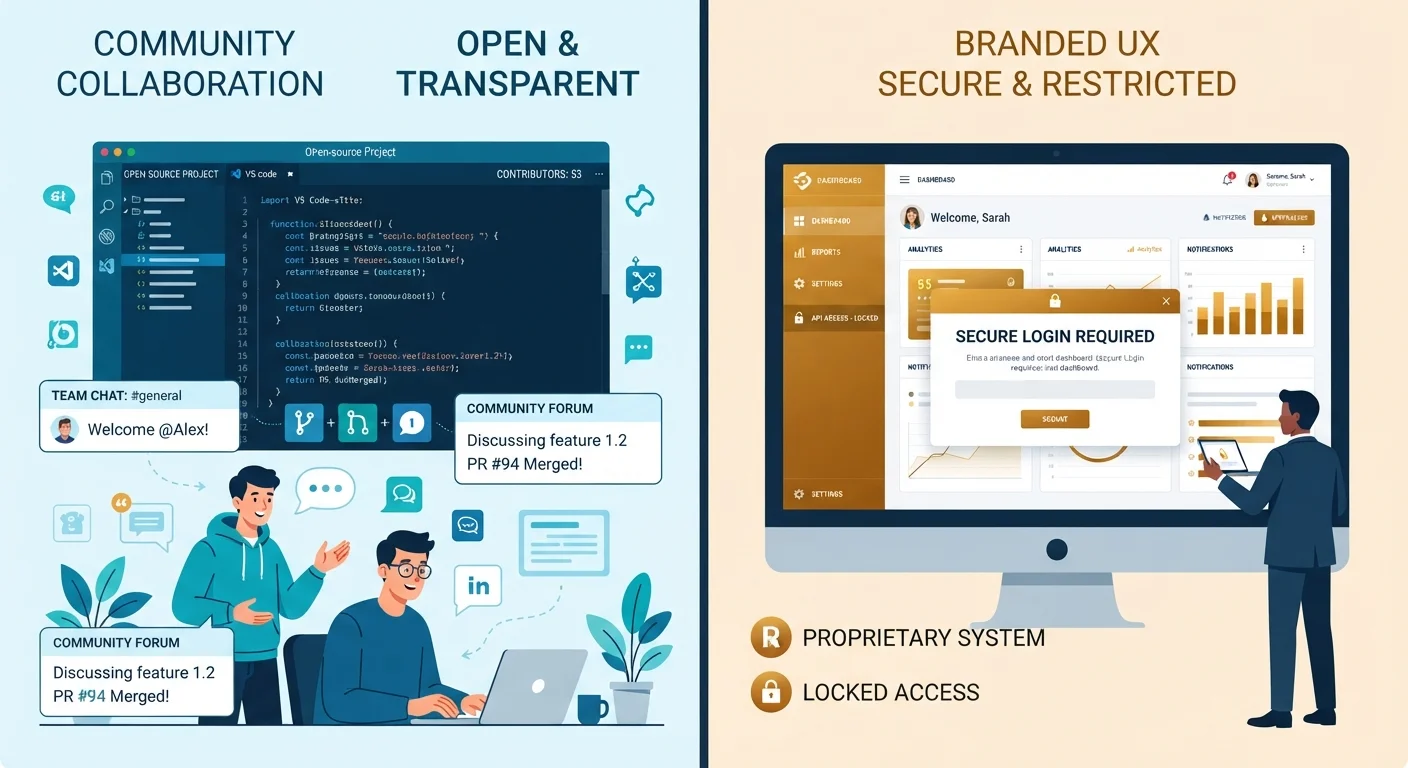
Photo credit: GadgetLite.net | All Things Tech
In this article
Open source and proprietary software follow very different rules. See how they compare on cost, transparency, support, and everyday usability.
Key Takeaways
- Open source software makes its source code publicly available; proprietary software keeps it locked and private.
- Open source is often free to use, but may require more technical know-how to set up and maintain.
- Proprietary software typically includes dedicated support and a more uniform user experience.
- Neither model is universally superior - the right choice depends on your specific use case and comfort level.
- Many everyday apps, including Android, blend elements of both models.
What Makes Software 'Open' or 'Proprietary'?
At its core, the difference between open source and proprietary software comes down to one thing: who can see and change the code that makes the software work.
Open source software publishes its source code - the human-readable instructions that tell a computer what to do - under licenses that allow anyone to view, copy, modify, and distribute it. Well-known examples include the Linux operating system kernel, the Firefox web browser, and the LibreOffice productivity suite.
Proprietary software, sometimes called closed-source software, keeps that code private. The vendor writes it, owns it, and controls every update. Users receive a finished product but have no legal right to inspect or alter the underlying code. Think of Microsoft Windows, Adobe Photoshop, or Apple's macOS.
This distinction shapes everything else - cost, security, customization, and support - and it's worth understanding before you make software decisions for your devices or your work. For a broader look at how software is categorized overall, see The Software Categories Every Device Owner Should Know.
| Criterion | Open Source Software | Proprietary Software |
|---|---|---|
| Source code access | Publicly available | Private, vendor-controlled |
| Typical cost | Usually free to use | License fee or subscription |
| Customization | Highly flexible | Limited to vendor options |
| Formal support | Community forums; optional paid support | Dedicated vendor support |
| Security auditing | Open to independent review | Internal review only |
| Legal accountability | License-based; no vendor liability | Contractual guarantees available |
| Update control | Community or self-managed | Vendor-managed schedule |
Cost, Support, and the Trust Question
Open source software is frequently available at no cost, but that doesn't mean it's entirely free in practice. Someone needs to install it, configure it, and troubleshoot it - and that work either takes time or requires hiring expertise. For individual users comfortable with technology, this is rarely a problem. For a business running critical operations, hidden labor costs can add up.
Proprietary software usually comes with a licensing fee, subscription, or one-time purchase price. In return, users typically receive:
- A dedicated support team or help desk
- Guaranteed updates and patch schedules
- Legal accountability through a formal vendor relationship
The trust and transparency dynamic flips between the two models. With open source, security researchers worldwide can audit the code for vulnerabilities - often catching issues quickly because thousands of eyes are watching. With proprietary software, you're trusting the vendor's internal security practices, which may be excellent but are not independently verifiable.
96.4%
Enterprise codebases containing open source
According to the 2023 Open Source Security and Risk Analysis report by Synopsys, nearly all audited commercial codebases contained open source components.
~$10B+
Annual enterprise open source services market
Industry analysts have consistently tracked the commercial services market built around open source software as a multi-billion-dollar segment globally.
This mirrors a broader debate in the app world. If you've wrestled with the free vs. paid decision on your phone, Free vs Paid App Versions: What You Gain and What You Give Up explores similar trade-offs in depth.
Real-World Implications for Everyday Users
Most everyday gadget users interact with both models constantly - often without realizing it. Android, for instance, is built on an open source foundation (the Android Open Source Project), yet the version on your phone is heavily customized by manufacturers and ships with proprietary Google apps layered on top. It's a blend. Android and iOS: The Differences That Actually Change Your Daily Experience explores how this plays out day to day.
For most personal use - browsing, email, document editing - open source alternatives exist and work well. For specialized professional tasks, industry-standard proprietary tools often remain dominant because workflows and file compatibility have built up around them over decades.
Dual Licensing Is More Common Than You Think
Many software projects operate under a dual-license model - offering an open source edition for general use and a paid proprietary edition with additional features or enterprise support. This means a tool can technically be 'open source' while still generating revenue for its developers. Always check the specific license terms before assuming a project is unrestricted for commercial use.
The licensing model also intersects with device choice. Whether you're comparing laptops and PCs or evaluating software for a new device, understanding who controls the software on your machine gives you a clearer picture of your options. Similarly, those exploring cloud-based tools should consider Cloud Software vs. Desktop Software for another layer of this conversation.

Author
Apps & Software Editorial Team
Apps & Software Editorial Team is the collective byline for our editorial team and contributor network. Articles published under this byline or an editorial pen name are researched, written, and reviewed according to our editorial standards for clarity, consistency, and independence before publication.
View all articles →