
Think Twice Before Tapping 'Allow': The Hidden Risks of Over-Permissioning Apps
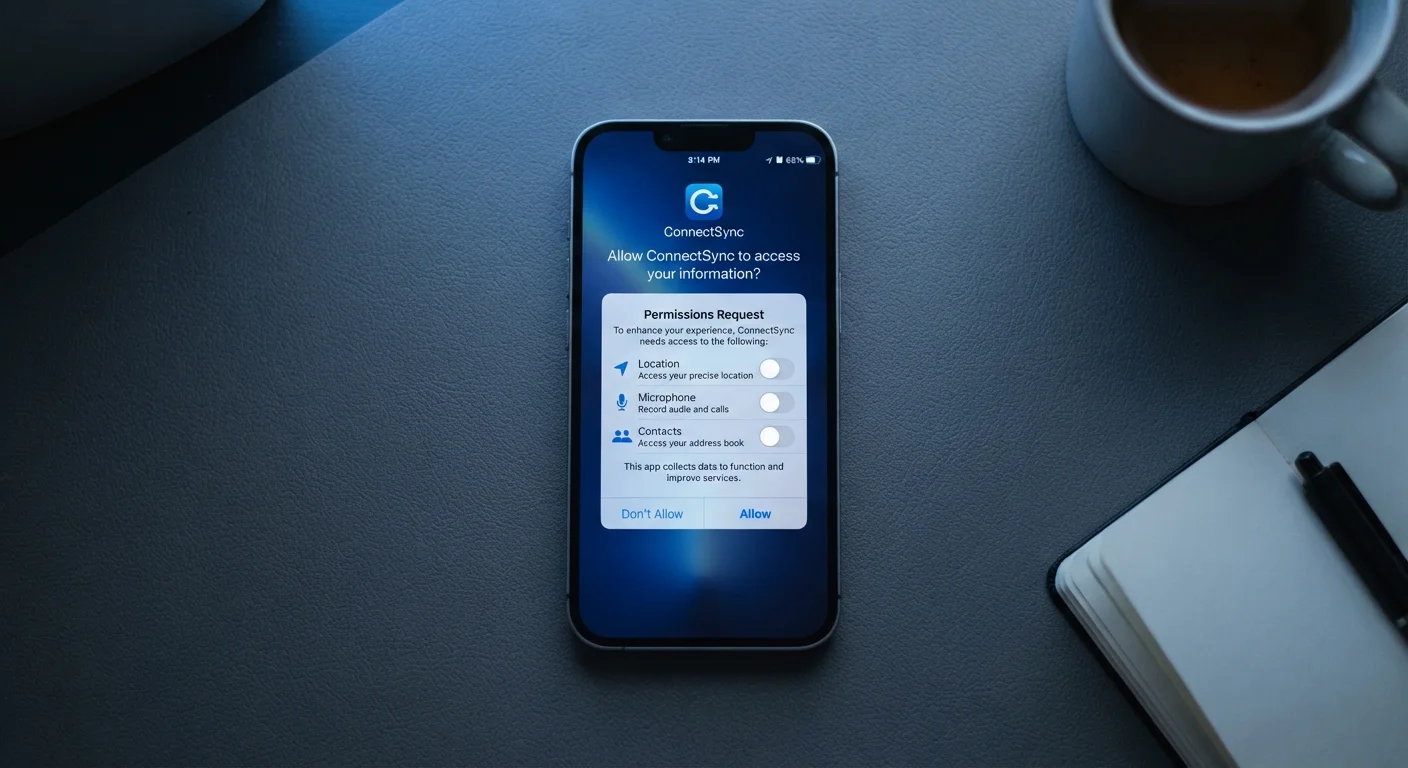
Photo credit: GadgetLite.net | All Things Tech
In this article
Granting unnecessary permissions can expose more than you realise. Here's why reflexively tapping 'allow' can cost you your privacy.
Key Takeaways
- Reflexively tapping 'Allow' on permission prompts can expose sensitive personal data unnecessarily.
- Many apps request far more access than they functionally need to operate.
- You can revoke permissions at any time through your phone's settings without deleting the app.
- Reviewing app permissions periodically is one of the simplest privacy habits you can build.
- A permission that seems harmless in isolation can become risky when combined with others.
Why Permission Prompts Deserve a Second Look
When you download a new app, a series of permission prompts follows almost immediately. Most people tap through them reflexively - partly because the prompts interrupt the experience and partly because the language feels vague. What does 'access to your device's storage' actually mean in practice?
Understanding what's being asked is the first step toward making smarter choices. Our guide on what app permissions actually mean breaks down exactly what microphone, location, and storage access involve at a technical level, so you can match the request to the reality.
The core problem is a mismatch between how permissions feel (routine, forgettable) and what they actually do (open ongoing data pathways from your device to a third party). That mismatch is what leads to the mistakes below.
Tapping 'Allow' on every permission prompt without reading what's being requested.
Why it happens: Permission dialogs appear right when users are eager to start using a new app, so most people dismiss them quickly without considering what access they're actually granting.
Assuming all requested permissions are necessary for the app to function.
Why it happens: Most people trust that developers only ask for what they need, but many apps request broad permissions speculatively - to enable future features or for data collection purposes.
Never revisiting permissions after an app is installed.
Why it happens: There's no reminder system that prompts users to re-evaluate permissions over time, so granted access simply persists and is forgotten.
Granting 'Always On' location access when 'While Using' is sufficient.
Why it happens: When an app asks for location access, users often select the most permissive option to avoid being asked again, not realising the practical difference between the two settings.
Overlooking permissions that compound risk when combined.
Why it happens: People evaluate permissions one at a time, so allowing contacts, location, and microphone separately each seems reasonable, but together they create a detailed profile of your life.
How to Take Back Control of Your App Permissions
The good news is that permissions are not permanent. Both iOS and Android let you revoke any permission at any time through your device's Settings app - typically under Privacy or App Permissions - without uninstalling the app.
Permissions Granted Stay Active Indefinitely
Unlike a one-time data request, permissions remain active in the background until you manually revoke them. An app you haven't opened in months may still be collecting location data or accessing your microphone. Regularly auditing your permissions - not just at install time - is essential to maintaining control over your data.
Start with the highest-risk categories: location, microphone, camera, and contacts. These carry the most personal data and are the most frequently over-granted. For each app that has access to one of these, ask: When did I last use this feature, and did it genuinely require this access?
Contact Access Is More Sensitive Than It Looks
Granting an app access to your contacts doesn't just expose your own information - it hands over names, phone numbers, and email addresses belonging to people who never agreed to share their data. Once that information leaves your device, you have no control over how it's stored or used by a third party.
If you've connected apps using third-party logins, there's an additional layer to consider. Our article on signing in with Google or Apple explains how those connections link your data across platforms - a separate but related privacy consideration.
For a practical, step-by-step review of which apps should and shouldn't have which access, see our app permissions audit checklist. And if you want to understand how permission habits fit into a wider pattern, common privacy mistakes people make without realising it is worth a read.
45%
Apps requesting unnecessary permissions
Research published by the International Computer Science Institute found that nearly 45% of Android apps studied requested at least one permission not required for their stated function.
1 in 3
Users who review app permissions
A Pew Research Center survey found roughly one-third of smartphone users say they check the permissions an app requests before deciding whether to install it.

Author
Apps & Software Editorial Team
Apps & Software Editorial Team is the collective byline for our editorial team and contributor network. Articles published under this byline or an editorial pen name are researched, written, and reviewed according to our editorial standards for clarity, consistency, and independence before publication.
View all articles →