
Third-Party App Logins: What Happens When You Sign In With Google or Apple
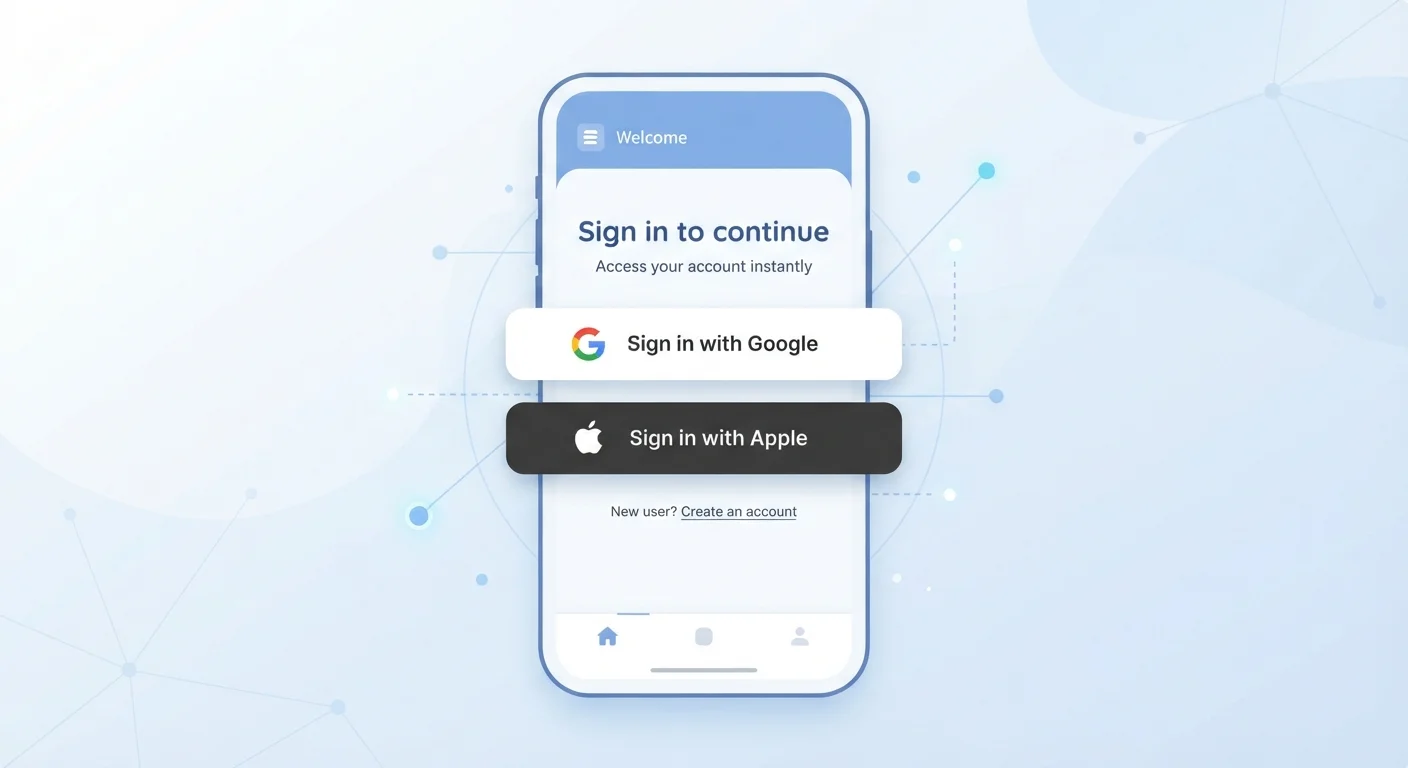
Photo credit: GadgetLite.net | All Things Tech
In this article
Signing into apps with a Google or Apple account is convenient, but it creates data linkages worth understanding before you tap.
Key Takeaways
- Signing in with Google or Apple uses a token system - your password is never shared with the third-party app.
- Each login creates a lasting connection between the app and your Google or Apple account.
- The app typically receives basic profile data like your name and email address by default.
- Apple's 'Hide My Email' option lets you share a private relay address instead of your real one.
- You can revoke app access from your Google or Apple account settings at any time.
- Convenience and privacy trade-offs are real - understanding them helps you make informed choices.
How the Login Process Actually Works
When you tap 'Sign in with Google' on a new app, here's what happens behind the scenes. The app redirects you to Google's servers, which authenticate your identity. Google then sends the app a time-limited access token - a kind of digital pass - rather than your email or password. The app uses that token to confirm you're a verified user and pull the profile data you approved.
This flow is built on a widely adopted standard called OAuth 2.0, combined with a layer called OpenID Connect that handles identity specifically. Neither requires the third-party app to ever store your Google or Apple credentials. The risk of that app being breached and exposing your password is effectively removed from the equation.
What the app does receive is whatever data you authorize in the permissions screen - typically your name and email address. Some apps request more, and you'll see those listed before you confirm. This is the moment worth pausing on. Granting permissions reflexively can expose more than you intend.
“Federated identity systems like Sign in with Google remove the password from the third-party equation - but they introduce a different kind of dependency: the health and policies of the identity provider become central to your account security.”
— Electronic Frontier Foundation, Digital rights nonprofit focused on user privacy and security
What Stays Connected After You Log In
A common misconception is that third-party logins are one-time events. They're not. Each login creates a persistent connection between the app and your Google or Apple account. The app can use its token to request updated profile information or, depending on the permissions granted, access specific account features - even when you're not actively using the app.
This matters because the connection remains active until you explicitly revoke it. Simply deleting an app from your phone does not automatically cut the link. That app may still have standing access to the data you originally authorized.
Audit Your Connected Apps Regularly
Set a reminder every few months to review which apps have access to your Google or Apple account. Revoke access for any app you no longer use or don't recognize. This takes less than five minutes and meaningfully reduces your data exposure surface.
To manage these connections on Google, navigate to myaccount.google.com → Security → Third-party apps with account access. For Apple, go to Settings → → Password & Security → Apps Using Apple ID. Both let you review and revoke access app by app. Doing this periodically is a practical step in any app privacy audit.
Google vs. Apple: The Key Differences
Both systems protect your password through OAuth, but they diverge on privacy design in meaningful ways.
Google shares your real email address by default. If you've used 'Sign in with Google' across a dozen apps, each of those apps has your actual Gmail address - which can be used for marketing, account linkage across services, or data broker profiles.
Apple introduced a notable feature called Hide My Email as part of Sign in with Apple. It generates a unique, randomized relay address for each app. Email sent to that address forwards to your real inbox, but the app never sees your actual address. You can also disable a relay address for a specific app without affecting others.
These differences reflect broader trade-offs between convenience and data exposure that are worth weighing for each app you sign into, not just as a blanket policy.
OAuth 2.0
Standard behind most third-party logins
OAuth 2.0 is the industry-standard authorization framework used by Google, Apple, Facebook, and most major platforms to manage third-party app access without sharing user passwords.
1 relay per app
Apple Hide My Email addresses generated
Apple's Sign in with Apple creates a unique randomized email relay for each individual app, meaning a breach of one app's data does not expose your address to other services.
Making a More Informed Choice Each Time
The goal isn't to avoid third-party logins entirely - for many apps, they're a reasonable and secure option. The goal is to make the choice deliberately rather than by default.
A few practical habits help. First, read the permissions screen before confirming. If an app is requesting access to your contacts or calendar through a login flow, ask yourself whether that scope makes sense for what the app does. Second, consider the longevity of the connection. If it's an app you'll use once, creating a separate account with a unique email might be worth the extra minute. Third, use Apple's Hide My Email when privacy is a higher priority than convenience.
For a broader look at limiting what apps know about you without sacrificing useful features, see keeping your app data private without going offline. The decisions you make at login are just one part of a larger picture - but they're a foundational one.
Frequently Asked Questions

Author
Apps & Software Editorial Team
Apps & Software Editorial Team is the collective byline for our editorial team and contributor network. Articles published under this byline or an editorial pen name are researched, written, and reviewed according to our editorial standards for clarity, consistency, and independence before publication.
View all articles →