
PC Releases Decoded: How to Read a Spec Sheet as a Non-Technical Buyer
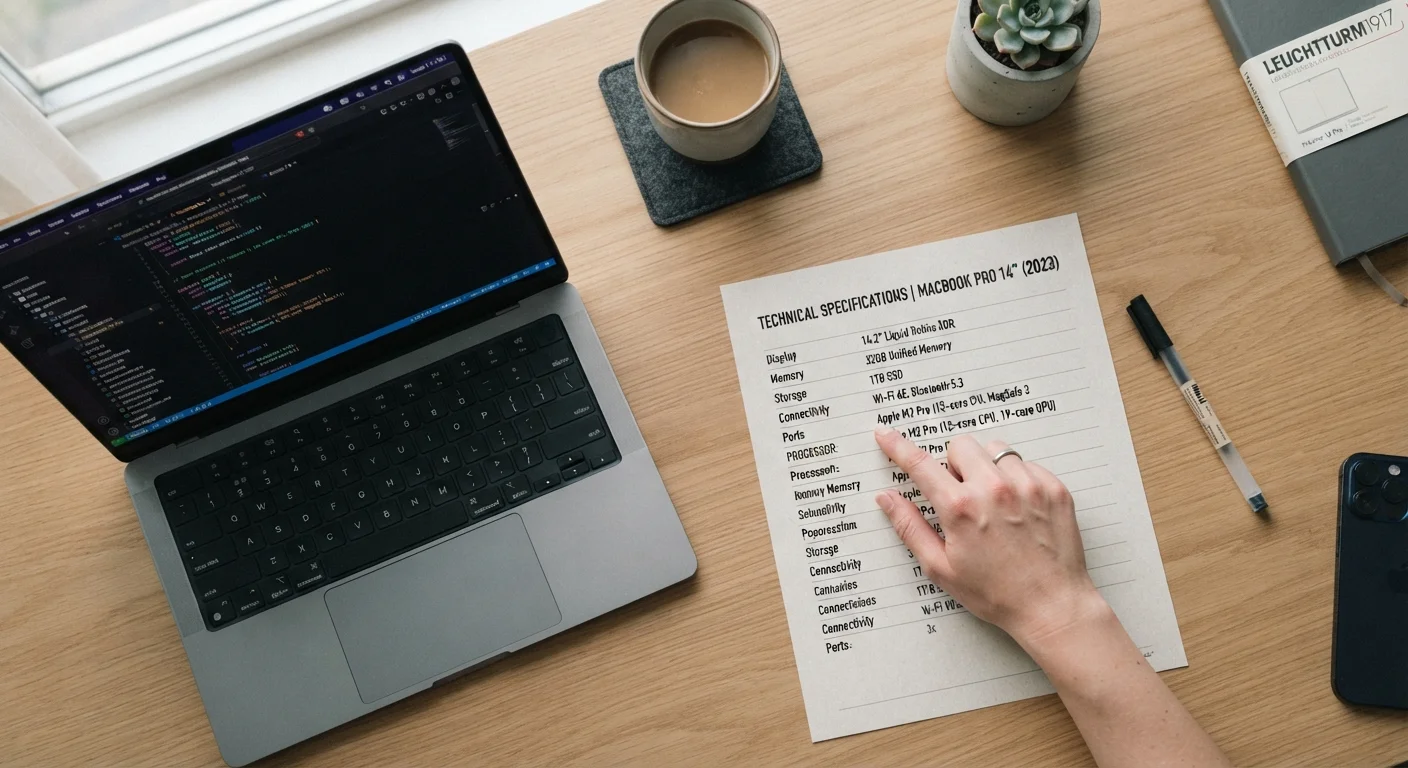
Photo credit: GadgetLite.net | All Things Tech
In this article
New laptop announced? This guide walks you through a real spec sheet, line by line, and explains what each number means for everyday use.
Key Takeaways
- Processor generation matters more than raw GHz numbers for everyday speed.
- RAM affects multitasking; storage affects how much you can save — they are not the same thing.
- Display resolution and refresh rate are distinct specs that serve different purposes.
- Battery life claims from manufacturers are measured under light workloads, not real-world use.
- Weight and port selection are practical specs that spec sheets often list last but matter daily.
- No single spec determines a PC's value — context and use case always come first.
Why Spec Sheets Feel Overwhelming
Every new PC announcement arrives with a spec sheet — a dense table of numbers, acronyms, and units that seems designed to confuse rather than inform. That's not entirely accidental. Spec sheets are written for retail databases and comparison engines, not for people who just want to know if a laptop will handle their work.
The good news: you don't need to understand every line. Most spec sheets contain roughly a dozen data points that genuinely affect your day-to-day experience, and the rest is background noise. This guide walks through those key specs one category at a time. If you've ever puzzled over a smartphone box, the approach is similar — we've covered that separately in our smartphone box decoder.
CPU (Processor)
The central processing unit is the main chip that runs programs and handles computation. Its speed and generation determine how fast the laptop responds to your actions.
RAM
Random Access Memory is temporary working space the computer uses while programs are open. More RAM means you can run more apps simultaneously without slowdowns.
SSD
A Solid State Drive is a fast storage device with no moving parts. It stores your files permanently and loads them much faster than older hard disk drives.
Resolution
The number of pixels on a display, expressed as width × height (e.g., 1920×1080). More pixels generally produce sharper images and text.
Refresh Rate (Hz)
How many times per second the screen redraws its image. Higher refresh rates make motion and scrolling appear smoother.
Watt-hours (Wh)
The unit used to measure battery capacity. A higher Wh number means the battery holds more energy, which can support longer use between charges.
The Processor: Power You'll Actually Feel
The processor — also called the CPU — is the engine of the machine. Spec sheets list it by name, followed by a clock speed in GHz (gigahertz). Beginners often assume higher GHz equals faster performance. That's an oversimplification.
What matters more is the processor's generation and architecture. A chip from a manufacturer's current lineup will outperform an older chip with a nominally higher clock speed, because each generation typically brings efficiency and performance improvements that raw numbers don't capture. Look for the generation indicator in the processor name — it's usually a number embedded in the model string.
Processor names also hint at tier: lower-tier suffixes (like U or E) signal power-efficient designs for thin laptops; higher-tier suffixes (like H or HX) indicate performance-focused chips that run warmer and consume more battery.
Focus on Generation, Not Just GHz
When comparing two processors, look up which generation each belongs to before comparing clock speeds. A current-generation chip at 2.4GHz will typically outperform a two-generation-old chip at 3.0GHz for most everyday tasks. Manufacturer websites publish clear generation timelines for their processor families.
RAM and Storage: Two Numbers People Confuse
RAM (Random Access Memory) and storage are listed separately on every spec sheet, yet buyers routinely conflate them. They do entirely different jobs.
RAM is your laptop's short-term working memory. It holds everything currently open — your browser tabs, documents, and apps. More RAM means smoother multitasking. When RAM runs out, the system slows noticeably as it compensates by using slower storage. For most users, 8GB is the minimum and 16GB is a comfortable baseline for daily use.
Storage is your long-term filing cabinet — where your files, photos, and applications live permanently. The two storage types you'll encounter are SSD (Solid State Drive) and HDD (Hard Disk Drive). SSDs are dramatically faster for starting up, opening files, and launching apps. An HDD in a new machine is a notable downgrade worth weighing deliberately.
Storage is measured in GB (gigabytes) and TB (terabytes). 256GB is functional for light users who rely on cloud storage; 512GB gives more breathing room for most people.
Display Specs: What the Screen Numbers Mean
Display specs pack in several independent measurements. Don't let them blur together — each one answers a different question.
- Resolution (e.g., 1920×1080 or 1080p) describes how many pixels the screen contains. More pixels generally means sharper text and images, though the benefit diminishes on smaller screens viewed at normal distances.
- Refresh rate (measured in Hz) is how many times per second the screen updates. 60Hz is standard; 120Hz makes scrolling and motion appear smoother. This matters more for gaming or video work than for document editing.
- Panel type — IPS, OLED, or TN — affects color accuracy, viewing angles, and contrast. IPS offers reliable color and wide angles; OLED delivers deep blacks and vivid color; TN is cheaper but with narrower viewing angles and weaker colors.
- Brightness (nits) determines how visible the screen is in bright environments like outdoors or near a window.
For a deeper breakdown of these terms, our display specs explainer covers each one in detail.
Battery, Weight, and the Specs Brands Downplay
Battery life claims on spec sheets represent best-case scenarios — typically measured at low screen brightness running light tasks. Real-world use almost always produces shorter runtimes. Treat the advertised figure as a ceiling and expect roughly 60–75% of it under typical conditions.
Battery capacity is measured in watt-hours (Wh). A higher Wh rating generally supports longer use, but the processor's efficiency and the screen's power draw both influence actual runtime.
Weight is a spec that gets buried at the bottom but affects every commute, every bag, every day of ownership. The difference between a 2.2 lb ultrabook and a 5 lb performance laptop is physically significant over months of use.
Don't Trust Battery Claims at Face Value
Manufacturers test battery life under ideal conditions — often with the screen dimmed to 50% or less and minimal background processes running. Your actual experience with typical brightness, active Wi-Fi, and real apps will consistently fall short of the spec sheet figure. If a machine claims 15 hours, plan your day around 9–11 hours.
Ports — the physical connectors — rarely get prominent placement in marketing, yet they determine what you can plug in without adapters. Note whether the machine includes USB-A, USB-C, HDMI, and an SD card slot, or whether you're looking at a minimal-port design that will require a hub for common accessories.
Putting It All Together Before You Decide
Reading a spec sheet well is less about memorizing values and more about asking the right questions. Start with your use case: Are you mostly in a browser? Running creative software? Traveling daily? Each use case prioritizes different specs.
A useful mental checklist: processor generation (recent or dated?), RAM (8GB minimum, 16GB preferred), storage type (SSD is non-negotiable for most buyers), display resolution and panel type, battery capacity versus weight trade-off, and port availability.
Specs tell you what a machine can do in controlled conditions — they don't capture build quality, keyboard feel, software experience, or thermal management under sustained load. Those dimensions require hands-on time or independent reviews beyond the spec sheet itself. The same principle applies across device categories; our guide to phone specs in daily use explores how this plays out on mobile.
Display Specs Explainer
A jargon-free breakdown of resolution, refresh rate, and panel types for laptop buyers who want to understand what they'll actually see on screen.
Processor Generation Reference
Chip manufacturers publish generation timelines on their official sites — useful for quickly placing a processor name in context when reading a spec sheet.
Wearable Spec Sheet Decoder
If you're evaluating a smartwatch alongside a new laptop, this companion guide decodes wearable specs using the same plain-language approach.
Frequently Asked Questions

Author
Releases Editorial Team
Releases Editorial Team is the collective byline for our editorial team and contributor network. Articles published under this byline or an editorial pen name are researched, written, and reviewed according to our editorial standards for clarity, consistency, and independence before publication.
View all articles →