
Gaming Headset Sound Modes: Stereo, Surround, and Spatial Audio Unpacked
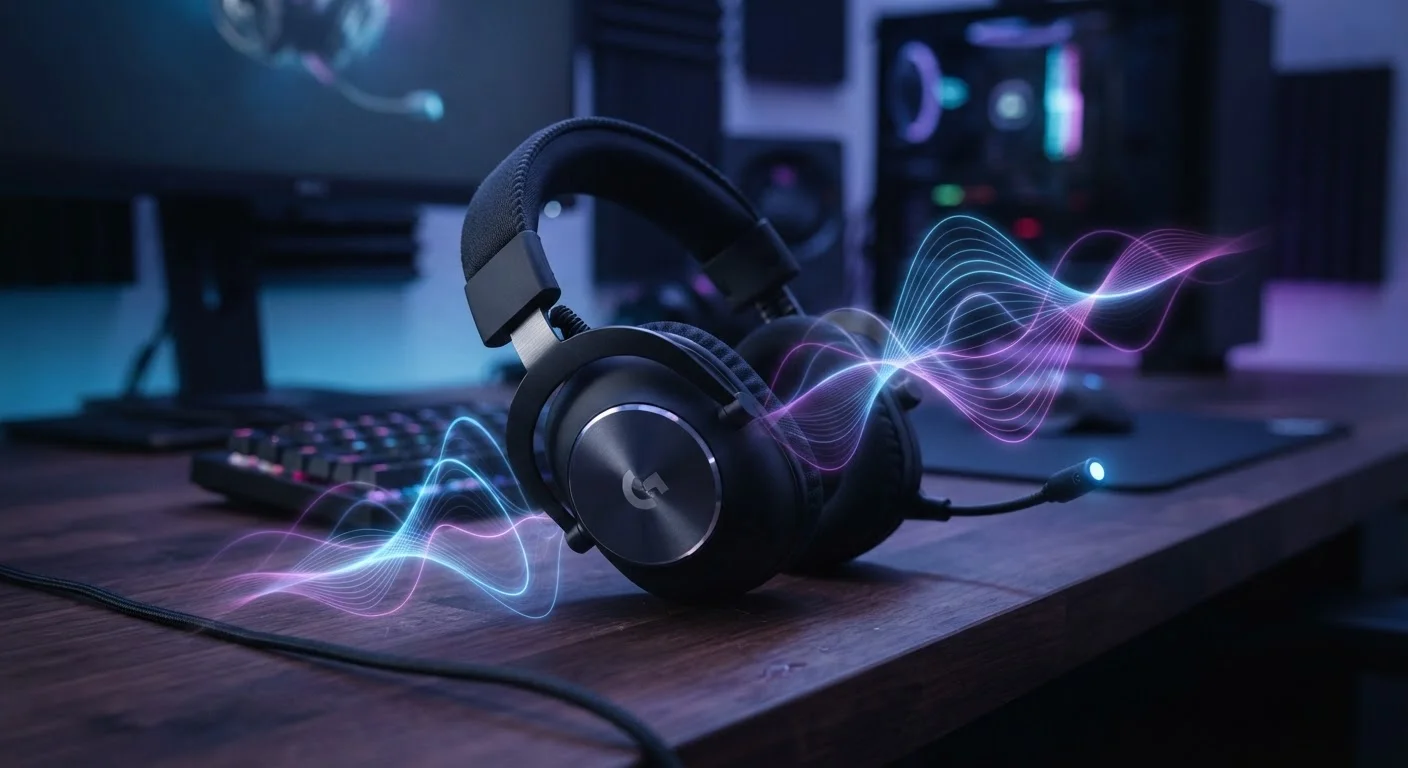
Photo credit: GadgetLite.net | All Things Tech
In this article
What's the real difference between stereo, virtual surround, and spatial audio in a gaming headset? Here's what each mode actually delivers.
Key Takeaways
- Stereo is the simplest mode: two channels, left and right, with no processing.
- Virtual surround adds software processing to simulate multiple speaker channels through two drivers.
- Spatial audio goes further, placing sounds in a full 3D space — including height.
- No mode is universally better; game genre and content type heavily influence which sounds best.
- All gaming headsets physically have stereo drivers — surround and spatial are software layers on top.
Stereo: The Foundation Everything Else Builds On
Every gaming headset — without exception — physically contains two audio drivers: one for your left ear, one for your right. That's stereo, and it's been the foundation of headphone audio since headphones existed. In stereo mode, the audio signal is split into exactly those two channels, with no additional processing applied.
Stereo sounds simple, and it is — but that's not a weakness. A well-mixed stereo game soundtrack delivers clear, detailed audio. Composers and sound designers frequently mix specifically for stereo, meaning stereo playback gives you the sound as it was intended. For music, movies, or any content mastered in stereo, this mode is often the most accurate option available.
Where stereo falls short is in conveying directionality within a 3D game world. If an enemy is sneaking up behind you, a stereo signal alone won't tell you that — it can only tell you left, right, or center. That limitation is exactly what the next two modes try to solve. For a deeper dive into what makes headphone audio tick, see our guide to audio quality in consumer devices.
Virtual Surround Sound: More Channels, Same Two Drivers
Virtual surround — often marketed as 7.1 surround sound — doesn't add any physical drivers to your headset. Instead, it uses software to simulate what a ring of five to eight speakers would sound like, then collapses that simulation back into two channels your headset can actually play.
The result is a noticeably wider soundstage. Sounds feel less locked to your immediate left and right, and many players find it easier to identify whether a noise originated from the front or the side. In games heavy on environmental audio — survival horror, open-world RPGs, or shooters with detailed sound design — virtual surround can genuinely heighten immersion.
The trade-off is processing artifacts. Converting eight theoretical channels into two introduces filtering that can soften high-frequency details. Some competitive players report that virtual surround makes sounds feel slightly smeared — precise audio cues like a single gunshot become harder to pin down instantly. Testing both modes in your favorite game is always worth the few minutes it takes.
2
Physical drivers in every gaming headset
Regardless of surround or spatial audio marketing, all gaming headsets use two drivers — one per ear — with software handling any additional channel simulation.
7.1
Channels simulated in virtual surround
Most virtual surround implementations simulate up to 7.1 channels of audio (seven speakers plus a subwoofer), all collapsed into two channels for playback.
360°
Sound sphere in full spatial audio
Spatial audio systems aim to place sounds anywhere within a full spherical field around the listener, including elevation, rather than a flat horizontal ring.
Spatial Audio: A Full Sphere of Sound
Spatial audio is the most ambitious of the three approaches. Rather than simulating a flat ring of speakers, spatial audio systems attempt to place sounds anywhere in a full three-dimensional sphere — including above and below you. This is achieved using HRTFs, which are mathematical models of how the shape of a human head and ears affects the way sound reaches the eardrums.
Platforms implement this differently. PlayStation 5 uses Tempest 3D Audio, Xbox supports Dolby Atmos for Headphones and Windows Sonic, and PC players can access multiple software options through system settings. Some headsets include onboard processors that handle spatial rendering independently, while others rely entirely on the platform doing the work.
When spatial audio clicks, it's genuinely impressive — rain sounds like it's falling around you rather than playing into your ears, and in-game voices feel anchored to specific characters' positions. When it doesn't click, the effect can sound hollow or slightly unnatural. This often comes down to HRTF fit: the models are averaged across many ear shapes, and your anatomy may not match perfectly. Many modern implementations offer multiple HRTF presets precisely for this reason.
“The goal of spatial audio isn't just to impress — it's to make the player feel genuinely present inside the game world. When a sound comes from above or behind in a convincing way, the brain stops processing it as 'game audio' and starts treating it as environment.”
— Audio researcher, game sound design community, Game audio specialist and researcher
Curious whether a headset's other features are worth the investment? Our piece on gaming gear that actually improves casual play breaks down what genuinely makes a difference.
Choosing the Right Mode for How You Play
There's no single correct answer here, which is actually good news — it means you're in control. A few rough guidelines can help narrow things down:
- Competitive multiplayer: Stereo or lightly processed virtual surround often keeps audio cues crisp. Heavy virtualization can occasionally blur the sharp transients that signal footsteps or reloads.
- Story-driven or open-world games: Spatial audio and virtual surround both reward exploration with a more enveloping soundscape, making environments feel lived-in.
- Music and movies: Stereo is usually the most faithful to how the content was originally mixed.
The best approach is to spend ten minutes in a familiar game with each mode enabled. Most platforms let you switch instantly in audio settings, so there's no cost to experimenting. What sounds spatial and immersive to one person can feel disorienting to another — your perception matters most.
Try Each Mode in a Familiar Game First
Switch sound modes while playing a game you know well. Familiar audio lets you instantly notice differences in directionality, clarity, and presence. Starting with an unfamiliar title makes it harder to separate the mode's effect from the game's own sound design.
Also worth knowing: the connection type your headset uses can influence how audio processing is handled. Our comparison of wired vs. wireless gaming headsets explains how the cable — or lack of one — affects the full audio chain.
Frequently Asked Questions

Author
Gaming Editorial Team
Gaming Editorial Team is the collective byline for our editorial team and contributor network. Articles published under this byline or an editorial pen name are researched, written, and reviewed according to our editorial standards for clarity, consistency, and independence before publication.
View all articles →