
Caring for Your Gaming Gear So It Lasts
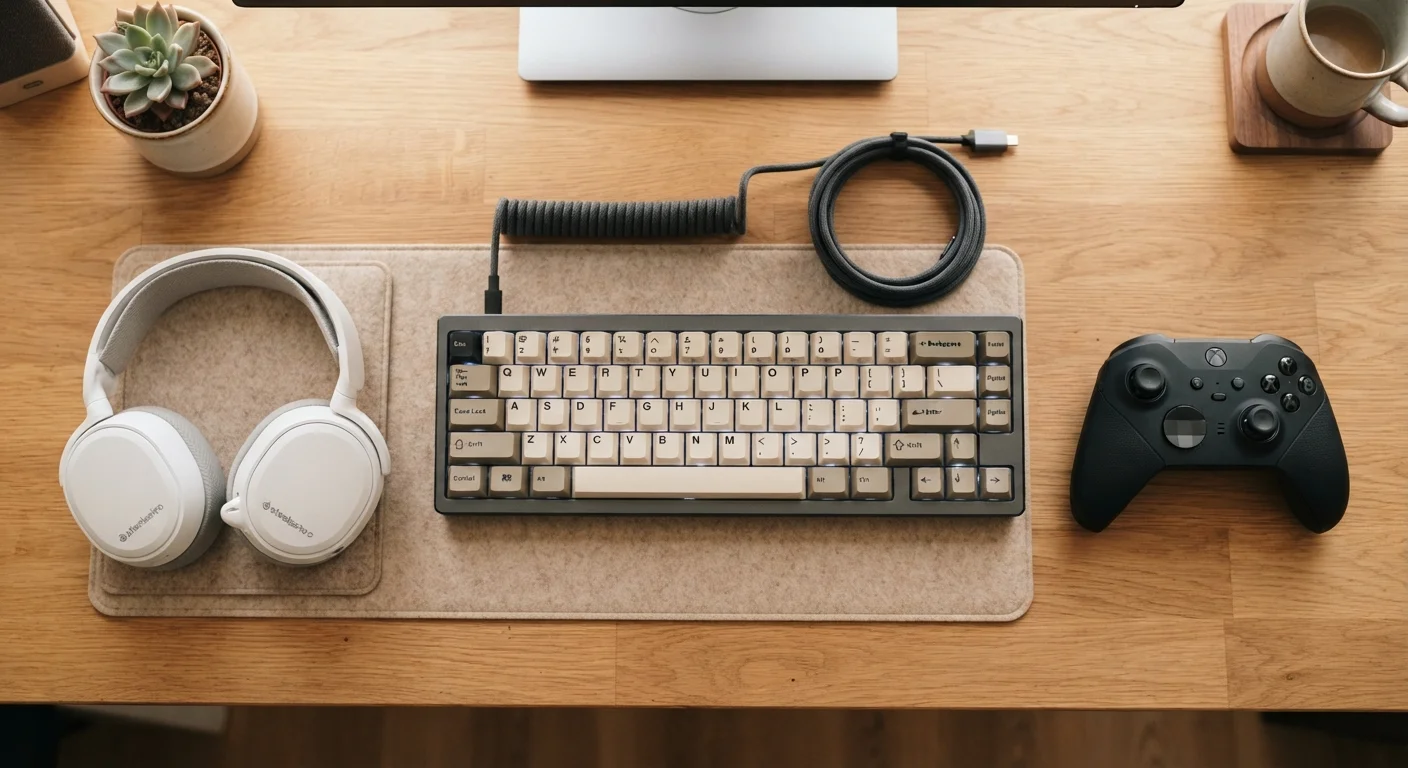
Photo credit: GadgetLite.net | All Things Tech
In this article
Controllers, headsets, and keyboards all degrade faster without basic upkeep. These maintenance habits keep your gear in good shape longer.
Key Takeaways
- Dirt and oils from your hands are the leading cause of controller and keyboard degradation over time.
- Storing gear properly — away from heat, humidity, and tangled cables — extends its usable life significantly.
- Headset cushions and cable connections are the two most commonly neglected maintenance points.
- Most gaming gear only needs a few minutes of light cleaning per week to stay in good condition.
- Treating your peripherals well reduces the need for early replacement and cuts down on electronic waste.
Why Gear Maintenance Actually Matters
Gaming gear takes a beating. Controllers get gripped through tense boss fights, keyboards absorb crumbs and accidental drink spills, and headsets collect sweat after long sessions. None of that is dramatic — it's just what regular use looks like. The problem is that small amounts of grime, moisture, and mechanical stress compound quietly over time until a button stops registering, a headband cracks, or a keycap starts sticking.
The good news: you don't need special tools or a lot of time to push back against that wear. A handful of consistent habits will keep your controller feeling crisp, your audio clear, and your keyboard responsive for years longer than if you ignore upkeep entirely. If you're curious about how these same principles apply to other devices you use daily, the habits that keep wearables useful long-term translate well to the gaming context too.
Wipe down controllers and keyboards with a lightly dampened microfiber cloth after each session.
Skin oils and sweat are mildly acidic and break down plastic finishes and rubber grips over time. A quick wipe after use removes the bulk of that buildup before it sets. This is especially important for analog sticks and thumbpad edges, where grime accumulates fastest.
Use compressed air to clear debris from between keyboard keys every few weeks.
Dust, crumbs, and hair that settle under keycaps can eventually cause keys to stick or miss inputs. Compressed air dislodges this debris without requiring you to pull keycaps off. Consistent clearing prevents buildup from reaching the switch mechanism itself.
Store headsets on a stand or hook rather than leaving them flat on a desk or draped over a monitor.
Headbands are typically the first structural component to fail — usually from repeated bending in the wrong direction or pressure from an uneven surface. Proper hanging keeps the band in a neutral position and reduces stress on the hinge points.
Inspect and gently clean cable connectors every month, especially on wired controllers and headsets.
Connector pins and ports collect dust and oxidation that can cause intermittent dropouts or charging failures. A dry cotton swab run carefully around port openings removes loose debris without risking damage. Catching buildup early prevents it from becoming a persistent connection problem.
Avoid eating or drinking directly over your gear during sessions.
Liquid spills are the single most common cause of sudden peripheral failure, and even dry crumbs contribute to key sticking and switch fouling over time. Creating a small physical boundary — placing your drink behind the keyboard, for instance — removes the risk without adding any inconvenience.
Quick Wins You Can Start Today
You don't need a full maintenance session to make a difference. A few targeted actions right now will immediately reduce the wear your gear accumulates.
Storage, Cables, and the Long Game
How you store gear between sessions matters almost as much as how you clean it. Leaving a headset draped over a sharp monitor edge stresses the headband. Wrapping cables tightly around a controller strains the connectors at both ends — the most common point of failure on any wired peripheral. Coiling cables loosely and hanging headsets on a dedicated stand (or even a simple hook) costs almost nothing but adds meaningful protection.
Heat and humidity are the silent enemies of electronics. Keeping gear away from windowsills, heating vents, and damp areas like bathrooms helps protect internal components and the foam or leather on headset cushions. If a cushion does start to peel or flatten, many manufacturers sell replacement ear pads — a much cheaper fix than replacing the entire headset.
Replacement Parts Are Often Available
Before assuming a piece of gear is done, check whether the manufacturer or third-party sellers offer replacement components. Headset ear cushions, thumbstick rings, and keycap sets are widely available for many popular peripherals. Replacing a single worn part is almost always cheaper than buying new, and it keeps functional hardware out of the waste stream. Check the gaming accessories overview to get familiar with what each peripheral category includes and what parts typically wear out first.
Taking good care of your peripherals also connects to a bigger picture. Responsible electronics ownership — including extending device life and understanding repairability — matters both for your wallet and for reducing e-waste. And if you're building out your whole gaming space, pairing solid gear habits with a well-arranged gaming setup covers both your equipment and your comfort.
3–5 years
Typical lifespan of a well-maintained gaming controller
Industry estimates suggest regular cleaning and proper storage can keep controllers functioning reliably for several years beyond what casual neglect allows.
~80%
Of peripheral failures linked to liquid or debris exposure
Repair technicians commonly cite moisture and debris as the dominant causes of non-impact peripheral failures across keyboards, controllers, and headsets.

Author
Gaming Editorial Team
Gaming Editorial Team is the collective byline for our editorial team and contributor network. Articles published under this byline or an editorial pen name are researched, written, and reviewed according to our editorial standards for clarity, consistency, and independence before publication.
View all articles →