
Before You Upgrade Your Gaming Setup: A Readiness Checklist
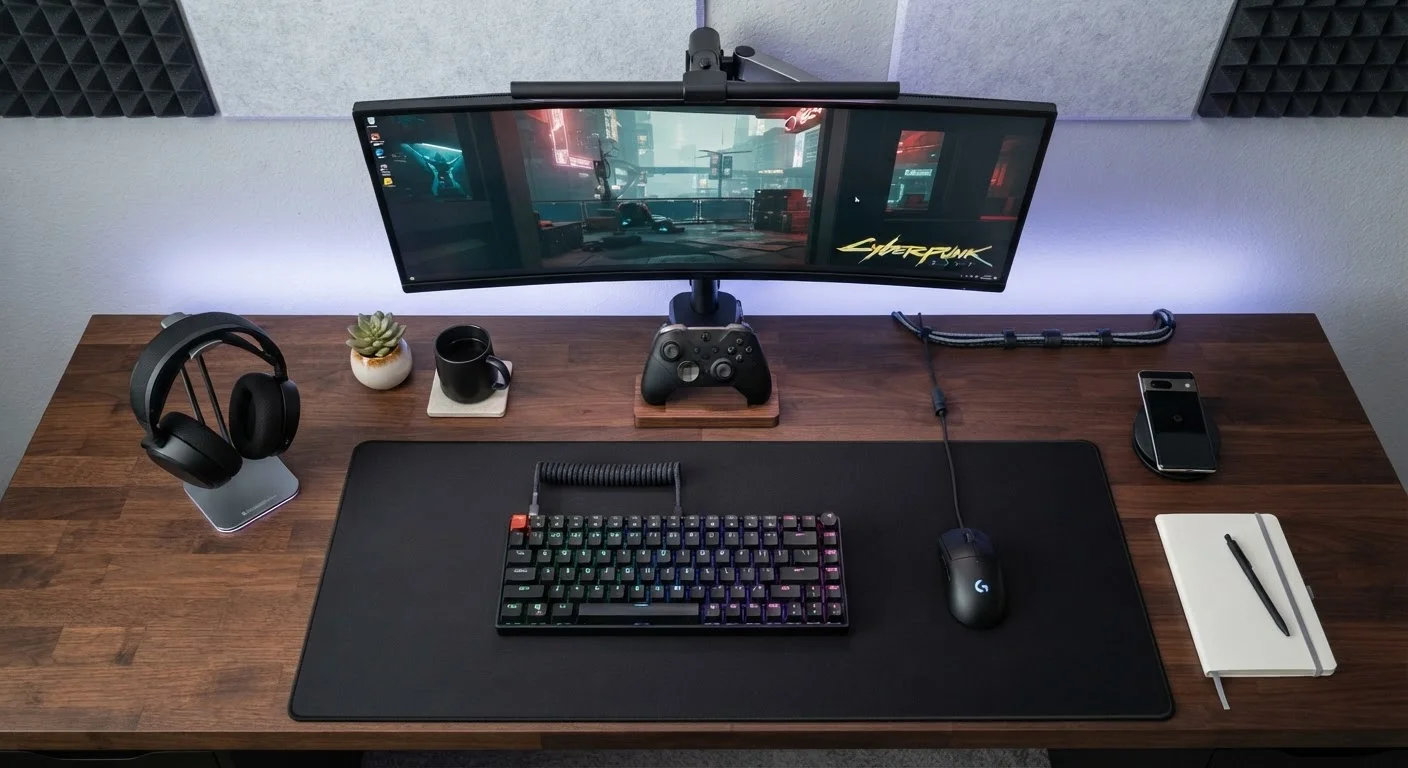
Photo credit: GadgetLite.net | All Things Tech
Use this checklist to identify genuine gaps in your current gear before spending on upgrades you may not actually need.
Key Takeaways
- Most gaming bottlenecks come from network, monitor, or audio — not the GPU or console you assume.
- Running a quick audit of your current setup before spending can save real money.
- Comfort and ergonomics affect performance as much as hardware specs do.
- Upgrading one component without checking compatibility can create new problems.
- A structured checklist helps you target genuine gaps instead of chasing hype.
Why Audit Before You Upgrade?
The gaming gear market moves fast, and marketing makes every new release feel essential. But the honest truth? Most casual players are not being held back by their hardware — they're held back by not knowing which part of their setup is actually the weak link.
Before you open your wallet, this checklist walks you through every layer of your gaming environment: connectivity, display, audio, peripherals, ergonomics, and compatibility. Think of it as a quick diagnostic that points to real problems rather than perceived ones. If you've ever wondered whether new gear would make a difference, this is where you find out.
For a broader look at how upgrade pressure works against consumers, see our piece on when newer doesn't actually mean better. And if you're weighing a full PC or console switch, our gaming platforms hub can help you compare your options first.
Network & Connectivity
Display
Audio
Input Devices & Peripherals
System Performance
Ergonomics & Environment
What You'll Need to Run This Audit
Most of these checks need nothing more than the gear you already own and five minutes of attention. A few optional tools can give you more precise data, especially for network and display performance.
Speed test app or website
Measures your actual download speed, upload speed, and ping so you can assess network performance accurately.
In-game performance overlay
Displays real-time frame rate and system resource usage to help pinpoint where performance bottlenecks actually occur.
Controller testing utility
Checks all inputs, axes, and buttons on a gamepad to identify stick drift or unresponsive keys.
Measuring tape
Helps verify monitor viewing distance and desk dimensions for ergonomic positioning.
Once you've gathered what you need, work through the checklist groups in order — they're arranged from foundational infrastructure (your network) up through to comfort and ergonomics, which are easy to overlook but genuinely matter for longer sessions. For an ergonomics deep-dive, see our guide on setting up your chair and desk for long sessions.
Don't Upgrade Components in Isolation
Replacing a single part — like a graphics card or a monitor — without checking compatibility with the rest of your system can create new bottlenecks or outright incompatibilities. Always confirm that a planned upgrade works with your existing hardware before purchasing. This applies equally to console accessories, which sometimes require specific firmware versions or cable standards to function correctly.
If your audit uncovers PC-related bottlenecks specifically, it's worth reading about the hidden costs of upgrading your PC too soon before committing to anything.

Author
Gaming Editorial Team
Gaming Editorial Team is the collective byline for our editorial team and contributor network. Articles published under this byline or an editorial pen name are researched, written, and reviewed according to our editorial standards for clarity, consistency, and independence before publication.
View all articles →