
How Refresh Rate Affects What You See on a Phone or Tablet Screen
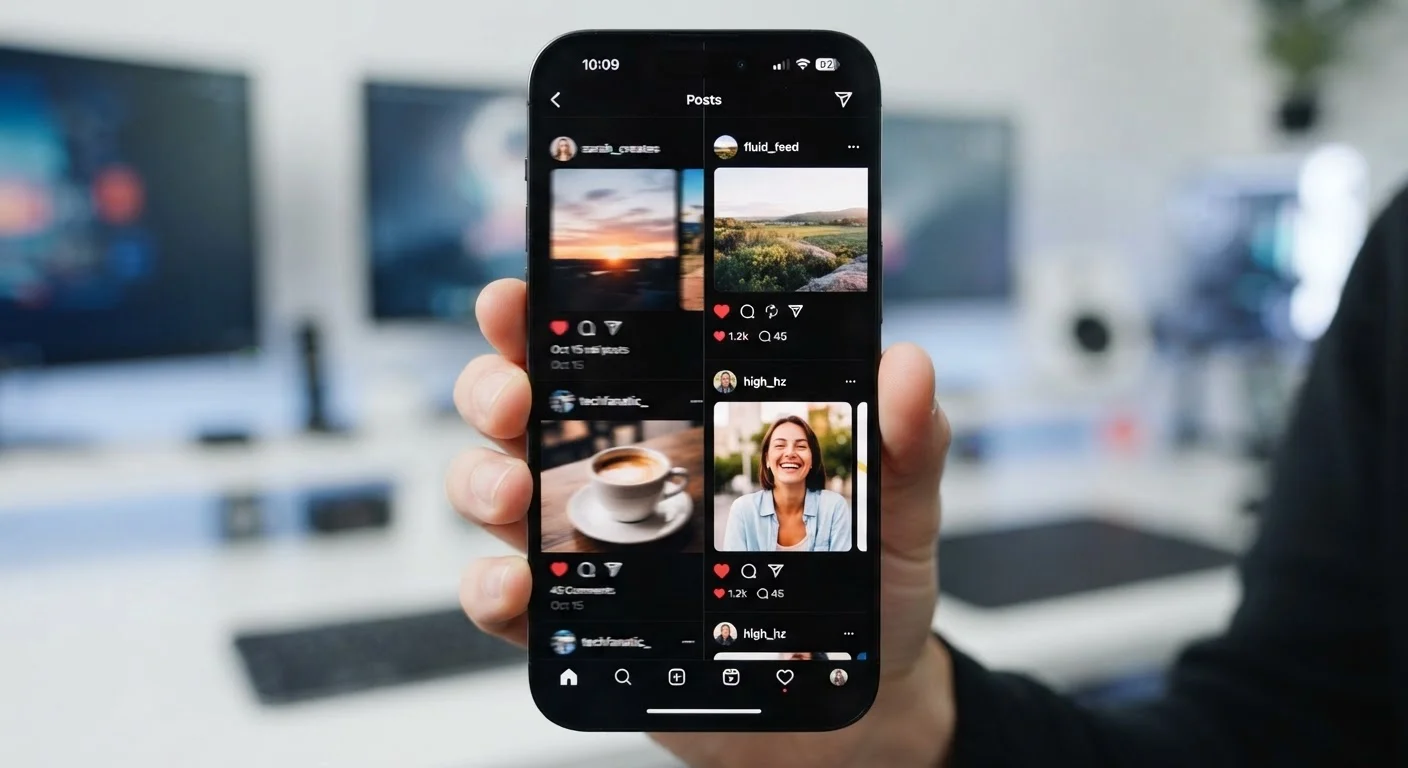
Photo credit: GadgetLite.net | All Things Tech
In this article
60Hz vs 120Hz isn't just a spec number — it changes scrolling, gaming, and video in ways you can see. Here's what the difference looks like.
Key Takeaways
- Higher refresh rates make scrolling and animations visibly smoother, not just measurably faster.
- 60Hz is the standard baseline; 90Hz and 120Hz are common upgrades on mid-range and flagship devices.
- Faster refresh rates can drain battery more quickly, though adaptive displays reduce this penalty.
- For video, refresh rate matters less than resolution — most streaming content is shot at 24–30fps.
- Gaming and fast-paced app use benefit the most from 90Hz or 120Hz displays.
What Refresh Rate Actually Does to Your Screen
Think of refresh rate like a flipbook. The more pages flipped per second, the smoother the animation looks. Your phone's display is doing something similar — it's drawing a fresh image dozens or hundreds of times every second. When that rate goes up, motion stops looking like a series of still frames and starts feeling like a continuous flow.
At 60Hz, each frame lasts about 16.7 milliseconds on screen. At 120Hz, that drops to roughly 8.3 milliseconds. That halved window between frames is what makes swipes, scrolls, and cursor movements feel immediate rather than slightly sticky. It's a difference that's easier to feel than to describe — but once you've used a 120Hz screen for a week and switched back, 60Hz tends to look like it's running through mud.
For a broader look at how display specs connect to real-world experience, see our plain-English display spec guide.
120Hz
Common peak refresh rate on flagship phones
120Hz has become the standard high-end tier for flagship smartphones, with many mid-range devices now also offering 90Hz or 120Hz displays.
1–120Hz
Adaptive rate range on LTPO panels
LTPO display technology allows refresh rates to scale dynamically, reducing power draw during static content while hitting peak smoothness when needed.
24–30fps
Typical frame rate of streaming video
Most movies and TV shows are mastered at 24fps or 30fps, meaning higher screen refresh rates don't add visual frames to video content.
Where the Difference Shows Up in Everyday Use
Refresh rate doesn't affect everything equally. Here's where it actually matters:
- Scrolling: This is where most people notice the upgrade first. Text and images glide cleanly on a 120Hz display; on 60Hz, fast scrolls can produce a slight blur or judder.
- Gaming: Fast-paced games benefit the most. A higher refresh rate reduces the delay between your touch input and what you see on screen — often called input lag — making games feel more responsive.
- Stylus and drawing apps: On tablets especially, a high refresh rate reduces the gap between where your stylus is and where the line appears, creating a more natural pen-on-paper feel.
- Video streaming: Largely unaffected. Since most content is shot and encoded at 24–30fps, your 120Hz display won't conjure extra frames. Motion smoothing features exist but are controversial — many viewers find artificially generated frames look unnatural.
Understanding which specs move the needle for daily tasks is covered in depth in what phone specs actually mean for the way you use your device.
Refresh Rate, Battery Life, and Adaptive Displays
There's a genuine trade-off. Running a display at 120Hz around the clock draws more power than 60Hz — historically a real concern on earlier high-refresh phones. Adaptive refresh rate technology addresses this by automatically scaling the rate based on what's happening on screen.
When you're reading a static article, the display might drop to 1Hz or 10Hz, barely redrawing at all and using minimal power. The moment you start scrolling, it jumps back to 90Hz or 120Hz. You never consciously manage this — the device handles it automatically.
Check If Your Device Has Adaptive Refresh
Before assuming a 120Hz phone will kill your battery, look up whether it uses adaptive refresh rate technology. If it does, the display intelligently lowers its rate during static or low-motion tasks. You get smoothness when you need it and efficiency when you don't — without any manual adjustment.
If battery life is a priority and your device offers a manual refresh rate toggle, running at 60Hz is a straightforward way to extend screen-on time. The trade-off is noticeable smoothness, but for light tasks like reading email or messaging, most people won't miss it.
For more context on how specs like this connect to the bigger picture, the consumer electronics spec decoder breaks down the full range of display and hardware terms in one place.
What to Look For When Evaluating a Display
Refresh rate is one piece of the display puzzle — not the only one. Resolution (how sharp the image is), panel type (OLED vs. LCD affects color and contrast), and peak brightness all matter for how a screen looks and performs in real conditions.
That said, when a device spec sheet lists refresh rate, here's a useful mental framework: 60Hz is reliable and battery-efficient, well-suited for general use and media consumption. 90Hz splits the difference — smoother than 60Hz without as much battery impact. 120Hz is the current sweet spot for people who want the most fluid interface experience. Anything above 120Hz (144Hz or 165Hz, found on some gaming-oriented devices) offers diminishing returns for most everyday tasks.
The spec sheet alone won't always tell you whether that 120Hz rating is adaptive or fixed, or under what conditions the display hits its peak rate. What the spec sheet won't tell you about a new phone walks through exactly these kinds of gaps between listed specs and real performance.
The bottom line: refresh rate is one of the few display specs where the upgrade is genuinely perceivable for most users — particularly anyone who scrolls a lot, games casually, or uses a stylus. It's worth factoring in, but always alongside battery behavior and the tasks you actually do most.
Frequently Asked Questions

Author
Gadgets Editorial Team
Gadgets Editorial Team is the collective byline for our editorial team and contributor network. Articles published under this byline or an editorial pen name are researched, written, and reviewed according to our editorial standards for clarity, consistency, and independence before publication.
View all articles →