
Why Your Phone Slows Down Over Time — and What You Can Realistically Do
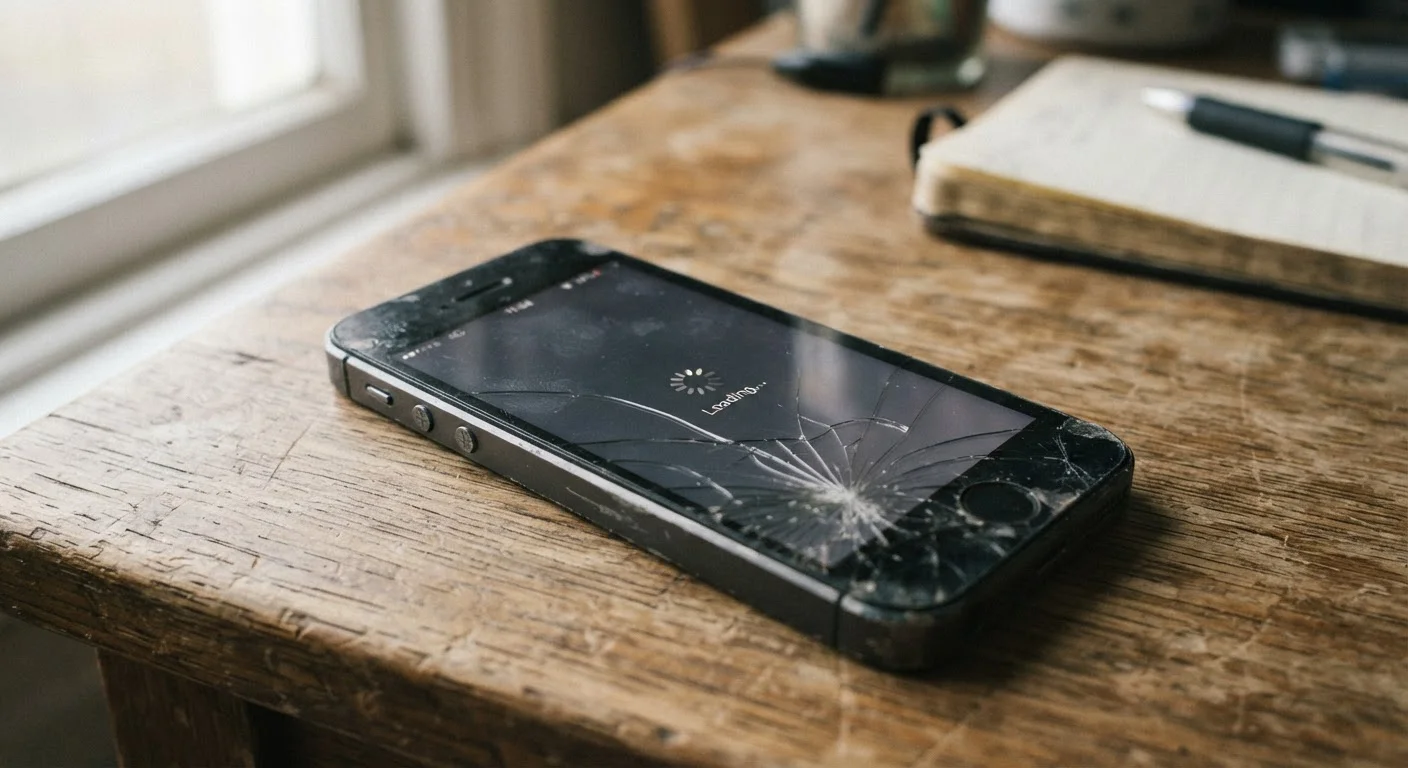
Photo credit: GadgetLite.net | All Things Tech
In this article
Software bloat, ageing batteries, storage pressure — the real reasons older phones feel sluggish and which fixes are worth your time.
Key Takeaways
- Battery degradation is one of the leading causes of perceived phone sluggishness over time.
- Accumulated storage clutter and background app activity quietly drain processing headroom.
- Many popular 'speed fixes' do little or nothing; a few targeted steps genuinely help.
- Software updates can both improve and occasionally worsen performance depending on hardware age.
- Knowing when to fix versus when to replace saves money and frustration.
Why Phones Actually Get Slower
Your phone didn't change overnight — but three years in, it noticeably lags. The causes are well understood, even if they're rarely explained clearly.
Battery chemistry is often the biggest culprit. Lithium-ion cells lose capacity with each charge cycle, and a degraded battery can't deliver the sustained power bursts a processor needs for demanding tasks. Both Android and iOS operating systems respond by throttling (slowing down) the processor to prevent unexpected shutdowns — a protective measure that genuinely impacts perceived speed. See our guide to what drains your battery for a fuller picture of how power and performance intersect.
Storage pressure is the second major factor. When a phone's internal storage fills up, the operating system has less room to write temporary files and cache data, which slows down nearly every task — opening apps, processing photos, loading web pages. Most phones begin showing strain when storage is more than 80–85% full.
Software growth plays a role too. Operating system updates are designed for current and future hardware; on older devices, they can add more overhead than the original firmware. Apps also grow larger and more resource-hungry over time, even if you haven't updated your habits. Our article on background software your device runs silently explains how firmware and system processes compound this effect.
Common Mistakes That Make It Worse
Most people trying to speed up a sluggish phone make a handful of well-intentioned errors. Avoiding them won't restore day-one performance, but it will stop you from wasting time — or accidentally making things worse.
Force-closing all apps constantly to 'free up' the phone.
Why it happens: It feels logical: fewer open apps should mean more speed. But modern mobile operating systems manage RAM automatically and keep recently used apps in memory precisely to make reopening them faster.
Ignoring an OS update because 'updates slow old phones down.'
Why it happens: There's a kernel of truth here — major version updates can add overhead on older hardware — but skipping updates leaves known security vulnerabilities and performance bugs unpatched.
Installing task-killer or 'RAM booster' apps to speed up the phone.
Why it happens: These apps market themselves aggressively and the promise sounds plausible. In practice, they interfere with the OS's own memory management and often run persistent background processes that consume the resources they claim to free.
Overlooking battery health as a performance factor.
Why it happens: Most users associate a worn battery with shorter battery life, not slowdowns. The connection between power delivery and processor throttling isn't intuitive.
Letting storage fill to capacity without management.
Why it happens: Storage fills gradually and invisibly — photos, app data, cached content accumulate without obvious prompts until the phone starts struggling.
~500
Charge cycles before notable battery capacity loss
Battery University, an industry reference resource, notes that lithium-ion cells typically retain around 80% of original capacity after approximately 500 full charge cycles under normal conditions.
80%+
Storage use that triggers performance strain
Device manufacturers including Apple and various Android OEMs recommend keeping at least 15–20% of storage free to maintain smooth system performance.
What Actually Helps — and What to Skip
Once you understand the real causes, the genuinely useful fixes become obvious.
Skip Third-Party 'Cleaner' Apps
Apps marketed as phone cleaners, RAM boosters, or speed optimizers rarely deliver measurable improvements and frequently introduce their own performance costs — including persistent background processes and aggressive ad delivery. Both Google and Apple have tightened restrictions on these app categories, but they still appear in app stores. The built-in tools in your phone's settings are more effective and carry no added risk.
- Check battery health. On iPhone, go to Settings > Battery > Battery Health & Charging. Android varies by manufacturer but is often under Settings > Battery > Battery Usage. If capacity is below roughly 80%, a battery replacement — typically available through manufacturer service programs — can make an older phone feel noticeably faster.
- Free up storage deliberately. Offload photos to cloud storage or a computer, delete apps you no longer use, and clear app caches (on Android, through Settings > Apps; iOS handles this automatically for most apps). Aim to keep at least 15–20% of storage free.
- Reduce background activity. Limit which apps refresh in the background — on both platforms this is controllable in Settings. This reduces the competition for RAM (random-access memory, the short-term workspace your phone uses to juggle tasks).
- Consider a factory reset as a last resort. A clean slate removes accumulated junk but also everything you've set up. Back up fully before attempting it, and understand it won't fix hardware-level issues like battery wear.
For myth-busting on which fixes are genuinely worth your time, software myths that trip up everyday users addresses several persistent misconceptions directly.
Setting Realistic Expectations
No software trick fully reverses hardware aging. A phone three or more years old running current apps will perform differently than it did at launch — that's a structural reality, not a failure on your part.
Battery Replacement Is Often Underrated
If your phone is two or more years old and feels sluggish, check battery health before assuming you need a new device. A worn battery triggering processor throttling can account for a significant portion of slowdown. Manufacturer service programs and authorized repair providers offer battery replacements at a fraction of a new phone's cost — and for many users, it's the single most effective performance intervention available.
The practical question is whether targeted fixes bring performance to an acceptable level for your actual use. If your main activities are calls, messaging, and light browsing, an older phone with a fresh battery and cleared storage may serve you comfortably for another year or two. If you rely on camera-heavy apps, mobile gaming, or productivity tools that push hardware limits, the gap between expectation and reality may be harder to close.
Being honest about that distinction — rather than endlessly chasing speed fixes — is the most useful thing you can do.

Author
Gadgets Editorial Team
Gadgets Editorial Team is the collective byline for our editorial team and contributor network. Articles published under this byline or an editorial pen name are researched, written, and reviewed according to our editorial standards for clarity, consistency, and independence before publication.
View all articles →