
Wi-Fi, Zigbee, Z-Wave, and Thread: The Wireless Protocols Behind Your Smart Home
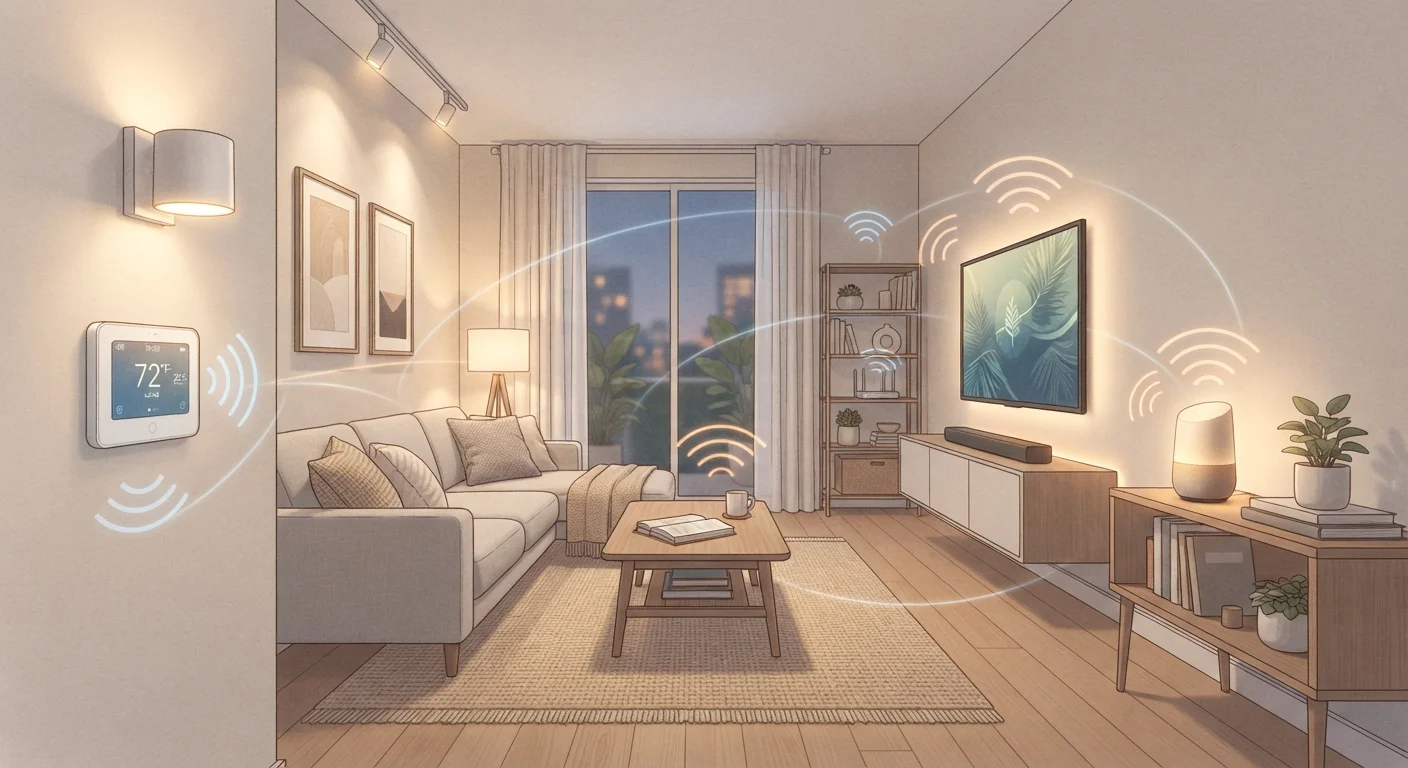
Photo credit: GadgetLite.net | All Things Tech
In this article
Your smart devices rely on different wireless languages. Here's what each protocol does and why it matters when building a connected home.
Why Wireless Protocols Matter in a Smart Home
When you add a smart light bulb, a door lock, or a thermostat to your home, that device needs a way to talk to your phone or a central hub. The "language" it uses is called a wireless protocol. Your devices can only communicate with other devices and hubs that speak the same language — which is why this choice has real consequences for how your smart home grows.
Most everyday gadget buyers don't pick a protocol directly. Instead, they buy a device, discover it requires a specific hub or app, and gradually build a setup shaped by those early purchases. Understanding the four dominant protocols upfront helps you avoid fragmentation later. For broader context on how smart devices connect, see Smart Home Devices Explained.
| Wi-Fi frequency bands | 2.4 GHz and 5 GHz |
| Zigbee operating frequency | 2.4 GHz (globally) |
| Z-Wave operating frequency (US) | 908.42 MHz |
| Thread network type | Mesh — no single hub required |
| Typical Wi-Fi device limit per router | 30–50 devices (varies by router) |
| Zigbee mesh node limit | Up to 65,000 devices per network (Zigbee Alliance specification) |
| Z-Wave max devices per network | 232 devices (Z-Wave Alliance specification) |
| Thread IP-based | Yes — IPv6 native |
Wi-Fi: The Protocol You Already Have
Wi-Fi connects smart devices directly to your home router — no extra hub needed. That's its biggest advantage. Plug in a smart plug or security camera and it joins your existing network immediately.
The trade-off is resource demand. Wi-Fi devices draw more power than other protocols, which makes them poorly suited for battery-powered devices like door sensors or small remotes. They also add congestion to your router. Routers have a practical ceiling of 30 to 50 connected devices before performance noticeably degrades, though that ceiling varies significantly by hardware. If you're building a large smart home, Wi-Fi alone can become a bottleneck. Configuring your network thoughtfully becomes critical at scale.
Best suited for: Mains-powered devices needing high bandwidth — smart TVs, cameras, video doorbells, streaming speakers.
Zigbee and Z-Wave: The Mesh Protocol Duo
Both Zigbee and Z-Wave use a mesh network architecture, meaning each device can relay signals to others — extending range without adding a router. Both require a separate hub or bridge to connect to your phone or internet.
Zigbee
Zigbee runs on the 2.4 GHz band (the same frequency as Wi-Fi and Bluetooth), which means interference is possible in crowded wireless environments. It supports enormous networks — theoretically up to 65,000 devices — and is used by a wide range of manufacturers. However, Zigbee isn't fully standardized across brands, so devices from different manufacturers sometimes have compatibility quirks even on the same protocol.
Z-Wave
Z-Wave operates on a lower, less crowded frequency (908.42 MHz in the US), which reduces interference from Wi-Fi and microwaves. The Z-Wave Alliance enforces stricter certification requirements, so interoperability between Z-Wave devices is generally more reliable. The downside: the ecosystem is smaller, and Z-Wave devices tend to cost a bit more. Networks are also capped at 232 devices.
Best suited for: Battery-powered sensors, smart locks, light switches, and other low-power devices spread across a larger home. See also a deeper protocol comparison.
Thread: The Newest Mesh Protocol
Thread is a newer mesh protocol designed from the ground up to address weaknesses in earlier smart home wireless standards. Like Zigbee and Z-Wave, it forms a mesh — but unlike them, Thread is IP-based, meaning devices get their own IPv6 internet addresses. This makes communication more direct and removes the need for protocol translation layers.
Thread also has no single point of failure. Traditional mesh networks often depend on a coordinator device; if that device goes offline, the mesh can collapse. Thread-enabled devices elect new coordinators automatically.
Thread is the underlying transport for many Matter-certified devices, making it increasingly relevant for anyone building a forward-looking smart home setup.
Matter Sits on Top of These Protocols
Matter — a newer smart home standard backed by major tech companies — doesn't replace Wi-Fi, Thread, or Zigbee. Instead, it runs on top of Wi-Fi and Thread to help devices from different brands work together. Z-Wave and Zigbee have their own separate Matter bridges in development. For a deeper look, see our Matter protocol explainer.
Best suited for: Low-power devices in newer smart home setups, particularly those using Matter-compatible hardware from Apple, Google, or Amazon ecosystems.
For a side-by-side trade-off look at wired versus wireless approaches, this wired vs. wireless breakdown is a practical complement to understanding protocol choices.
Choosing the Right Protocol for Your Setup
Most homes end up using more than one protocol — Wi-Fi for cameras and media devices, Zigbee or Z-Wave for sensors and locks, and Thread for newer smart bulbs and plugs. That's normal and functional, provided your hub supports all relevant protocols.
A few practical guidelines:
- Starting fresh with a small setup? Wi-Fi devices are the easiest entry point — no extra hub required.
- Scaling to 20+ devices? Adding a Zigbee or Z-Wave hub reduces router strain and extends range reliably.
- Prioritizing future-proofing? Thread-compatible devices work with the Matter standard, which is gaining broad industry support.
- Mixing brands across one ecosystem? Z-Wave's stricter certification makes cross-brand reliability more predictable than Zigbee.
Understanding your ecosystem — whether you're anchored to Apple Home, Google Home, Amazon Alexa, or another platform — also shapes which protocols make sense. Smart Home Ecosystems Explained walks through how platforms and protocols interact. You can also browse practical network guidance in the Home Network Tips hub or explore more Home Tech articles for device-specific guidance.

Author
Gadgets Editorial Team
Gadgets Editorial Team is the collective byline for our editorial team and contributor network. Articles published under this byline or an editorial pen name are researched, written, and reviewed according to our editorial standards for clarity, consistency, and independence before publication.
View all articles →