
Wearable Devices and Personal Data: What Gets Collected and Where It Goes
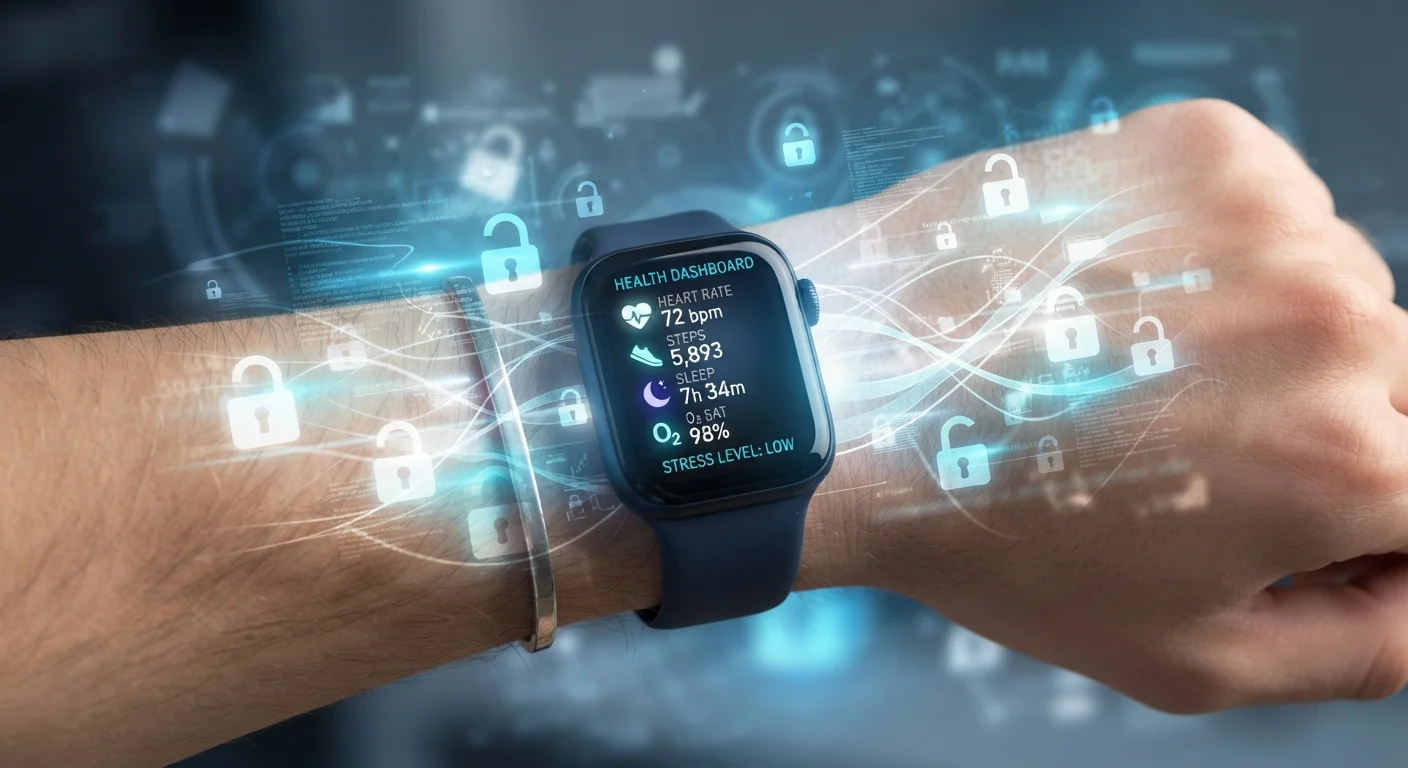
Photo credit: GadgetLite.net | All Things Tech
In this article
Your wearable gathers a lot of sensitive data. Understand what's being collected, how it's stored, and what privacy controls you actually have.
Key Takeaways
- Wearables collect far more than step counts — heart rate, sleep patterns, and GPS location are routinely logged.
- Your data typically travels to the manufacturer's cloud servers through a companion smartphone app.
- Third-party data sharing — with advertisers, researchers, or insurers — varies widely by company and region.
- Most platforms offer privacy controls, but default settings often favor data collection over restriction.
- Reviewing app permissions and privacy policy data-retention clauses is one of the most effective protective steps you can take.
What Your Wearable Is Actually Tracking
The marketing pitch for most wearables focuses on a handful of headline features — step counting, sleep tracking, maybe an ECG. In practice, these devices are sophisticated sensor arrays capturing a much broader picture of your daily life. A typical modern smartwatch logs continuous heart rate, sleep stages (light, deep, REM), blood oxygen saturation, skin temperature trends, GPS coordinates during workouts, and even ambient noise levels. Fitness bands add menstrual cycle tracking and stress scores derived from heart rate variability.
Beyond biometrics, wearables also record behavioral patterns: when you wake up, how often you move during the workday, how your resting heart rate changes over months. Individually, these data points seem innocuous. In aggregate, they build a detailed personal profile that extends well beyond fitness. If you're new to how these devices work at a hardware level, the fundamentals of wearable tech are a useful starting point.
~600M
Wearable devices shipped globally in recent years
Industry analyst estimates from IDC and Statista indicate hundreds of millions of wearables are in active use worldwide, making the scale of data collection substantial.
79%
U.S. adults concerned about data use by companies
According to a Pew Research Center survey on Americans and privacy, a large majority express concern about how companies collect and use personal data.
~30+
Distinct data types a smartwatch can capture
Research on wearable sensor capabilities suggests modern devices can log over 30 distinct physiological and behavioral data types in a single day of continuous wear.
The Journey From Your Wrist to the Cloud
Data collected by a wearable rarely stays on the device itself. The typical flow works like this: sensors on the device capture raw readings, which are processed by the wearable's onboard chip into interpretable metrics. Those metrics sync — usually via Bluetooth — to a companion app on your smartphone. The app then transmits data to the manufacturer's cloud servers, where it's stored, analyzed, and used to generate the insights you see in your dashboard.
This means your most intimate health signals are routinely traveling across multiple systems: the wearable hardware, your phone's operating system, the companion app, and a remote data center. Each handoff is a potential point where data handling policies and security practices come into play. The companion app's permission requests — location, microphone, contacts — often go beyond what's strictly necessary for the device to function. Free apps frequently collect more than users expect, and wearable companion apps are no exception.
Not All Wearables Sync the Same Way
Some wearables offer on-device-only storage modes that delay or limit cloud sync — useful for users who prefer to control when data leaves the device. Check your device's settings menu for 'privacy mode' or 'offline mode' options, though availability varies considerably by manufacturer and model.
Third-Party Sharing and the Privacy Policy Problem
Where things get complicated for most users is third-party data sharing. Privacy policies for consumer wearable platforms are often lengthy legal documents that reveal — to those who read them — that data may be shared with advertising partners, academic researchers, insurance companies, or corporate wellness programs. The scope of that sharing varies significantly by company and is subject to change when policies are updated.
Aggregated, de-identified data is commonly shared for research purposes, which many users find acceptable. The concern is re-identification: studies have repeatedly shown that even anonymized health datasets can be linked back to individuals when combined with other data sources. For a broader look at how data flows across all the devices in your life, managing privacy across your devices covers the wider picture.
“Health data is arguably the most sensitive category of personal information. When it flows outside clinical settings into commercial products, the usual protections don't automatically follow.”
— Federal Trade Commission Staff Report, U.S. consumer protection agency research on mobile health apps and data privacy
Practical Steps to Manage Your Wearable Privacy
You don't have to choose between using a wearable and protecting your privacy — but you do need to be deliberate about your settings. A few targeted actions can meaningfully reduce your data exposure without sacrificing the features you use most.
- Audit app permissions: On both iOS and Android, check which permissions the companion app holds. Location set to 'always on' is rarely necessary for offline tracking; switching it to 'while using the app' is a simple adjustment.
- Review sharing toggles: Most companion apps include settings menus for research participation, marketing communications, and data sharing. These default to on in many cases — turn them off if you prefer not to participate.
- Understand data deletion: Deleting the app does not delete your account or server-side data. Use the platform's privacy portal to request full data deletion if you stop using the device.
- Check the retention policy: Privacy policies typically state how long your data is kept. Look for this clause specifically.
A deeper dive into who can access your wearable data is worth reviewing if you want granular detail on access controls by device category.
Start With One Setting That Matters
If you only make one privacy change, switch your wearable companion app's location permission from 'Always' to 'While Using the App.' This prevents continuous background location tracking without affecting GPS accuracy during active workouts. It takes under a minute in your phone's app settings.
Frequently Asked Questions

Author
Electronics Editorial Team
Electronics Editorial Team is the collective byline for our editorial team and contributor network. Articles published under this byline or an editorial pen name are researched, written, and reviewed according to our editorial standards for clarity, consistency, and independence before publication.
View all articles →