
The Quiet Data Collectors: What Free Apps Often Know About You
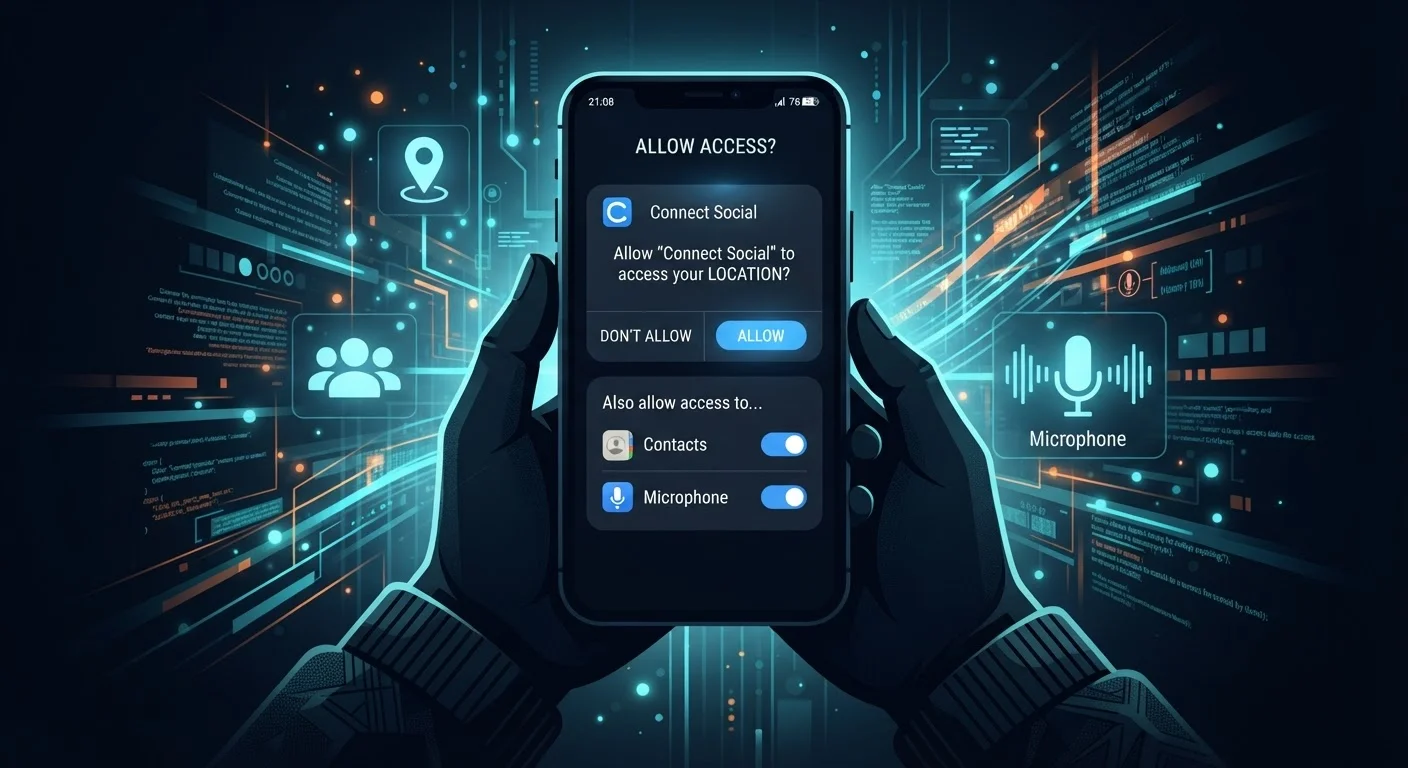
Photo credit: GadgetLite.net | All Things Tech
In this article
Free apps frequently monetise through data. Here's what's commonly collected, why it happens, and what you can do about it.
Key Takeaways
- Free apps are often monetised through user data rather than upfront payment.
- Common data types collected include location, device identifiers, contacts, and usage behavior.
- App permissions are your primary tool for limiting what data an app can access.
- Both Android and iOS let you review and revoke permissions at any time in Settings.
- Reading an app's privacy policy - even briefly - reveals what data is shared with third parties.
The Hidden Business Model Behind Free Apps
When an app costs nothing to download, something else is funding its development and upkeep. In most cases, that something is user data. This isn't inherently sinister - it's simply the dominant business model for consumer apps. But understanding it helps you make more deliberate choices about which apps you invite onto your device.
Advertisers pay a premium to reach specific audiences. An app that knows you commute by train, spend evenings browsing fitness content, and live in a particular zip code can sell that profile to ad networks for far more than a generic impression. The app is free to you; your behavioral data is the product being exchanged.
For a broader look at how this exchange plays out across your digital life, see what you gain and give up by sharing personal data.
Paid Apps Collect Data Too
Data collection isn't exclusive to free apps - many paid apps also gather behavioral and device data, often through the same third-party SDKs. The difference is that paid apps have less financial incentive to maximize data collection as a revenue source. Reading the privacy label or policy applies regardless of whether you paid for the app.
What Types of Data Are Commonly Collected
Apps don't all collect the same information, but certain data types appear across a wide range of categories - from games and weather apps to shopping and social platforms.
- Location data: Precise GPS coordinates or approximate location based on IP address. Often collected continuously if background access is granted.
- Device identifiers: Unique codes tied to your phone (like Advertising IDs) that allow your activity to be tracked across apps and sessions.
- Usage behavior: Which features you tap, how long you spend on screens, and what content you interact with.
- Contacts and call logs: Some apps request access to your address book far beyond any obvious functional need.
- Microphone and camera: Usually justified for specific features, but the access can extend beyond those moments if permissions aren't scoped tightly.
This data rarely stays with just the app. Most apps embed third-party SDKs - software toolkits from ad networks and analytics companies - that piggyback on the app's permissions to collect data independently. Cookies, trackers, and pixels operate on a similar principle in the browser world.
79%
Americans concerned about company data use
According to Pew Research Center surveys on privacy attitudes, a large majority of U.S. adults report concern about how companies use their personal data.
~1/3
Free apps sharing data with third parties
Research by privacy analysis organizations has consistently found that a significant proportion of popular free apps transmit user data to external ad and analytics platforms.
How to Take Back Some Control
You don't need to stop using free apps entirely. But a few targeted habits can meaningfully limit your exposure.
Audit Your App Permissions Regularly
Set a reminder every few months to open your phone's Privacy or Permission Manager settings and scan which apps have access to location, microphone, contacts, and camera. Revoke access for any app you no longer use actively or that doesn't have a clear need. This takes under five minutes and can meaningfully reduce your passive data exposure.
Review permissions before and after installing. On iOS, go to Settings → Privacy & Security. On Android, go to Settings → Privacy → Permission Manager. Both show you exactly which apps have access to sensitive capabilities - and let you revoke them individually.
Choose "While Using" over "Always" for location access wherever the app will still function. This prevents background tracking during the hours you're not actively in the app.
Check the privacy label or policy. Apple's App Store shows "Nutrition Label"-style privacy summaries for each app. Google Play has a similar Data Safety section. These aren't perfect, but they flag whether data is shared with third parties and whether it's linked to your identity.
Convenience features often require deeper data access than you might expect - weighing app features against data exposure helps clarify those specific tradeoffs. And if you use a wearable alongside your phone, it's worth knowing that wearable devices collect a distinct - and often more sensitive - category of personal data.
Frequently Asked Questions

Author
Apps & Software Editorial Team
Apps & Software Editorial Team is the collective byline for our editorial team and contributor network. Articles published under this byline or an editorial pen name are researched, written, and reviewed according to our editorial standards for clarity, consistency, and independence before publication.
View all articles →