
Things People Believe About Battery Life That Simply Aren't True
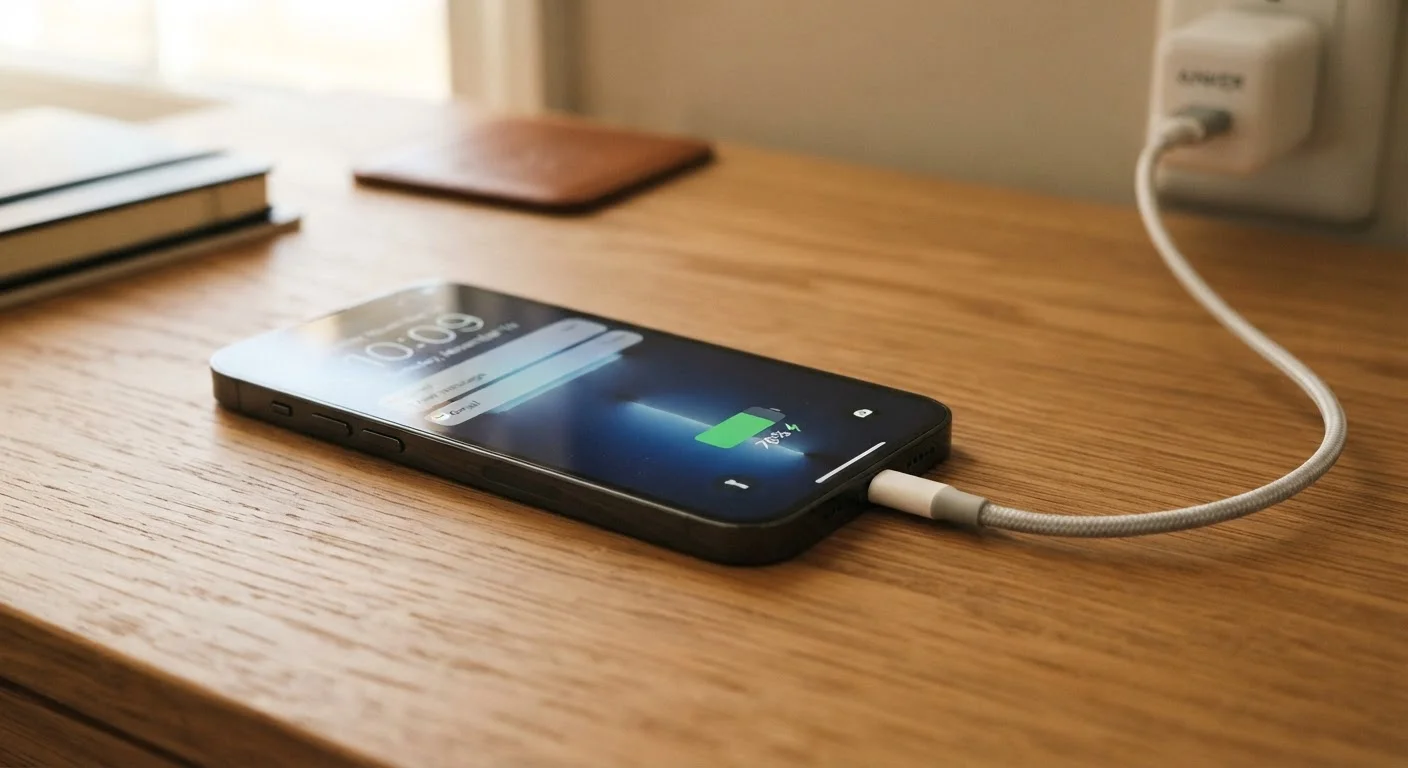
Photo credit: GadgetLite.net | All Things Tech
Should you drain your battery to zero before charging? Does closing apps save power? Separate fact from fiction on the most persistent battery myths.
Key Takeaways
- Modern lithium-ion batteries do not need to be fully drained before recharging.
- Force-closing apps often wastes more battery than leaving them in the background.
- Charging overnight is generally safe on modern devices with smart charging management.
- Heat — not overnight charging — is one of the most damaging factors for battery longevity.
- Battery percentage is an estimate; real capacity varies with temperature and usage patterns.
Why Battery Myths Stick Around
Battery advice gets passed down like folklore — tips that made sense for older nickel-cadmium batteries from the 1990s now circulate as gospel for devices running lithium-ion chemistry. The problem is that lithium-ion behaves very differently, and following outdated rules can actually work against you.
Most of today's phones, tablets, laptops, and wearables use lithium-ion or lithium-polymer cells, which have their own quirks and optimal care routines. Understanding the real science helps you get more charge cycles out of your device without overthinking every plug-in. For a broader look at how phone batteries work day-to-day, see what genuinely drains and helps your phone's battery.
Myth
You should drain your battery completely to zero before charging it again.
Fact
Lithium-ion batteries perform better and last longer when kept between roughly 20% and 80% charge.
Full discharge cycles were recommended for older nickel-cadmium and nickel-metal hydride batteries to prevent a phenomenon called memory effect — where cells would effectively forget their full capacity. Lithium-ion batteries do not suffer from memory effect. In fact, deep discharges to 0% put unnecessary strain on lithium-ion cells, shortening their overall lifespan. Partial top-ups throughout the day are generally healthier than waiting for the battery to run flat. For a detailed breakdown of capacity and charging chemistry, the complete picture on smartphone batteries covers the key concepts.
Myth
Force-closing apps saves battery and keeps your phone running faster.
Fact
Swiping away background apps often uses more power than leaving them suspended, because relaunching them from scratch demands more processing.
Modern mobile operating systems — both iOS and Android — are designed to manage background apps efficiently. Suspended apps use minimal memory and almost no processor cycles. When you force-close an app and then reopen it, the system must reload all of its data from scratch, briefly spiking CPU and memory usage. The habit of constantly closing apps is one of the most persistent tech misconceptions around. For a focused look at this specific myth, see common myths about closing apps to save battery. That said, some apps do run active background processes — background app activity is worth understanding separately.
Myth
Leaving your phone plugged in overnight will overcharge and damage the battery.
Fact
Modern devices stop drawing charging current once they reach 100%, preventing true overcharge damage.
Every contemporary smartphone and laptop includes battery management circuitry that halts charging when the battery is full. The device may trickle-charge slightly to maintain 100% as it naturally self-discharges overnight, but this is different from uncontrolled overcharging. The more genuine concern is sustained heat — if your device gets warm while charging (especially under a pillow or in a case that traps heat), that thermal stress is far more harmful than the charging duration itself.
Myth
Third-party chargers always damage your battery.
Fact
Chargers that meet established safety and power-delivery standards are generally safe to use with compatible devices.
The quality of a third-party charger matters far more than its brand. Chargers that comply with recognized electrical safety certifications and the correct power-delivery specifications for your device are not inherently harmful. The real risk lies in very cheap, uncertified chargers that may deliver inconsistent voltage or lack adequate surge protection. Checking for relevant safety certification marks before purchasing a third-party charger is a sensible precaution.
Myth
A higher mAh rating always means better battery life.
Fact
Battery capacity in milliamp-hours is only one factor; software efficiency, display resolution, processor design, and screen brightness all determine how long a charge actually lasts.
A device with a 5,000 mAh battery can drain faster than one with a 4,000 mAh battery if it runs a brighter, higher-resolution display or a less power-efficient processor. Software optimization plays an equally significant role — a well-tuned operating system can extend runtime substantially compared to a poorly optimized one running on the same hardware. When comparing devices, raw mAh numbers give an incomplete picture. Understanding what today's phones and tablets can actually do helps put these specs in real-world context.
What Actually Affects Long-Term Battery Health
Once you clear out the myths, a clearer picture emerges: heat and extreme charge levels are the two factors most consistently linked to accelerated capacity loss in lithium-ion cells. Keeping a battery parked at 100% for extended periods, or regularly letting it hit 0%, applies stress that adds up over hundreds of cycles.
Heat Is a Bigger Threat Than Charging Habits
Sustained exposure to high temperatures accelerates lithium-ion degradation more than most charging behaviors. Avoid leaving devices in direct sunlight, hot cars, or charging under bedding. Even moderate consistent heat — such as using a device heavily while it charges — adds up over time and shortens overall battery lifespan.
Manufacturers increasingly acknowledge this. Many devices now offer built-in charging limits — capping charge at 80% overnight, for example — as a deliberate way to extend long-term health. Enabling these features, if available, is one of the most practical steps you can take. If you're curious how battery degradation connects to overall device slowdowns, ageing batteries are often a hidden culprit.
~500
Typical full charge cycles before noticeable capacity loss
Battery manufacturers generally rate lithium-ion cells to retain around 80% of original capacity after approximately 300–500 full charge cycles under standard conditions.
20–80%
Optimal charge range for lithium-ion longevity
Battery researchers broadly recommend keeping lithium-ion cells within this window to reduce electrochemical stress and slow long-term degradation.
Quoted battery life figures — whether on a phone box or a smartwatch listing — are always measured under controlled conditions that rarely reflect real-world use. Wearable battery figures in particular shrink quickly once always-on displays, GPS, and notifications enter the picture. Similarly, laptop battery claims often fall short of everyday experience for the same reasons.

Author
Electronics Editorial Team
Electronics Editorial Team is the collective byline for our editorial team and contributor network. Articles published under this byline or an editorial pen name are researched, written, and reviewed according to our editorial standards for clarity, consistency, and independence before publication.
View all articles →