
Tightening Your Social Media Privacy Settings
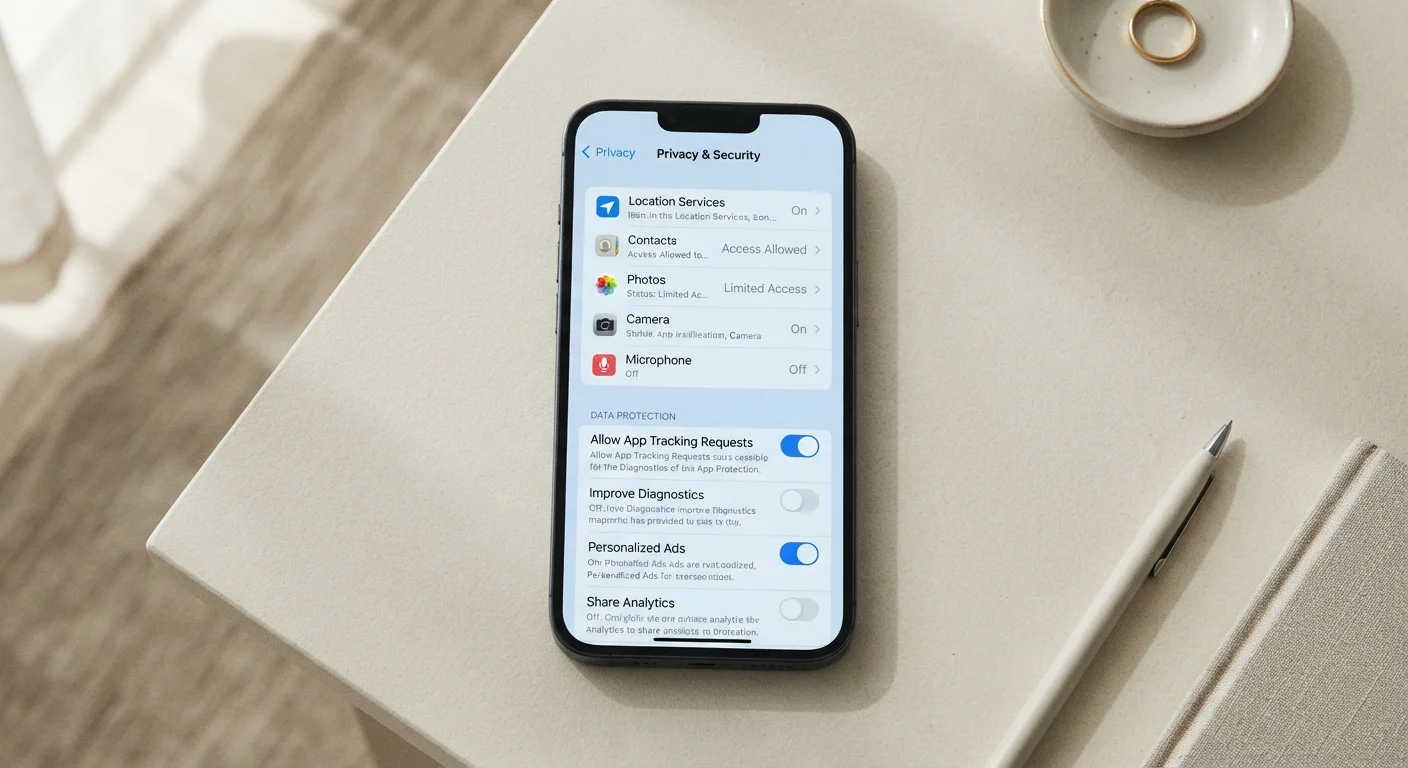
Photo credit: GadgetLite.net | All Things Tech
In this article
A step-by-step walkthrough of the privacy controls available on major social platforms and how to configure them for less data exposure.
Key Takeaways
- Most social platforms default to maximum data sharing - you must opt out manually.
- Limiting who can see your posts and profile reduces exposure to strangers and data scrapers.
- Connected third-party apps often retain access long after you stop using them.
- Location data embedded in posts can reveal your home address, workplace, or daily routine.
- Regular quarterly check-ins are the most reliable way to stay ahead of policy changes.
Why Default Settings Are Rarely in Your Interest
Social platforms are designed to encourage sharing - and their default privacy settings reflect that goal. When you create an account, most platforms set your posts to Public, enable contact syncing, and turn on ad personalization without asking. These defaults benefit the platform's data collection and advertising model, not your privacy.
The good news is that you can change nearly all of it. Understanding what each setting actually does - rather than guessing - is the first step. For a broader view of how apps handle your data beyond social media, see our guide to app privacy settings that covers permissions most people overlook.
What you will need
Platform Privacy Checkup Tools
Built-in guided walkthroughs (offered by most major social platforms) that surface your key privacy settings in one place.
Password Manager
Helps you maintain strong, unique credentials for each social account before locking down settings.
Step-by-Step: Locking Down Your Accounts
Follow these steps on each platform where you have an account. The exact menu names differ across services, but the underlying settings are consistent. Start with the platforms you use most actively, since those carry the highest exposure.
Run the platform's built-in Privacy Checkup
Most major social platforms now offer a guided Privacy Checkup or Privacy Center - a short walkthrough that surfaces your most important settings in one place. Look for it under Settings > Privacy or search the help center for "privacy checkup." This is your fastest starting point because it highlights settings you may never have visited.
Set your audience controls for posts and profile information
Locate the audience selector - the control that determines who can see your posts, photos, and profile details. Common options include Public, Friends, Friends of Friends, and Only Me. For most users, setting posts to Friends or an equivalent close-contact list meaningfully reduces the number of strangers - and automated scrapers - who can harvest your content.
Also review individual profile fields such as your phone number, email address, hometown, and employer. Each field usually has its own audience control. Set sensitive fields to Only Me unless there is a specific reason to share them.
Review and remove connected third-party apps
Every time you sign into a service using a social login ("Continue with…"), that app receives a token granting it access to parts of your profile. Over time, these connections accumulate. Navigate to Settings > Apps and Websites (the label varies by platform) and review the full list. Revoke access for any app you no longer use or don't recognize. Pay attention to the permissions each app requested - some ask for far more than their function requires.
Turn off location sharing and geotagging
Location data is among the most sensitive information you can share. Check two places: first, your device's system settings to confirm whether the social app has location permission (Never is safest for most users); second, within the app itself for any precise location or geotagging toggle. Disabling geotagging prevents your posts from being embedded with GPS coordinates that can reveal your home, workplace, or travel patterns.
Opt out of ad personalization and data sharing with partners
Social platforms typically fund themselves through targeted advertising, which requires profiling your behavior. Look for settings labeled Ad Preferences, Data Used to Show Ads, or Off-Platform Activity. You can usually limit how your off-site browsing data informs the ads you see, and whether your activity is shared with advertising partners. Opting out won't eliminate ads, but it reduces the behavioral data being collected about you.
Control discoverability and contact syncing
Many platforms offer settings that let people find your account by phone number or email address, and some sync your entire contacts list to suggest new connections. Navigate to Settings > How People Find and Contact You (or similar). Disable contact syncing entirely if you haven't intentionally enabled it - uploading your contacts shares data about people who never agreed to it. Also consider whether strangers should be able to search for your account by phone number.
Privacy Settings Reset After Major Updates
Platforms sometimes reset privacy preferences or introduce new data-sharing options as part of major app or policy updates. Don't assume your settings are permanent. After any significant app update or terms-of-service notice, revisit your privacy controls to confirm nothing has changed without your knowledge.
Once you've finished adjusting settings, consider scheduling a quarterly reminder to revisit them. Platforms update their privacy policies and introduce new data-sharing features regularly - what you set today may look different in six months. You can find additional guidance on managing privacy across all your devices in our device privacy walkthrough.
Habits That Protect You Beyond the Settings Menu
Settings alone aren't a complete solution. What you choose to post matters just as much as who can see it. Avoid sharing your precise location in real time, and think twice before posting details that identify your home address, daily schedule, or financial situation. These habits complement your settings work rather than replace it.
It's also worth reviewing which email address and phone number are attached to each account. Using a secondary email for social platforms limits exposure if that platform's data is ever involved in a breach. For a look at the everyday habits that quietly erode privacy, our article on common privacy mistakes is a useful companion read.
Browser Privacy Works Alongside Social Settings
Social platforms can track your activity on other websites through embedded buttons and pixels - even when you're not actively using the app. Adjusting your browser's third-party cookie settings adds a useful layer of protection. Our browser privacy settings explainer breaks down exactly what each option controls.

Author
Cyber Security Editorial Team
Cyber Security Editorial Team is the collective byline for our editorial team and contributor network. Articles published under this byline or an editorial pen name are researched, written, and reviewed according to our editorial standards for clarity, consistency, and independence before publication.
View all articles →