
Two-Factor Authentication: Every Method Compared
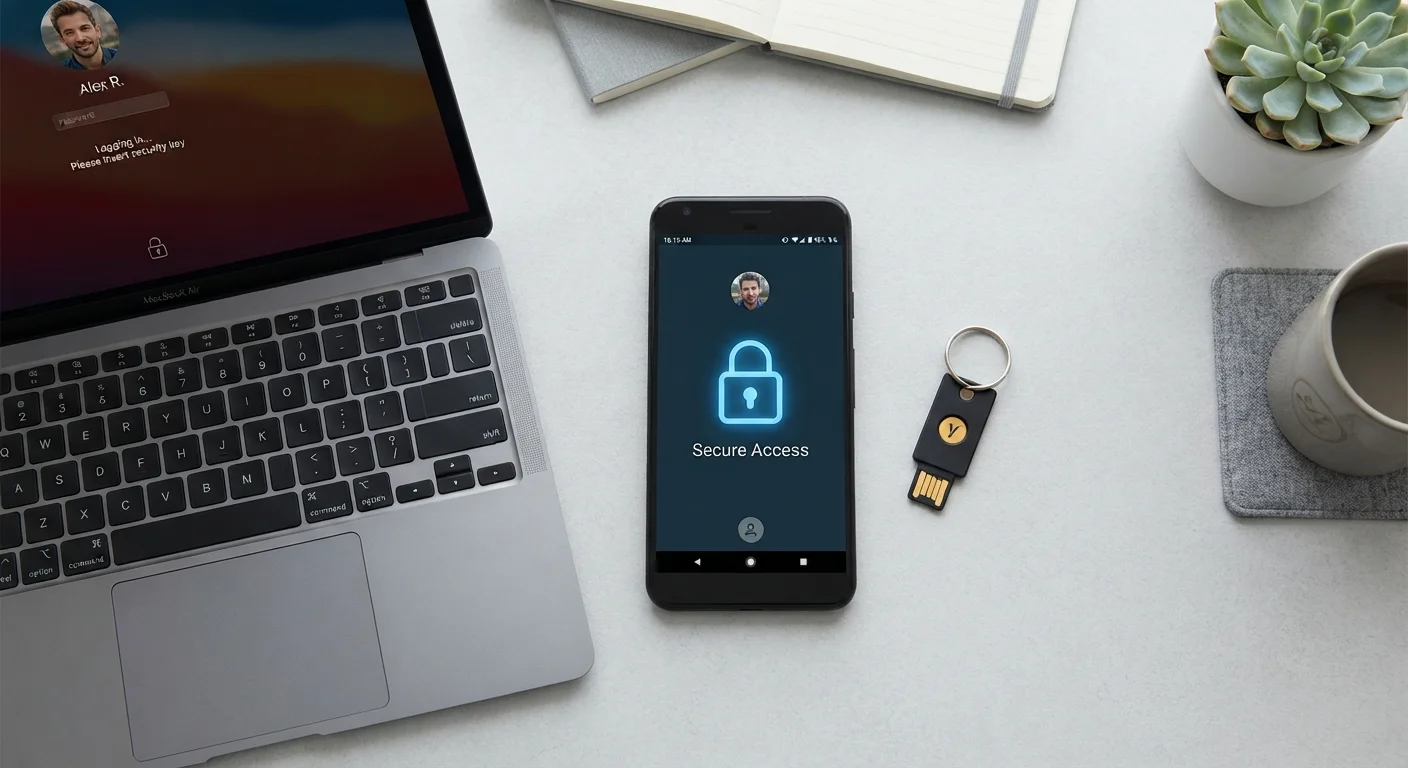
Photo credit: GadgetLite.net | All Things Tech
In this article
SMS codes, authenticator apps, hardware keys — each adds a layer of protection but works differently. Here's how they stack up.
Key Takeaways
- Two-factor authentication (2FA) significantly reduces the risk of account takeover even if your password is stolen.
- SMS codes are the most convenient 2FA method but are the most vulnerable to interception and SIM-swapping attacks.
- Authenticator apps generate time-based codes offline, making them considerably harder for attackers to intercept.
- Hardware security keys provide the strongest protection and are nearly immune to phishing, but cost money and require carrying a physical device.
- Any form of 2FA is better than none - choose the strongest method your accounts and daily routine can support.
What Two-Factor Authentication Actually Does
Two-factor authentication - often written as 2FA - requires you to prove your identity in two separate ways before you're granted access to an account. Usually that means something you know (your password) plus something you have or are (a code, a device, or a fingerprint).
The reason this matters: passwords get stolen constantly through data breaches, phishing emails, and credential-stuffing attacks. If an attacker has your password but 2FA is enabled, they still can't get in. If you're new to login security basics, see how 2FA works in plain language before diving into the method comparisons below.
The Three Main 2FA Methods - Side by Side
Each method works differently, and those differences have real consequences for how easy your account is to attack. Here's how they compare across the criteria that matter most to everyday users.
| SMS Codes | Authenticator Apps | Hardware Security Keys | |
|---|---|---|---|
| Setup difficulty | Very easy - no app needed | Easy - one-time QR scan per account | Moderate - requires purchasing a key |
| Phishing resistance | Low - codes can be captured in real time | Medium - codes expire in 30 seconds | Very high - cryptographically verified |
| SIM-swap vulnerability | Yes - a key weakness | No - fully offline | No - no carrier involved |
| Works without internet | Requires cellular signal | Yes - fully offline | Yes - no network needed |
| Cost | Free | Free | $25-$60 per key |
| Risk if device is lost | Moderate - number can be ported | Moderate - backup codes needed | Low if backup key stored safely |
| Broadly supported by websites | Very widely supported | Widely supported | Growing, not yet universal |
The table above tells the big story: the stronger the protection, the more setup is involved. But for most people, the middle ground - an authenticator app - requires only a one-time download and a few minutes of setup per account.
SMS Codes: Convenient but Fragile
When you log in and receive a six-digit text message, that's SMS-based 2FA. It's widely supported, requires no app, and works on any phone. For that reason, it's often the only option offered by smaller services.
The problem is that SMS codes can be intercepted. The most common attack is called SIM swapping - where a fraudster convinces your mobile carrier to transfer your phone number to a SIM card they control, rerouting your texts to themselves. Phishing pages can also capture codes in real time. That said, SMS 2FA still blocks the vast majority of automated credential-stuffing attacks, so it's meaningfully better than a password alone. For a direct comparison between SMS and the next step up, read the detailed SMS vs. authenticator app breakdown.
SMS 2FA Is Not a Complete Safety Net
If your accounts hold sensitive financial, medical, or professional data, SMS codes may not provide sufficient protection against a determined attacker. Consider upgrading to an authenticator app or hardware key for those accounts. SIM-swapping fraud, while not extremely common, disproportionately targets people with high-value accounts.
Authenticator Apps: The Everyday Sweet Spot
Apps like Google Authenticator, Authy, and similar tools generate a new six-digit code every 30 seconds - and they do it entirely offline. There's no SMS to intercept, no carrier to deceive. Even if a phishing site steals the code you just typed, it expires within seconds.
Setup takes about five minutes per account: scan a QR code once, and the app is linked. The main practical concern is losing access to your phone. Choose an app that supports encrypted cloud backup or lets you export your accounts, so you're not locked out if you get a new device.
Back Up Your Authenticator Before You Need To
Before relying on an authenticator app, save the backup (recovery) codes your accounts provide during setup - most services offer 8-10 single-use codes. Store them somewhere offline, like a printed sheet in a secure location. This ensures you can regain access if your phone is lost, stolen, or replaced.
For a broader look at securing your accounts from the ground up - passwords, recovery options, and 2FA together - this start-here account security guide is a good companion read.
Hardware Security Keys and Passkeys: The Strongest Options
A hardware security key is a small physical device - typically plugging into USB or tapping via NFC - that cryptographically proves you're the legitimate account owner. Because the key communicates directly with the legitimate website, it is essentially immune to phishing: a fake login page can't extract anything useful from it.
Hardware keys are the recommended choice for accounts that would cause serious harm if compromised - financial accounts, business email, or accounts belonging to people who are frequent targets of sophisticated attacks. The trade-offs are cost (typically $25-$60 per key) and the need to carry the device.
Passkeys are a newer alternative built into modern phones, tablets, and computers. They use your device's biometric sensor (fingerprint or face scan) to authenticate you without a password at all. Passkeys are phishing-resistant like hardware keys, but live on your existing devices. Support is growing steadily across major platforms and sites.
Once you've picked your 2FA method, pair it with strong passwords - learn what actually makes a password hard to crack - and run through an account security audit to make sure every important account is covered.

Author
Cyber Security Editorial Team
Cyber Security Editorial Team is the collective byline for our editorial team and contributor network. Articles published under this byline or an editorial pen name are researched, written, and reviewed according to our editorial standards for clarity, consistency, and independence before publication.
View all articles →