
Password Managers: What They Do and How They Work
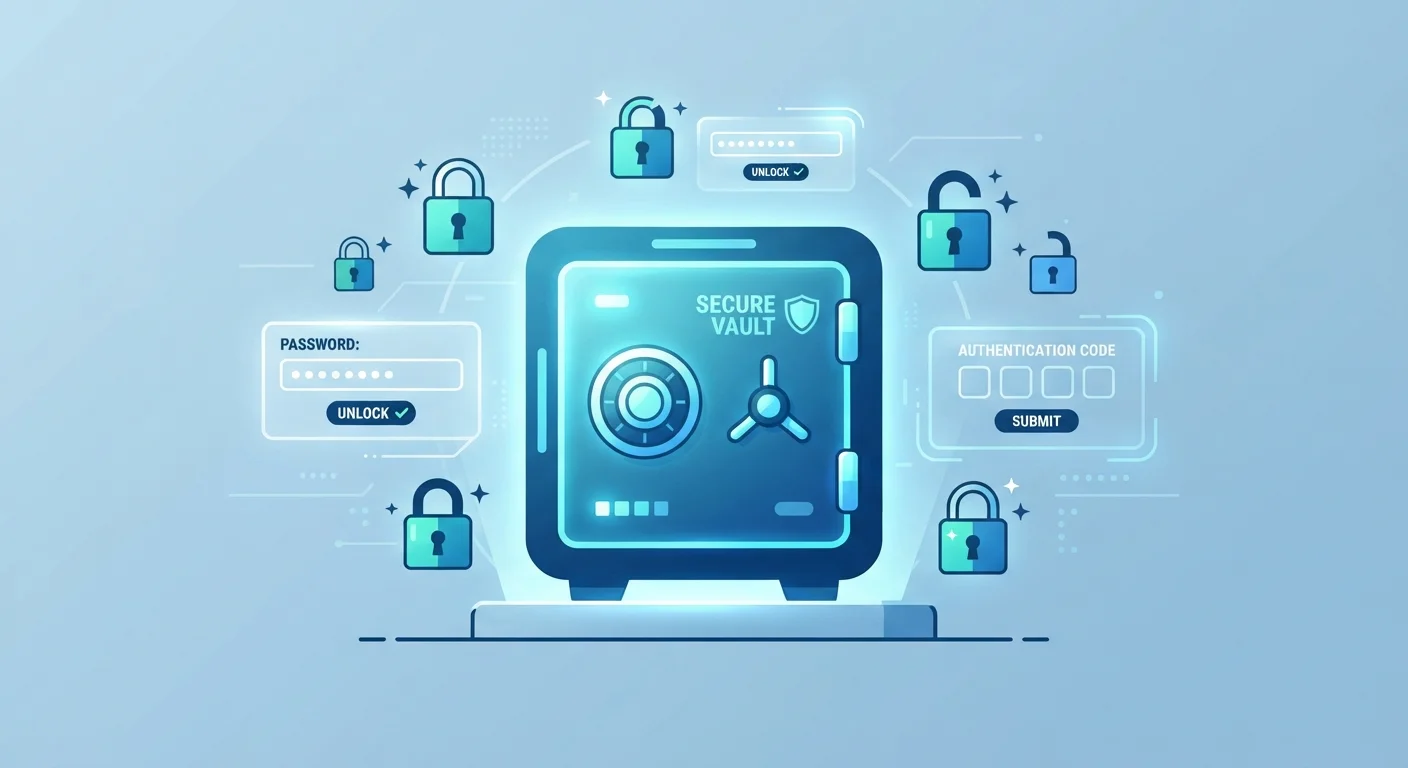
Photo credit: GadgetLite.net | All Things Tech
In this article
A password manager stores and generates complex passwords for you. Here's how they work under the hood and why they're widely recommended.
Key Takeaways
- Password managers store all your credentials behind a single master password you control.
- They generate long, random, unique passwords that are far harder to crack than ones you invent.
- Your vault is encrypted locally before it ever leaves your device.
- Using one dramatically reduces your risk of account takeover from reused or weak passwords.
- They work across devices, browsers, and operating systems through sync features.
The Problem Password Managers Solve
The average person has dozens of online accounts. Security guidance has long been clear: every account should have a unique, complex password. Yet remembering even ten different strong passwords is genuinely difficult, which is why most people default to reusing the same few passwords across many sites.
That habit is dangerous. When one site suffers a data breach and your password leaks, attackers automatically try that same combination on banking, email, and social media accounts - a technique called credential stuffing. A password manager breaks this cycle entirely by handling the job of creating and remembering credentials for you. You can explore common password security misconceptions to understand why simple workarounds like adding a symbol or number fall short.
81%
Of breaches involve weak or stolen passwords
According to Verizon's Data Breach Investigations Report, the vast majority of hacking-related breaches exploit compromised credentials.
100+
Average online accounts per person
Research from NordPass estimates the typical user has over 100 password-protected accounts, far exceeding what most people can memorize securely.
AES-256
Encryption standard used by leading managers
AES-256 is the same encryption standard used by financial institutions and governments to protect sensitive data.
How a Password Manager Actually Works
When you create an account with a password manager, you set a single master password. This password is used to generate an encryption key that locks your vault - a secure database of all your credentials. The vault is encrypted on your device before it is ever stored or synced to a server, meaning the password manager provider never has access to the unencrypted contents.
When you visit a website, the manager's browser extension recognizes the login page and offers to autofill your saved credentials. When you sign up for a new account, it can generate a random password - typically 16 characters or longer, mixing letters, numbers, and symbols - and save it automatically.
Make Your Master Password Count
Your master password is the one credential you must memorize, so it needs to be both strong and memorable. Consider using a passphrase - a sequence of four or more unrelated words - rather than a short complex string. See how passphrases compare to traditional passwords for guidance on building one. Enable biometric login (fingerprint or face unlock) on your phone for everyday convenience.
Synchronization across devices works by uploading your encrypted vault to the provider's servers. When you log in on a new phone or computer, the vault downloads and your master password decrypts it locally. The server never sees the plaintext data.
Password Managers vs. Browser Password Storage
Your browser likely already offers to save passwords. This built-in feature is better than nothing, but it has real limitations worth understanding. Browser-saved passwords are tied to that specific browser, may not sync well across different devices or operating systems, and typically offer weaker encryption protections than a dedicated tool.
A dedicated password manager works across every browser and most apps, stores additional information like security questions and two-factor backup codes, and applies consistent, audited encryption standards. For a full breakdown of what you trade away with browser storage, see the trade-offs of browser password saving.
What to Consider When Getting Started
Choosing a password manager comes down to a few practical factors: does it work on all your devices, does it integrate with your preferred browsers, and does it offer a secure recovery method in case you lose your master password? Look for tools that publish independent security audits - this transparency signals that a provider takes security seriously.
Once set up, import or gradually add your existing passwords. Use the manager's built-in audit features, which flag reused or weak passwords so you can replace them one at a time. You don't need to overhaul everything in a single session.
Looking further ahead, the industry is moving toward passkeys - a newer login method that eliminates passwords entirely. Understanding how password managers fit into that shift is useful context; you can read more in our guide to passkeys vs. passwords. For now, a password manager remains one of the most impactful single steps you can take for your online security.
Frequently Asked Questions

Author
Cyber Security Editorial Team
Cyber Security Editorial Team is the collective byline for our editorial team and contributor network. Articles published under this byline or an editorial pen name are researched, written, and reviewed according to our editorial standards for clarity, consistency, and independence before publication.
View all articles →