
Passkeys vs. Passwords: The Future of Logging In
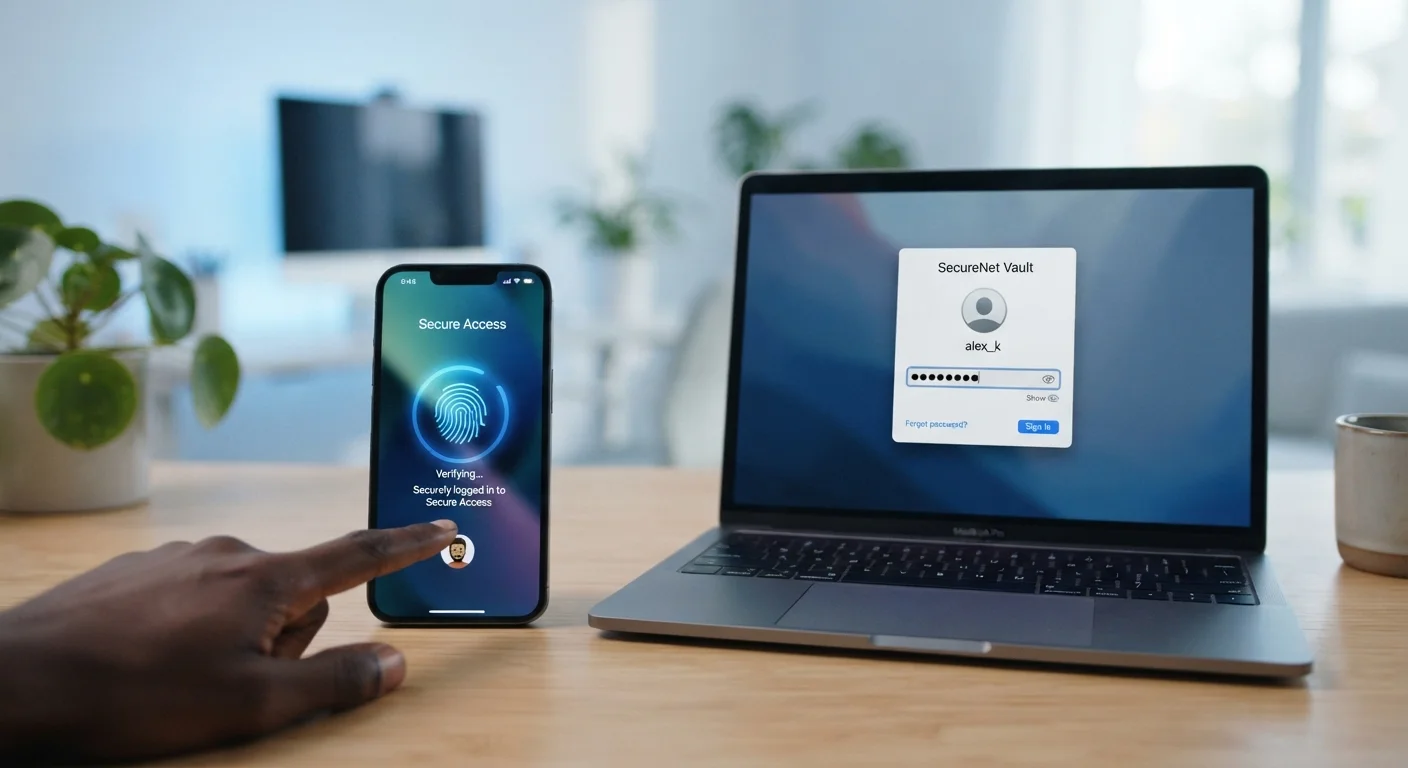
Photo credit: GadgetLite.net | All Things Tech
In this article
Passkeys are replacing traditional passwords on many platforms. See how they differ and what the shift means for everyday users.
Key Takeaways
- Passkeys replace passwords with a cryptographic key pair stored on your device.
- Passwords remain vulnerable to phishing and data breaches; passkeys are resistant to both.
- Passkeys use your device's biometrics or PIN - there's nothing to memorize or type.
- Major platforms including Apple, Google, and Microsoft now support passkeys.
- Passwords aren't disappearing overnight - both methods will coexist for some time.
What Each One Actually Is
A password is a secret string of characters - letters, numbers, symbols - that you create and type to prove your identity. You share it with the website, which stores it (ideally in encrypted form) and checks it when you log in. The weakness here is that anything stored on a server can potentially be stolen, and anything you type can potentially be intercepted.
A passkey works differently. When you register on a site, your device generates two mathematically linked keys: a private key stored securely on your device (never shared with anyone) and a public key sent to the website. When you log in, your device uses the private key to respond to a challenge from the site - verified with your fingerprint, face scan, or device PIN. The site never sees your private key; it only confirms the math checks out.
Think of it like a lock-and-key pair: the website has the lock (public key), only your device has the matching key, and your biometric is what authorizes using it. If you want to understand how poor password habits have left so many accounts exposed over the years, see common account-weakening habits.
| Criterion | Passwords | Passkeys |
|---|---|---|
| What you use to log in | A memorized or stored string | Biometric or device PIN |
| Stored on the website's server | Yes (hashed form) | Public key only - no secret stored |
| Vulnerable to phishing | Yes | No - domain-bound by design |
| Exposed in a data breach | Potentially, if hashing is weak | Private key never leaves your device |
| Something to memorize | Yes | No |
| Platform support | Universal | Growing - not yet universal |
| Works across shared devices | Yes | Limited - tied to device and biometric |
Security: Where the Real Differences Emerge
Passwords have a fundamental structural problem: they must be stored somewhere and transmitted somewhere, creating attack surfaces. Data breaches expose millions of hashed (and sometimes unhashed) passwords each year. Phishing sites trick users into typing real credentials into fake login pages. Password reuse means one breach can unlock dozens of accounts.
Passkeys eliminate most of those attack surfaces by design. Because your private key never leaves your device, a server breach at the website yields nothing useful to an attacker. Because the passkey is cryptographically bound to the exact domain it was created for, a convincing fake login page simply won't work - your device won't recognize the domain, and authentication won't proceed.
80%+
Of breaches involving stolen credentials
Verizon's Data Breach Investigations Report has consistently found that a large majority of hacking-related breaches involve compromised passwords.
0
Passkey secrets stored server-side
By design, the private key in a passkey system never leaves the user's device, meaning a server breach cannot expose it.
That said, passkeys aren't completely without risk. If someone gains full control of your device and can bypass your biometric or PIN, they could use your passkeys. Device theft with a known PIN remains a real-world concern. Still, the attack complexity required is far higher than guessing a reused password.
It's also worth separating myth from reality on the password side. Many people believe complexity tricks like adding a symbol make passwords reliably secure - for a clearer picture, read about password security myths that give false confidence.
Everyday Experience and Adoption
From a usability standpoint, passkeys are generally easier day-to-day. You tap your finger or glance at your camera - no typing, no remembering, no resets. On platforms that support them, setup typically takes under a minute.
The catch is support. As of this writing, major ecosystems - Apple's iCloud Keychain, Google Password Manager, and Microsoft's platform - all support passkeys, and adoption among popular apps and websites is growing. But plenty of services still rely on passwords only, so you won't be able to go entirely passkey-based yet.
Passkeys also sync across your own devices through secure cloud keystores (like iCloud Keychain or Google Password Manager), so losing one phone doesn't lock you out permanently - provided you can authenticate to your cloud account on a new device.
In the meantime, strong unique passwords managed by a dedicated password manager remain the practical standard for sites without passkey support. If you want to go deeper on how to construct durable passwords when you need them, compare strong passwords versus passphrases.
What Happens If You Lose Your Device?
Losing a device doesn't necessarily mean losing all your passkeys. On Apple and Google platforms, passkeys sync to your cloud keychain, so setting up a new device and signing into your account restores access. It's still worth keeping a recovery method - such as a backup device or account recovery code - active on critical accounts. This is comparable to what you'd do if you lost a password manager's primary device.

Author
Cyber Security Editorial Team
Cyber Security Editorial Team is the collective byline for our editorial team and contributor network. Articles published under this byline or an editorial pen name are researched, written, and reviewed according to our editorial standards for clarity, consistency, and independence before publication.
View all articles →