
Common Myths About Cloud Backup That Lead to Data Loss
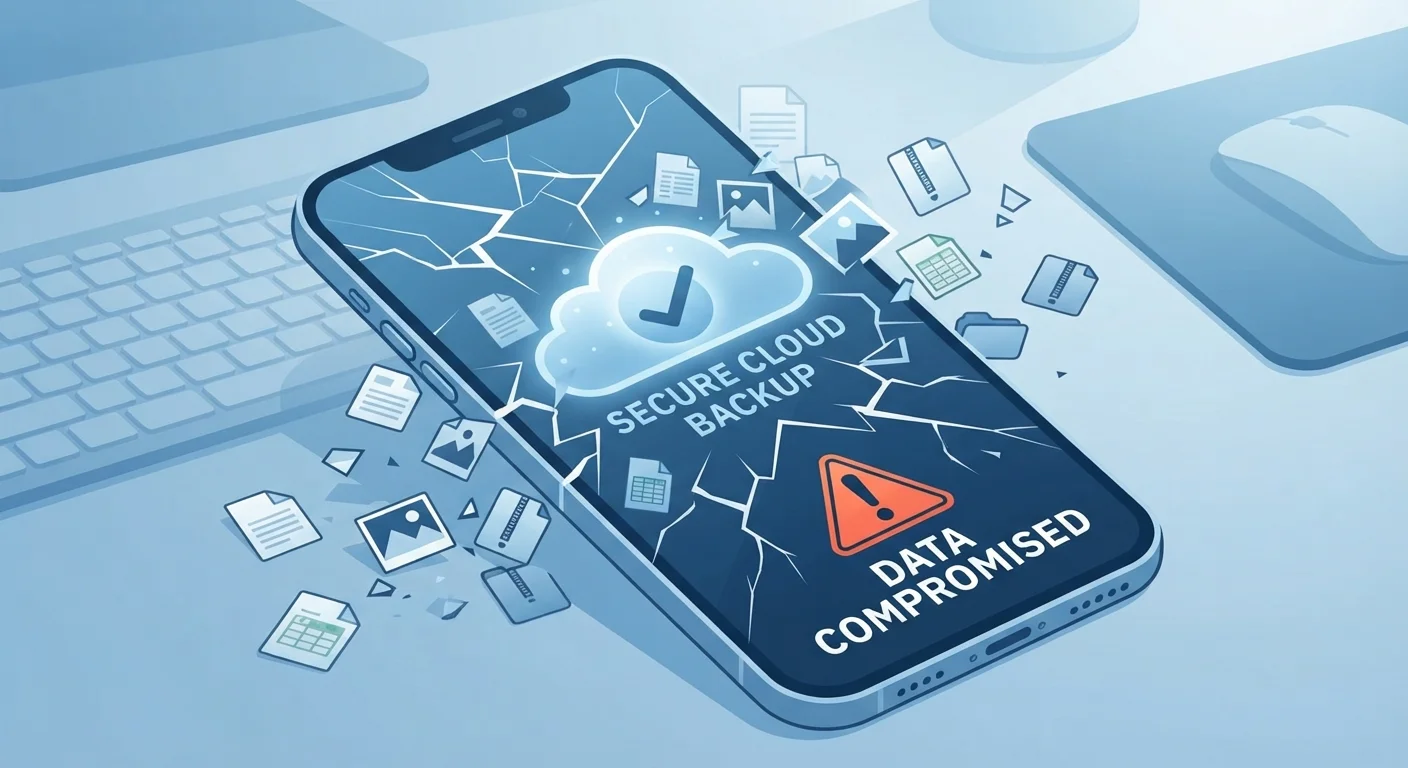
Photo credit: GadgetLite.net | All Things Tech
From 'the cloud never goes down' to 'deleted means deleted', these widespread misconceptions leave users dangerously exposed.
Key Takeaways
- Syncing your files is not the same as backing them up - deletions can spread instantly.
- Cloud services go down, get hacked, and can close accounts without warning.
- Deleted files are recoverable only within limited windows that vary by provider.
- A solid backup strategy requires more than one copy in more than one place.
- Free cloud storage tiers rarely include full backup features or meaningful version history.
Why These Myths Matter
Most people feel pretty confident that their photos, documents, and files are safe because they've turned on some form of cloud storage. That confidence, unfortunately, is often built on shaky ground. A handful of widespread beliefs about cloud backup lead users to skip the steps that actually protect their data - and they only discover the gap after something goes wrong.
This article walks through the most common misconceptions and replaces them with a clearer, more accurate picture. If you've ever wondered whether sync and backup are really different things, our companion piece Cloud Sync vs. Cloud Backup breaks that down in full detail.
Myth
If my files are in the cloud, they're automatically backed up.
Fact
Cloud storage and cloud backup are two different things. Syncing files to the cloud mirrors your current state - it doesn't preserve older versions or protect against deletions.
When you sync a folder to a cloud service, you're keeping a live copy of whatever is on your device. Delete a file locally, and that deletion syncs to the cloud almost immediately. Accidentally overwrite a document, and the overwritten version replaces the good one. Cloud storage is convenient, but it's a mirror - not a safety net. True backup services retain version history and protect against accidental changes for a meaningful period of time.
Myth
The cloud never goes down, so my data is always accessible.
Fact
Cloud services experience outages, scheduled maintenance windows, and - in rare cases - major data loss events. No provider offers a 100% uptime guarantee.
Large cloud platforms are generally very reliable, but even well-resourced providers have experienced significant outages affecting millions of users. Beyond temporary unavailability, some smaller services have shut down with minimal warning, leaving users scrambling to retrieve their data. Relying on a single cloud service as your only copy of important files is a single point of failure, regardless of how reputable that service is.
Myth
Once I delete a file, it's gone from the cloud forever.
Fact
Most cloud services retain deleted files in a trash or version history for a set period - often 30 to 180 days, depending on your plan.
This myth cuts both ways: some users panic unnecessarily after deleting a file, while others assume permanent deletion happens instantly and are surprised when files can be recovered later. The key variable is your specific plan and provider. Free tiers often offer shorter retention windows than paid plans. If you need to permanently erase a file for privacy reasons, simply deleting it and emptying the trash may not be sufficient - check your provider's documentation for secure deletion options.
Myth
My phone backs itself up automatically, so I don't need to do anything.
Fact
Automatic backup features often have limitations: they may require Wi-Fi, sufficient battery, and enough free storage - all of which can silently prevent backups from running.
Most mobile operating systems offer automatic cloud backup, which is a great starting point. But automatic doesn't mean guaranteed. If your device is consistently running low on storage, connected only to metered data, or plugged in infrequently, backups may not complete. It's worth checking your device's backup status screen periodically to confirm when the last successful backup actually ran - not just whether the feature is switched on.
Myth
Free cloud storage is enough backup for most people.
Fact
Free storage tiers are typically limited in capacity, retention history, and features - and they may not include any true backup functionality at all.
A few gigabytes of free cloud space fills up fast, especially with photos and videos. More importantly, many free tiers offer minimal or no version history, meaning an accidental overwrite may be permanent. As your digital life grows, a free tier that once felt spacious can become a bottleneck. It's worth periodically auditing how much you're actually storing and whether your current setup genuinely protects the files that matter most to you.
Building a Backup Strategy That Actually Works
Believing the right things about cloud backup is only half the battle. The other half is acting on that knowledge with a setup that covers real-world failure scenarios.
~60%
SMBs that permanently lose data after a major incident
Industry estimates suggest roughly 60% of small businesses that experience significant data loss shut down within six months, according to various data protection research reports.
30-180 days
Typical deleted-file retention window across cloud providers
Retention periods vary widely by provider and plan tier; premium plans generally offer longer recovery windows than free accounts.
The classic starting point is the 3-2-1 rule: keep three copies of your data, on two different types of storage media, with one copy stored offsite (such as in the cloud). It sounds simple because it is - and it works. For a deeper look at why this approach remains the gold standard, see The 3-2-1 Backup Rule.
It's also worth periodically testing whether your backups actually restore correctly. A backup you've never verified is a backup you can't trust. Set a reminder every few months to recover a sample file from your backup service, just to confirm it works as expected.
Test Your Backup Before You Need It
A backup you've never restored from is an assumption, not a guarantee. At least once every few months, pick a non-critical file and practice retrieving it from your backup service. This confirms the backup is actually running, that your credentials still work, and that the recovery process is something you can navigate calmly before an emergency forces you to.
Cloud storage and cloud backup remain genuinely easy to confuse. If you want the full picture on where users most commonly go wrong, Why Your Files Aren't Truly Safe Just Because They're in the Cloud is a worthwhile read. The goal isn't to make cloud storage sound scary - it's to help you use it in a way that actually keeps your data safe.

Author
Cloud Editorial Team
Cloud Editorial Team is the collective byline for our editorial team and contributor network. Articles published under this byline or an editorial pen name are researched, written, and reviewed according to our editorial standards for clarity, consistency, and independence before publication.
View all articles →