
How Software Licences Work - and Why They're Worth Reading
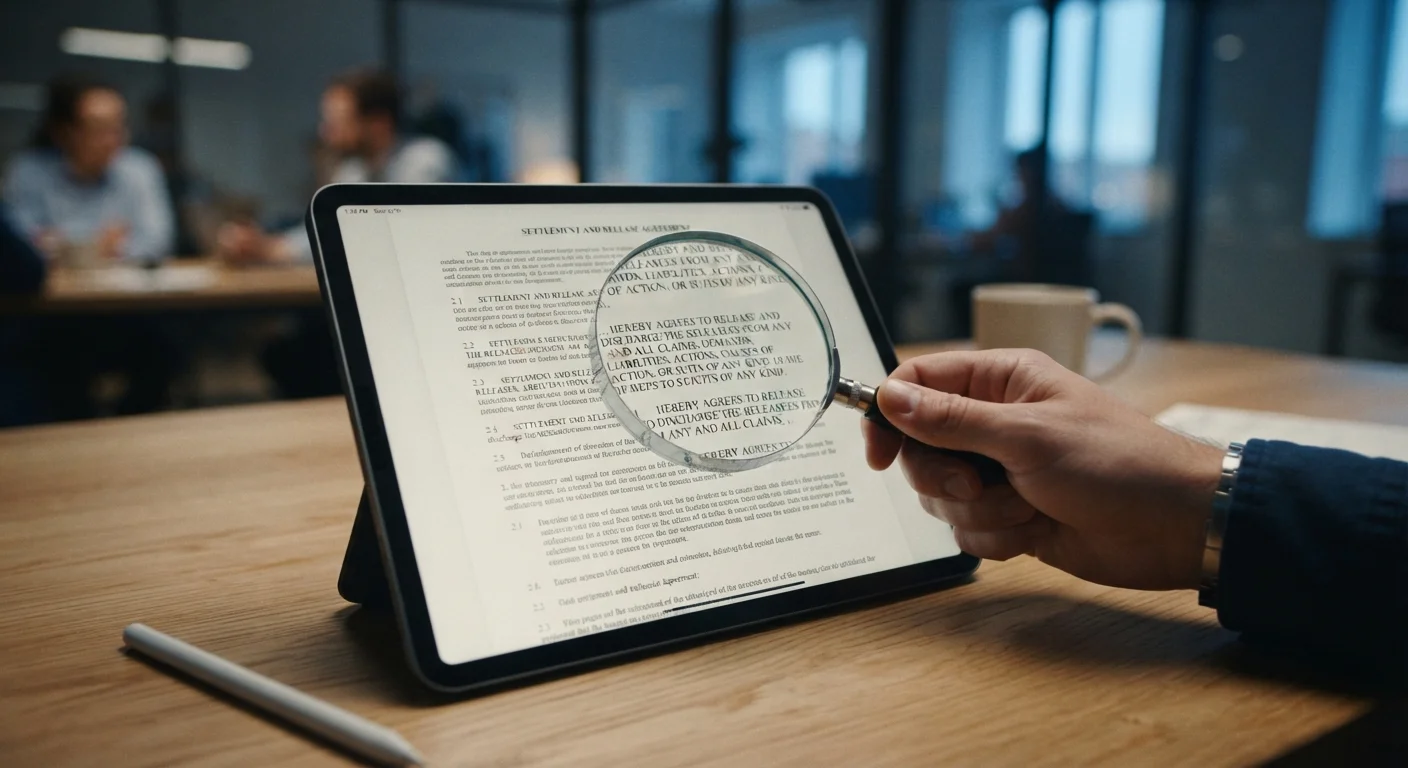
Photo credit: GadgetLite.net | All Things Tech
In this article
That agreement you skip past carries real terms. Get a plain-language breakdown of what software licences actually govern and protect.
Key Takeaways
- A software licence grants you permission to use software under specific conditions - you rarely own the software itself.
- Licences vary widely: proprietary, open-source, freeware, and subscription-based each come with different rights.
- Common licence clauses cover installation limits, permitted uses, data collection, and what happens if you breach the terms.
- Clicking 'I Agree' is legally binding in most US jurisdictions, so knowing what you're accepting matters.
- A few key sections - permitted use, restrictions, and termination - tell you most of what you need to know.
What a Software Licence Actually Is
When you install an app or download a program, a wall of text appears before the 'I Agree' button. That text is an End User Licence Agreement (EULA) - a legal contract between you and the software publisher. It doesn't transfer ownership of the software to you. Instead, it grants you a limited licence: permission to use the software under conditions the publisher sets.
Think of it like renting a car. You can drive it, but you can't repaint it, sell it, or hand the keys to someone else without permission. Software licences work on a similar principle. Understanding what category of software you're installing helps predict what kind of licence terms you'll typically encounter.
EULA
End User Licence Agreement - the legal contract presented before you install or use software, spelling out your rights and restrictions as a user.
Proprietary software
Software whose source code is owned and controlled by its publisher. Users can use it under the licence terms but cannot modify or redistribute the underlying code.
Open-source licence
A licence that makes a program's source code publicly available. Depending on the specific licence type, users may be allowed to modify, copy, and redistribute the software.
Telemetry
Automatic data collection by software that reports usage patterns, errors, or device information back to the publisher, often without requiring manual input from the user.
Arbitration clause
A licence provision requiring that disputes between you and the publisher be settled through a private arbitration process rather than through the regular court system.
Termination clause
The section of a licence that describes the conditions under which the publisher can revoke your right to use the software and what happens to your access afterward.
The Main Types of Software Licences
Not all licences are alike. Here are the four categories most everyday users will come across:
- Proprietary licences - The publisher owns the software and tightly controls how it's used, copied, and modified. Most commercial apps fall here.
- Open-source licences - The source code is made publicly available. Depending on the specific licence (such as the MIT or GPL licence), you may be free to modify and redistribute the software, sometimes with conditions attached.
- Freeware licences - Free to download and use, but closed-source. You get the product at no cost; you still can't alter or redistribute the code.
- Subscription licences - Access is tied to an ongoing payment. The licence terminates if the subscription lapses. See our guide on how software pricing models work for a deeper look at what these arrangements really mean.
Free Doesn't Mean No Strings Attached
Freeware and open-source software still come with licence terms that govern what you can and can't do. Always check whether a 'free' app restricts commercial use or requires attribution if you share or build on it. The word 'free' describes the price, not the absence of conditions.
What Licence Terms Typically Cover
Despite their length, most licences address a predictable set of topics:
- Permitted use
- What you're allowed to do - install on one device, use for personal purposes only, or run in a commercial environment.
- Restrictions
- What you can't do - reverse-engineer the code, resell copies, or use the software in ways not explicitly permitted.
- Number of installations
- Many licences specify how many devices a single licence covers. Exceeding that number technically breaches the agreement.
- Data collection
- Some licences permit usage telemetry or diagnostic data collection. This is separate from - but related to - the privacy policy. For a thorough look at privacy disclosures, see how to read an app's privacy policy.
- Termination
- The conditions under which the publisher can revoke your licence, and what happens to your data or access when that occurs.
What You're Agreeing to - and What You're Not
Clicking 'I Agree' in the US is generally treated as a binding legal act. However, a few important limits apply:
- Courts have sometimes refused to enforce terms that are unconscionable - meaning excessively one-sided or buried in a way that prevented a reasonable person from reading them.
- Consumer protection laws in various states may override certain licence provisions, particularly around warranties and data rights.
- You cannot be bound by terms you had no reasonable opportunity to review before agreeing.
What you are not getting: ownership of the code, the right to make unlimited copies, or protection from future licence changes. Publishers can and do update licences, usually with a notification requirement. When a subscription is involved, understanding what you're agreeing to before tapping 'Continue' can prevent surprises down the line.
Licence Terms Can Change After You Agree
Publishers can update their licence terms, and many agreements state that continued use of the software counts as acceptance of the new terms. Check your email notifications from software providers - they often contain licence change notices that are easy to overlook. If a new term is unacceptable, your practical option is usually to stop using the software before the change takes effect.
How to Quickly Scan a Licence Before You Click
You don't need to read every sentence. A practical approach for everyday users:
- Search for key words. Use Ctrl+F (or Cmd+F on Mac) to find terms like prohibited, termination, data, and third party. These sections flag the most consequential restrictions.
- Check the installation limit. If you use multiple devices, confirm the licence covers them all.
- Look at the termination clause. Understand what triggers a revocation and whether you'd lose access to your data.
- Note any arbitration clause. Many licences require disputes to be resolved through arbitration rather than in court, which affects your legal options.
- Cross-reference the privacy policy. The licence may reference a separate privacy policy for data practices - check both documents together for a complete picture. Our guide to reading a privacy policy without losing your mind walks through that process step by step.
Software licences will never be light reading. But with a targeted five-minute scan, you can identify the terms that actually affect how you use your device - and make a genuinely informed choice when you click that button.
Frequently Asked Questions

Author
Apps & Software Editorial Team
Apps & Software Editorial Team is the collective byline for our editorial team and contributor network. Articles published under this byline or an editorial pen name are researched, written, and reviewed according to our editorial standards for clarity, consistency, and independence before publication.
View all articles →