
Home Network Myths That Could Be Hurting Your Wi-Fi
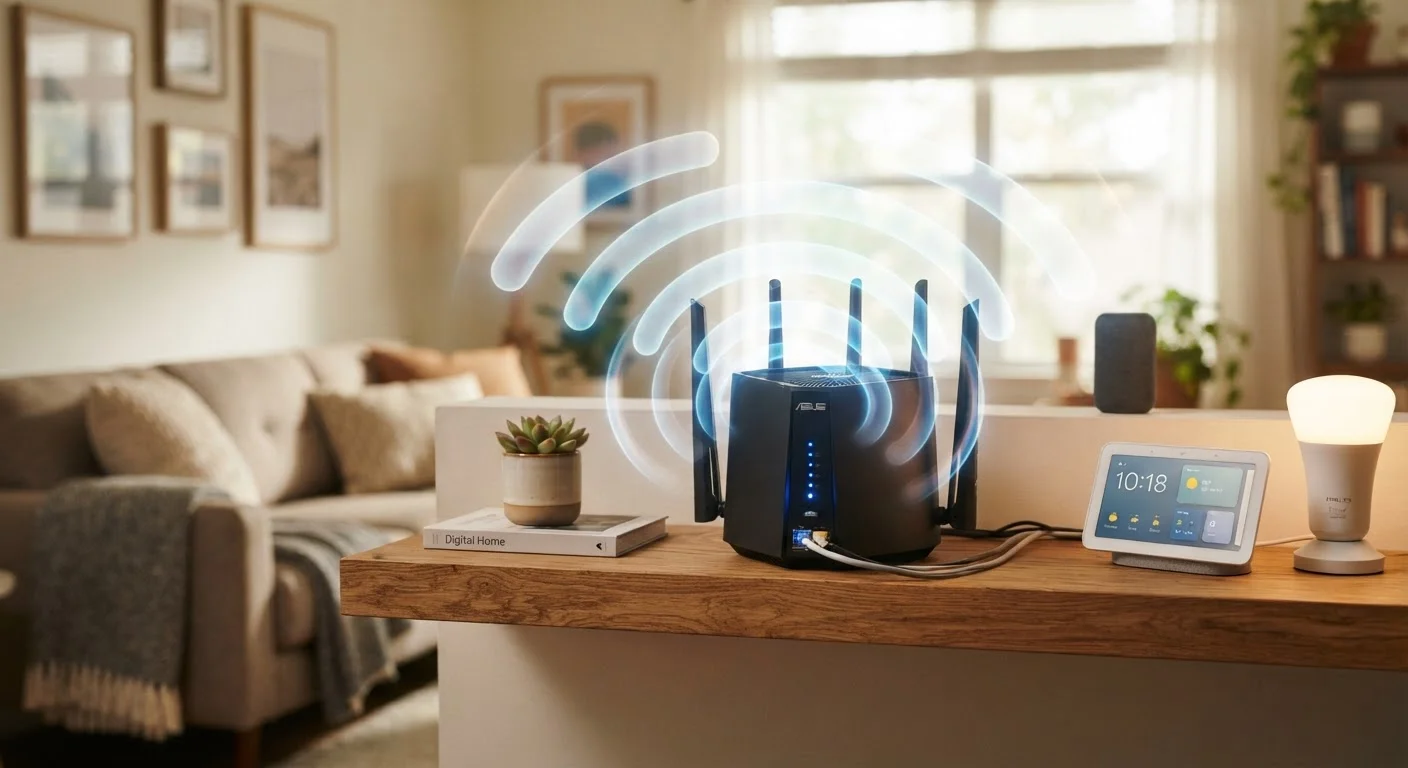
Photo credit: GadgetLite.net | All Things Tech
From router placement to speed expectations, common Wi-Fi beliefs often cause more harm than good. Here's what the evidence actually shows.
Key Takeaways
- Router placement has a measurable impact on signal strength and coverage throughout your home.
- More bars on your device does not reliably indicate faster or more stable internet speeds.
- Rebooting your router occasionally is useful, but it does not meaningfully boost performance long-term.
- The 5 GHz band is faster at close range, but 2.4 GHz travels farther through walls and obstacles.
- Password-protecting your network is essential; obscuring your network name (SSID) is not a reliable security measure.
Why Wi-Fi Myths Are Worth Addressing
Home networking advice tends to spread through word of mouth, tech forums, and half-remembered setup tips — which means a lot of it is outdated, oversimplified, or just plain wrong. Acting on bad information rarely breaks anything catastrophically, but it can quietly degrade your experience: slower speeds, dead zones, dropped connections, or a false sense of security.
The myths below are among the most commonly repeated. Correcting them won't require new hardware or an IT background — just a more accurate mental model of how Wi-Fi actually behaves. For a deeper look at why networks lose stability, see our guide on common Wi-Fi problems.
Myth
Hiding your Wi-Fi network name (SSID) keeps your network secure from intruders.
Fact
Hiding your SSID provides no meaningful security protection against anyone with basic network scanning tools.
When you hide your network name, your router still broadcasts beacon frames that any Wi-Fi scanner can detect. Tools freely available online can reveal hidden SSIDs within seconds. Meanwhile, hiding your SSID adds friction for your own devices — they must actively probe for the network name, which can slightly reduce connection reliability. A strong, unique password using WPA3 or WPA2 encryption is the only layer of access control that actually matters.
Myth
More signal bars on your phone means you're getting faster internet speeds.
Fact
Signal bars reflect signal strength between your device and the router, not your internet connection quality or speed.
A device can show four or five bars while still delivering slow speeds if your ISP connection is congested, your router is overloaded, or network interference is high. Signal bars don't measure bandwidth, latency, or packet loss — the factors that determine whether video calls stutter or pages load quickly. Run a speed test from a wired device to get a baseline read on what your ISP is actually delivering, then troubleshoot from there.
[stat_highlights]Myth
Restarting your router regularly gives it a performance boost and speeds up your Wi-Fi.
Fact
Rebooting clears temporary errors and memory issues, but it doesn't increase your router's underlying performance.
A periodic reboot can resolve specific issues — like a stuck DHCP lease or a memory leak in older firmware — but treating it as routine maintenance often masks a real underlying problem. If your router needs frequent reboots to stay functional, the more useful response is to check for firmware updates, review channel congestion, or evaluate whether the hardware is simply aging out. Rebooting is a diagnostic step, not a performance upgrade.
Myth
The 5 GHz band is always better and you should connect everything to it.
Fact
The 5 GHz band offers faster speeds at short range, but 2.4 GHz travels farther and penetrates walls more effectively.
These two frequencies involve a genuine trade-off. The 5 GHz band carries more data but loses strength quickly over distance and through physical barriers. The 2.4 GHz band is slower but more resilient across larger spaces. Devices far from the router — or separated from it by thick walls — often perform better on 2.4 GHz even if 5 GHz is technically available. Assigning devices to the band that suits their location and use case typically outperforms a blanket rule in either direction.
Myth
Placing your router in a corner or inside a cabinet keeps it tidy without affecting performance.
Fact
Router placement significantly affects signal distribution; corners and enclosed spaces reduce coverage and increase interference.
Wi-Fi signals radiate outward in roughly spherical patterns. Tucking a router in a corner means a large portion of that signal is broadcast into walls or outside the home rather than toward your devices. Cabinets introduce additional signal-absorbing barriers. The practical guidance from network engineers consistently points toward central placement, elevated off the floor, and in open air. That doesn't mean your router needs to be a centerpiece — but it does need room to breathe and a location that reflects how your space is actually used.
Putting the Facts to Work
Correcting these myths points toward a few concrete habits. First, router placement deserves deliberate thought — centralizing it in your home, elevating it off the floor, and keeping it away from dense objects and interference sources (microwaves, cordless phones, thick concrete walls) all make a measurable difference. Our router placement guide walks through the key principles.
Second, if your home has multiple floors or several rooms with weak signal, a single router may genuinely not be enough — not because of any myth, but because physics limits how far radio waves travel through building materials. Understanding whether a mesh system or a single router suits your layout is a separate, worthwhile decision; comparing those options can clarify which direction makes sense.
Third, if you're managing a growing number of smart devices, it's worth thinking about network organization — not just raw speed. Setting up a home Wi-Fi network that accounts for device load and band assignment tends to outperform one configured with myths as the guide.
Don't Rely on SSID Hiding for Security
Several guides still recommend hiding your network name as a security measure. This is a misconception that can create a false sense of protection. Focus instead on strong encryption (WPA2 or WPA3) and a complex, unique password. Those are the controls that actually raise the barrier for unauthorized access.
Finally, understanding your router's two broadcast frequencies — 2.4 GHz and 5 GHz — gives you a practical tool most people underuse. The differences between the two bands are straightforward once you know what each one is optimized for.

Author
Gadgets Editorial Team
Gadgets Editorial Team is the collective byline for our editorial team and contributor network. Articles published under this byline or an editorial pen name are researched, written, and reviewed according to our editorial standards for clarity, consistency, and independence before publication.
View all articles →