
Getting Meaningful Sleep Insights From Your Wearable
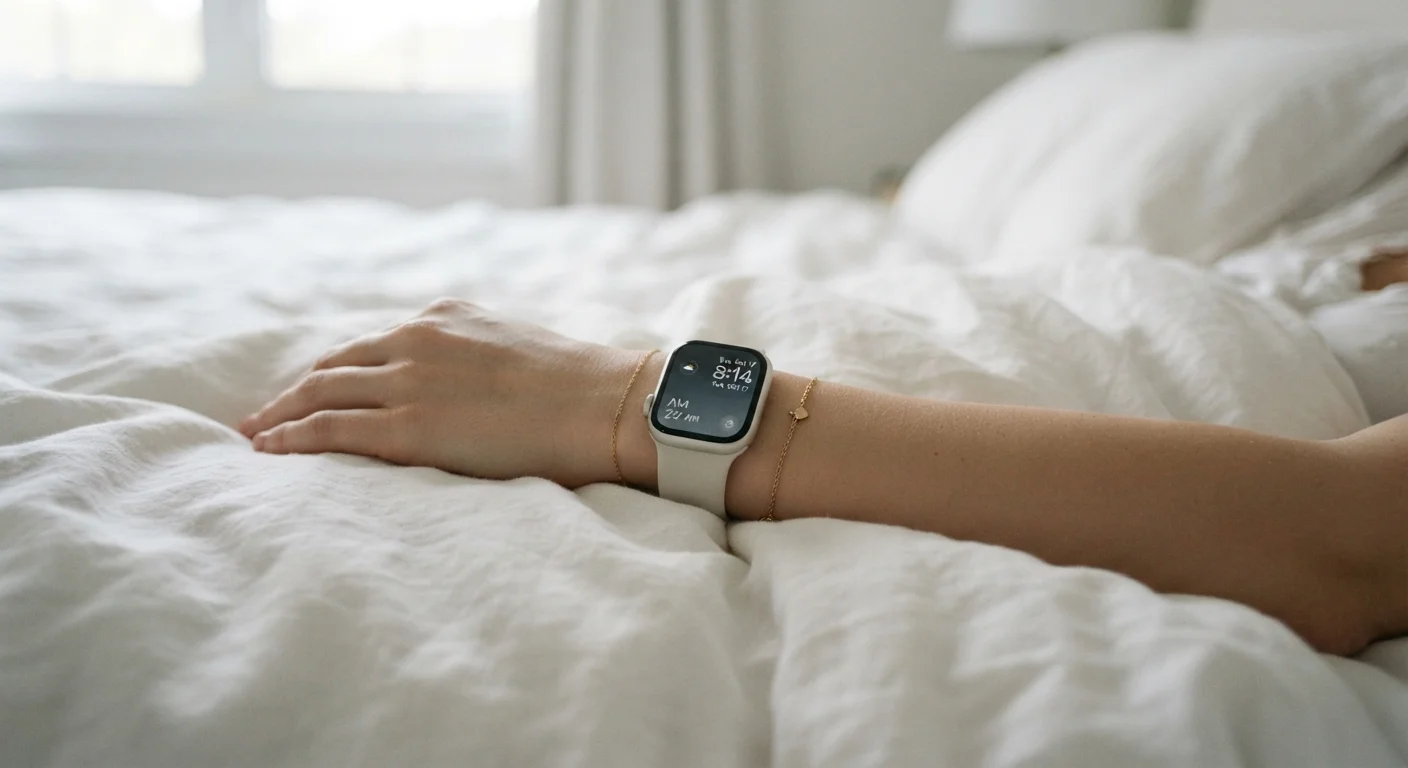
Photo credit: GadgetLite.net | All Things Tech
In this article
Sleep tracking sounds powerful, but the data can be hard to interpret. Here's how to read your wearable's sleep reports more effectively.
Key Takeaways
- Sleep stage data from wearables is an estimate, not a clinical measurement — treat it as directional.
- Consistent trends over weeks matter far more than any single night's reading.
- Heart rate variability and resting heart rate are among the most reliable overnight metrics.
- Proper device fit significantly affects data quality before you even open the app.
- Combining wearable data with how you actually feel is the most practical interpretation method.
Why Sleep Tracking Data Can Be Hard to Read
Wearable sleep tracking has become a standard feature across the smartwatch and fitness band category, yet the reports these devices generate often raise more questions than they answer. A sleep score of 74 one night and 81 the next — with no obvious lifestyle change — leaves many users unsure whether to trust the numbers at all.
The core issue is that consumer wearables estimate sleep using indirect signals: wrist movement and heart rate patterns. They do not measure the brain activity that defines sleep stages in a clinical setting. That doesn't make the data useless — it means the data needs the right interpretive frame. Knowing which metrics are more stable, which are more variable, and how your readings shift in response to real behavioral changes is what turns a confusing report into a practical tool.
It's also worth noting that the same night's sleep can look meaningfully different across devices. Sleep tracking data varies across wearable platforms for reasons rooted in sensor design and algorithm differences — not necessarily measurement error on any single device's part.
Wearable Sleep Data Is Not Medical Diagnosis
Consumer wearables use optical sensors and motion detection to estimate sleep stages — they are not medical-grade polysomnography equipment. If you have persistent sleep concerns, excessive daytime fatigue, or suspect a disorder such as sleep apnea, consult a qualified healthcare provider. Do not use wearable readings to self-diagnose or self-treat a medical condition.
What You Need Before You Start
Getting useful insights from your wearable's sleep reports requires a few things to be in place first. Without consistent data collection and a synced app, the steps below won't have much to work with.
What you will need
Sleep-tracking wearable
Captures overnight biometric data including movement, heart rate, and estimated sleep stages.
Companion smartphone app
Displays, organizes, and interprets the raw data collected by your device into readable reports.
Sleep journal or notes app
Records subjective feelings about sleep quality to compare against wearable readings over time.
Obsessing Over Scores Can Backfire
Some users develop anxiety around sleep scores — checking numbers before getting out of bed and framing their day around them. Research suggests that excessive focus on sleep tracking data can itself disrupt sleep quality. Use the data as one input among many, not as a verdict on your night.
How to Read Your Sleep Reports Step by Step
Confirm your device is worn and set up correctly
Before interpreting any data, verify that your wearable is physically positioned to collect reliable signals. Wear it snugly on your non-dominant wrist — loose enough that circulation isn't restricted, but not so loose it shifts during sleep. The sensor array on the underside should maintain consistent skin contact. Poor fit is one of the most common reasons sleep data looks inconsistent or incomplete. For a full breakdown of fit and placement best practices, see how to optimize your wearable's placement.
Understand what the sleep stage breakdown actually represents
Open your companion app and navigate to the previous night's sleep summary. Most apps display time spent in light sleep, deep sleep, REM sleep, and awake periods. These stages are estimated using a combination of movement (accelerometer data) and heart rate patterns — not brainwave measurement. Light and deep sleep estimates are less reliable than REM estimates, which correlate more consistently with heart rate changes. Think of the breakdown as a useful approximation, not a precise count.
Identify your most reliable metrics
Not all data points carry equal weight. Resting heart rate recorded during sleep and heart rate variability (HRV) are generally the most consistent metrics consumer wearables produce overnight, because optical sensors are reasonably accurate when the wearer is still. Total sleep duration is also fairly reliable. Sleep stage duration and specific sleep score numbers are more variable. Focus your interpretation on the steadier metrics first, and treat stage breakdowns as supplementary context. To understand the underlying sensors producing this data, read about how wearable sensors work.
Review weekly trends rather than nightly scores
Switch your app's view from the single-night summary to the weekly or monthly chart. Look for directional patterns: Is your total sleep duration creeping down? Is deep sleep consistently low on specific nights — perhaps when you exercised late or consumed alcohol? Patterns across multiple nights reveal behavioral signals that one night's reading cannot. This is where wearable data becomes genuinely actionable rather than just interesting.
Cross-reference data with how you actually feel
Pair your wearable readings with a brief subjective note each morning — even a one-word rating of how rested you feel. Over two to four weeks, compare those notes against your device's overnight HRV and sleep duration logs. When your subjective sense of rest and the device's metrics align consistently, you've found your personal baseline. When they diverge, investigate external factors: caffeine, stress, room temperature, or device fit. This cross-referencing is what turns passive data collection into meaningful self-knowledge.
Know when the data has real limits
Consumer wearables have documented accuracy boundaries that no app update fully resolves. Understanding what wearable health sensors can and cannot tell you is essential context before putting too much weight on any reading. Devices generally cannot detect sleep disorders, measure blood oxygen with clinical accuracy in all populations, or account for sleep quality disruptions caused by environmental noise. If your data consistently shows fragmented sleep and you feel unrefreshed, that pattern warrants a conversation with a doctor — not a deeper dive into the app.
Track Trends, Not Individual Nights
One poor night's reading can stem from a loose fit, an unusually late meal, or minor illness — none of which reflects your true baseline. Review rolling weekly or monthly averages in your app instead. Consistent patterns over time give you the signal; individual nights are often noise.

Author
Electronics Editorial Team
Electronics Editorial Team is the collective byline for our editorial team and contributor network. Articles published under this byline or an editorial pen name are researched, written, and reviewed according to our editorial standards for clarity, consistency, and independence before publication.
View all articles →