
Account Takeover Scams: What Makes Them So Hard to Detect
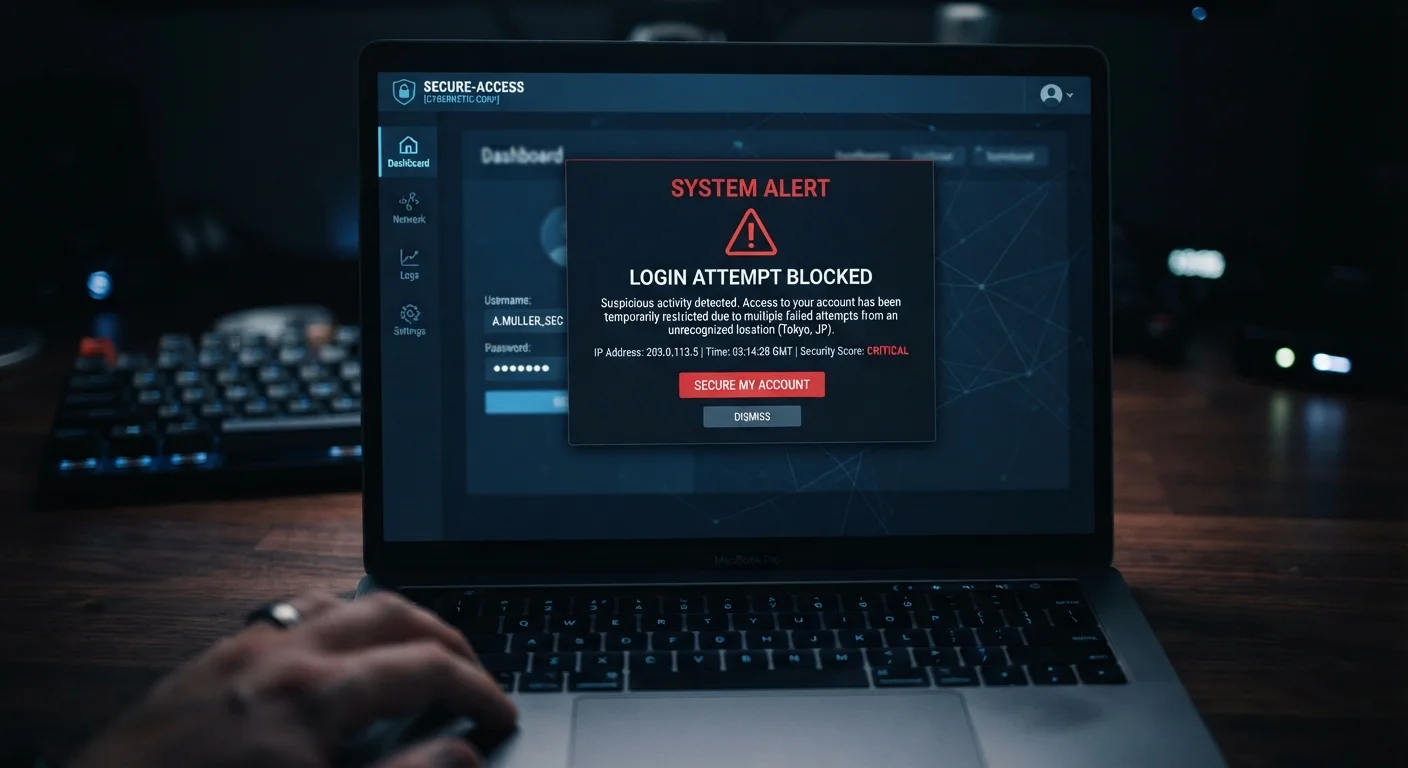
Photo credit: GadgetLite.net | All Things Tech
In this article
Explore how attackers gain access to existing accounts through credential theft, SIM swapping, and fake resets.
Key Takeaways
- Account takeovers use your real login credentials, making them hard to distinguish from legitimate logins.
- Attackers often obtain passwords from previously leaked data breaches, not by guessing.
- SIM swapping lets criminals intercept two-factor authentication codes sent to your phone.
- Unusual account activity - such as password reset emails you didn't request - is an early warning sign.
- Using unique passwords and an authenticator app significantly reduces your risk.
Why Account Takeovers Slip Past Detection
Most cyberattacks involve breaking in. Account takeovers are different - attackers walk through the front door using your own credentials. Because the login looks legitimate to the platform, no alarm is triggered. That's what makes them so effective and so difficult to catch early.
When an attacker uses valid credentials, your bank or email provider sees what appears to be a normal login. There's no malware to scan for, no suspicious file to flag. The threat hides inside ordinary-looking activity, which is exactly why recognizing the patterns matters more than waiting for a system alert.
Takeovers Don't Require a Direct Hack
Many people assume their accounts are safe because they've never been directly targeted. In reality, attackers rarely need to target you specifically. Credentials from a breach at one company - sometimes years old - can be all they need to access your accounts elsewhere. This is why password reuse is one of the highest-risk habits in everyday digital life.
How Attackers Get In: The Most Common Methods
Understanding the entry points attackers use helps you know which habits carry the most risk.
Credential Stuffing
Billions of username and password combinations from past data breaches circulate on the internet. Attackers run automated tools that test these combinations across hundreds of services simultaneously. If you've reused a password anywhere, this method can expose accounts you thought were safe. Our full explainer on phishing attacks covers how stolen credentials often start with a deceptive email.
SIM Swapping
Attackers call your mobile carrier, impersonate you using publicly available personal details, and request that your phone number be moved to their device. Once they control your number, they intercept SMS verification codes - effectively owning your two-factor authentication. Visit our guide on lesser-known attacker methods for a deeper breakdown.
Fake Password Resets
Phishing emails disguised as official password reset requests direct you to a convincing but fraudulent login page. You enter your credentials, the attacker captures them, and you're redirected to the real site none the wiser. Scammers are skilled at faking legitimacy - learn which trust signals are easy to fake to sharpen your eye.
15B+
Stolen credentials available online
Digital Shadows (now ReliaQuest) reported over 15 billion stolen credentials circulating on criminal marketplaces, fueling credential stuffing attacks.
80%
Of breaches involve stolen credentials
Verizon's Data Breach Investigations Report has consistently found that the majority of hacking-related breaches involve use of lost or stolen credentials.
~$12B
Annual losses from account fraud
Javelin Strategy & Research has estimated that account takeover fraud costs consumers and businesses billions of dollars annually in the United States.
Red Flags You Shouldn't Ignore
Account takeovers usually leave traces - you just need to know where to look.
- Password reset emails you didn't initiate - someone may be attempting to take over your account.
- Login alerts from unfamiliar cities or devices - most platforms send these automatically; don't dismiss them.
- Contacts receiving messages you never sent - a compromised account is often used to target your connections.
- Missing emails or altered account settings - attackers sometimes delete evidence or reroute messages.
If any of these appear, act fast. Review the warning signs of a compromised account to know your next steps.
Use an Authenticator App Instead of SMS
Text message codes are convenient but can be intercepted through SIM swapping. Authenticator apps like those built into your phone's operating system generate codes locally, making them far more resistant to this type of attack. Switching takes only a few minutes in most account security settings.
Practical Steps to Protect Your Accounts
No single measure eliminates risk entirely, but layering the right habits makes an account takeover significantly harder to pull off.
- Use a unique password for every account. A password manager makes this manageable without requiring memorization.
- Switch from SMS codes to an authenticator app. Apps generate time-based codes on your device that cannot be intercepted via SIM swap.
- Review account recovery options regularly. Make sure backup email addresses and phone numbers are ones you still control.
- Monitor for breach notifications. Services like Have I Been Pwned alert you when your email appears in a known data breach.
- Be skeptical of urgent account-related messages. Legitimate platforms rarely demand immediate action under threat of account suspension.
For broader strategies on keeping your logins secure, explore the Password & Account Safety hub.
Frequently Asked Questions

Author
Cyber Security Editorial Team
Cyber Security Editorial Team is the collective byline for our editorial team and contributor network. Articles published under this byline or an editorial pen name are researched, written, and reviewed according to our editorial standards for clarity, consistency, and independence before publication.
View all articles →